Question
Change sequence setting black bars
Im trying to export a video but when I do black bars keep showing up. Apparently this is because I have chosen the wrong sequence setting does anyone know how to change them.
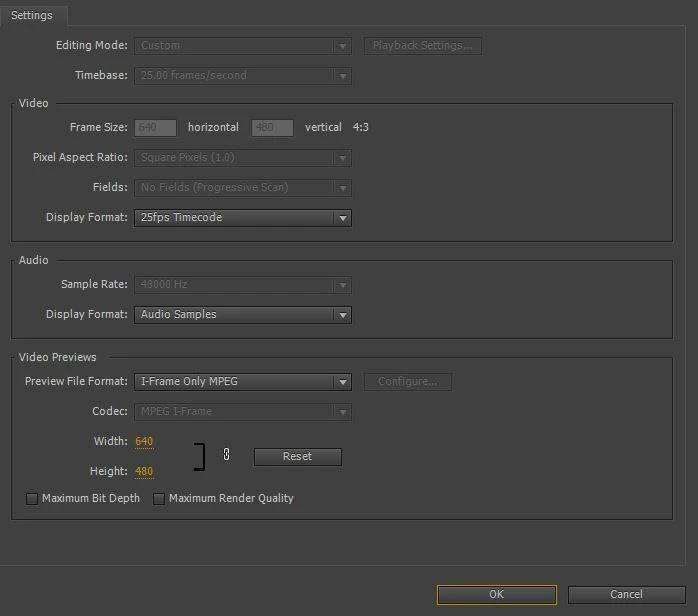
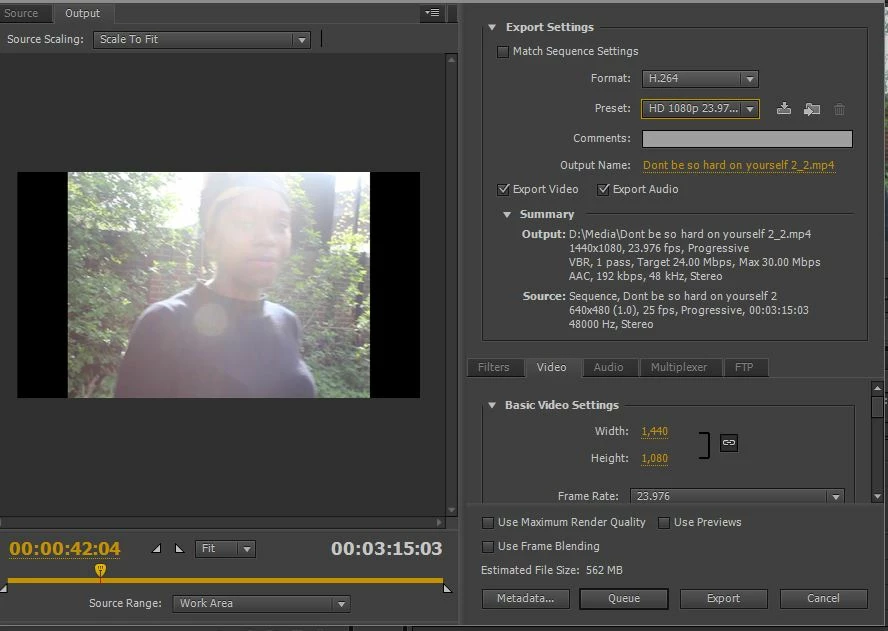

Im trying to export a video but when I do black bars keep showing up. Apparently this is because I have chosen the wrong sequence setting does anyone know how to change them.
Already have an account? Login
Enter your E-mail address. We'll send you an e-mail with instructions to reset your password.
 AdChoices