


Inspiring
April 16, 2025
Answered

change speed/duration of multiple clips in continuous video

  • April 16, 2025
  • 1 reply
  • 512 views

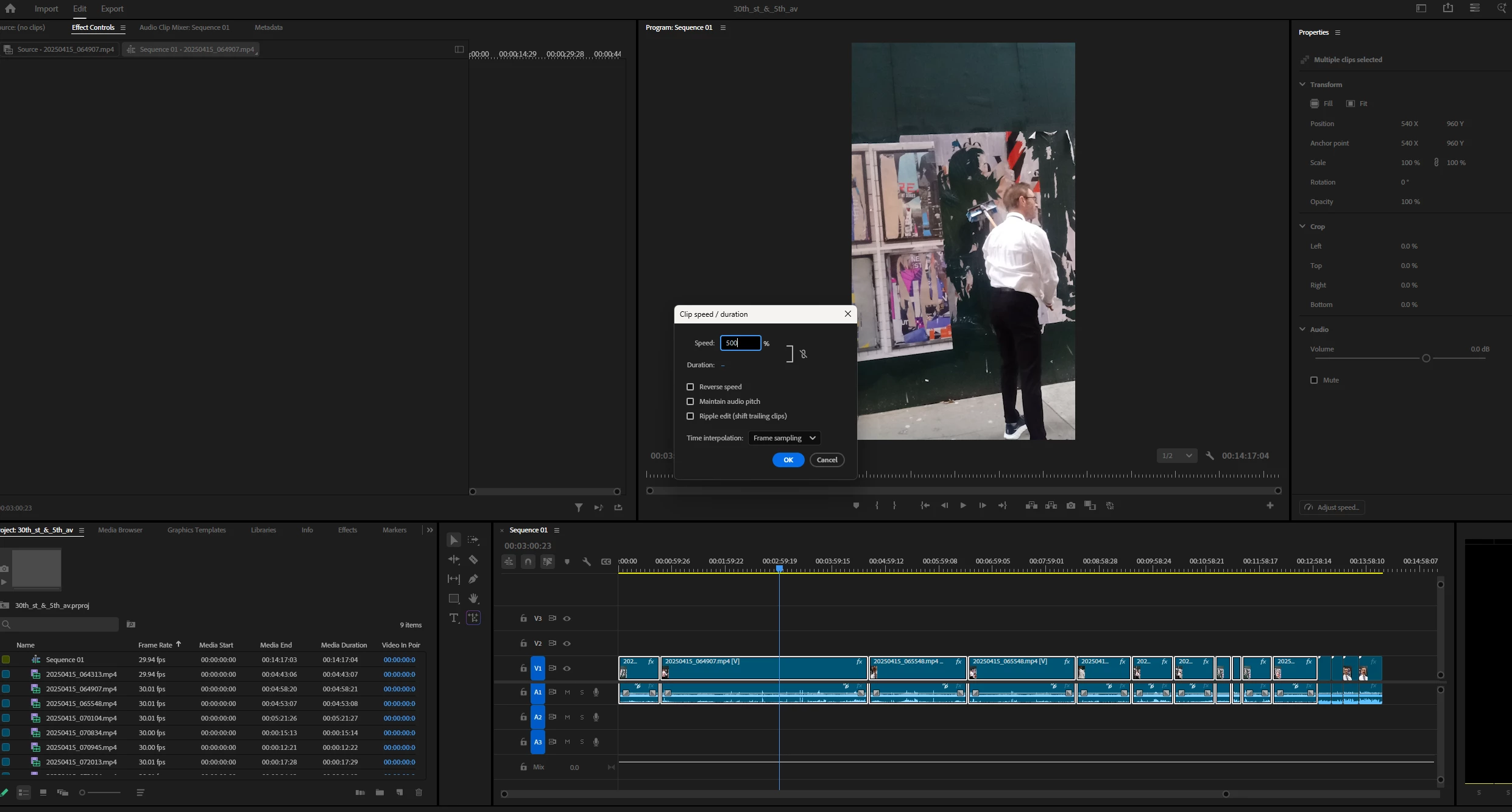
I've lassoed the clips in my video where I want to speed it up, but only the first clip is being affected.  How can I change the speed in multiple, successive clips without doing it individually?  Thanks.  


Correct answer MyerPj

Nest! Nest them first, then apply the speed change to the nest.

1 reply

MyerPj
Community Expert
MyerPjCommunity ExpertCorrect answer
Community Expert
April 16, 2025

Nest! Nest them first, then apply the speed change to the nest.

Community Manager
April 16, 2025

Hi Barton5C39,

Please click the gang button (chain link icon) in the Clip/Speed Duration window & then make changes to Speed. You may refer to this link to learn more about changing the speed/duration of clips in Premiere Pro. Hope it helps.


Thanks,

Sumeet

Inspiring
April 16, 2025

Thank you, but this didn't work out.  I first lassoed all the clips, right clicked on one of them and selected Speed/Duration, clicked on the gang button so that a slash appeared through it, then typed in my speed (500).  The first clip was speeded up.  Other of the clips were also speeded up, though not always at the same rate, or not at all.  Very strange.
