
Known Participant
December 25, 2022
Question

Choppy Scrubbing and Blank Clips in Quicktime and VLC - HEVC Export

  • December 25, 2022
  • 2 replies
  • 539 views

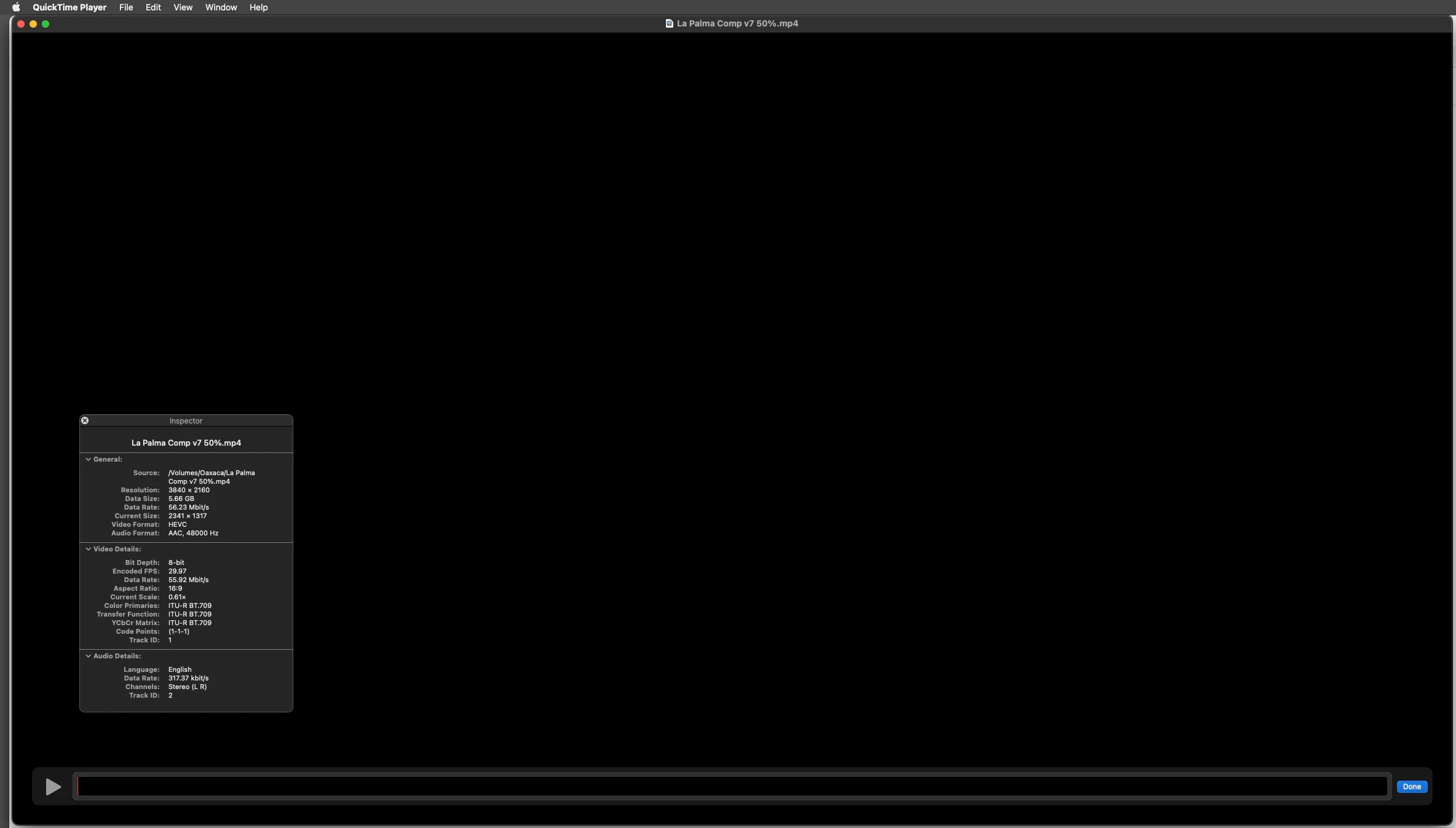
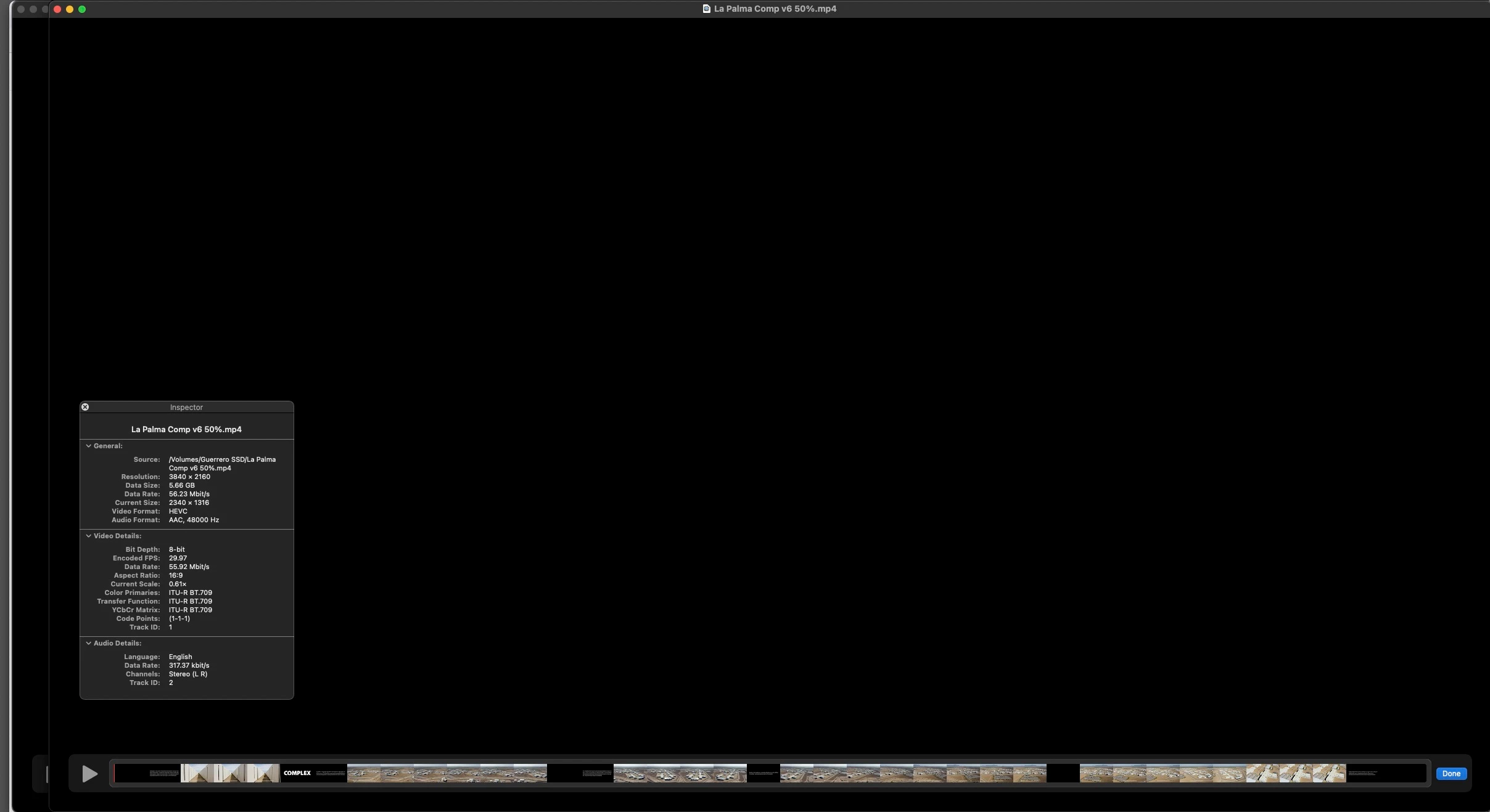
This problem seems to accompany upgrade to Premiere 2023. When exporting 4K HEVC at any bitrate I get choppy, lagging response when trying to scrub through the video in Quicktime 10.5. My M1 Pro Studio w/64GB RAM and ample storage does not seem to be an issue. Exports of the same timeline from previous versions of Premiere using identical settings do not cause the issue. Scrubbing is fluid and clips display fully in a file exported from Premiere 2021. I also note that, following upgrade from Pr 2021 to 2023, clips do not render in the timeline at the bottom of the QT player window (see attached screen grab). The timeline is black. Any help would be appreciated.  As a follow on, I tried playback in VLC. Same results. This seems to be a Premiere issue.
This topic has been closed for replies.

2 replies

R Neil Haugen
Legend
June 20, 2023

I'm a dual-user, both Pr and Resolve. There's issues in Resolve with I think it's 13.4 or something like that in the Mac OSs, where it constantly jerks with long-GOP 264/5 clips.


Neil

Everyone's mileage always varies ...
Participating Frequently
June 20, 2023

Hi @David J5C7C  ,


Sorry for this problem. Please check out the latest beta build version from the creative cloud and let us know how it goes there.

You can download the latest Beta builds from Creative Cloud --> Beta apps --> Premiere Pro (Beta)/Media Encoder(Beta) 
https://helpx.adobe.com/x-productkb/global/creative-cloud-public-beta.html


If you still face this issue, please share your project files(&media) here https://helpx.adobe.com/creative-cloud/help/share.html and we will check on our end.


Thanks,
Mayjain