Inspiring
January 19, 2018
Question

Cineform exports corrupt - always

  • January 19, 2018
  • 1 reply
  • 1262 views

Windows 10

Intel i7-3820 cpu @3.60 ghz

48 gigs of ram

NVIDIA GeForce GTX 660 Ti

I don't think this is a Premiere problem overall, but I'm hoping someone can maybe help me figure out what might be going on.

Every time I export a Cineform file, it exports corrupt. I get these swirls at the top and bottom of the image. It does this when I export from Autopano Video or Adobe Media encoder. Does anyone have any idea what's going on here?
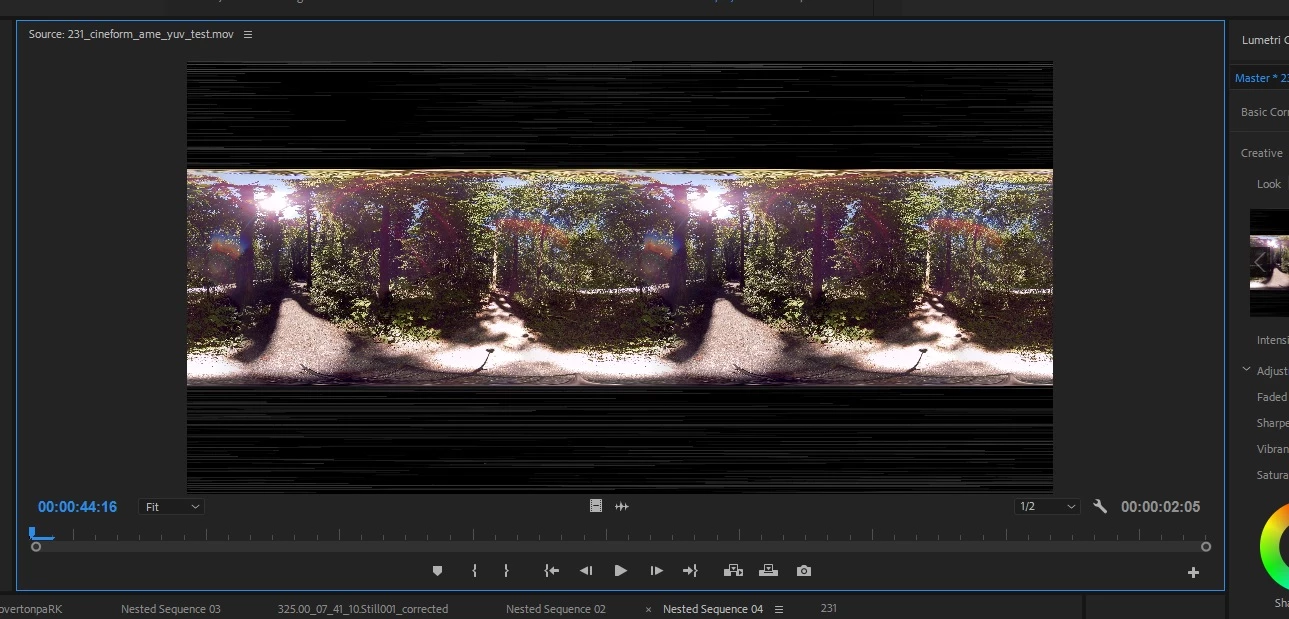
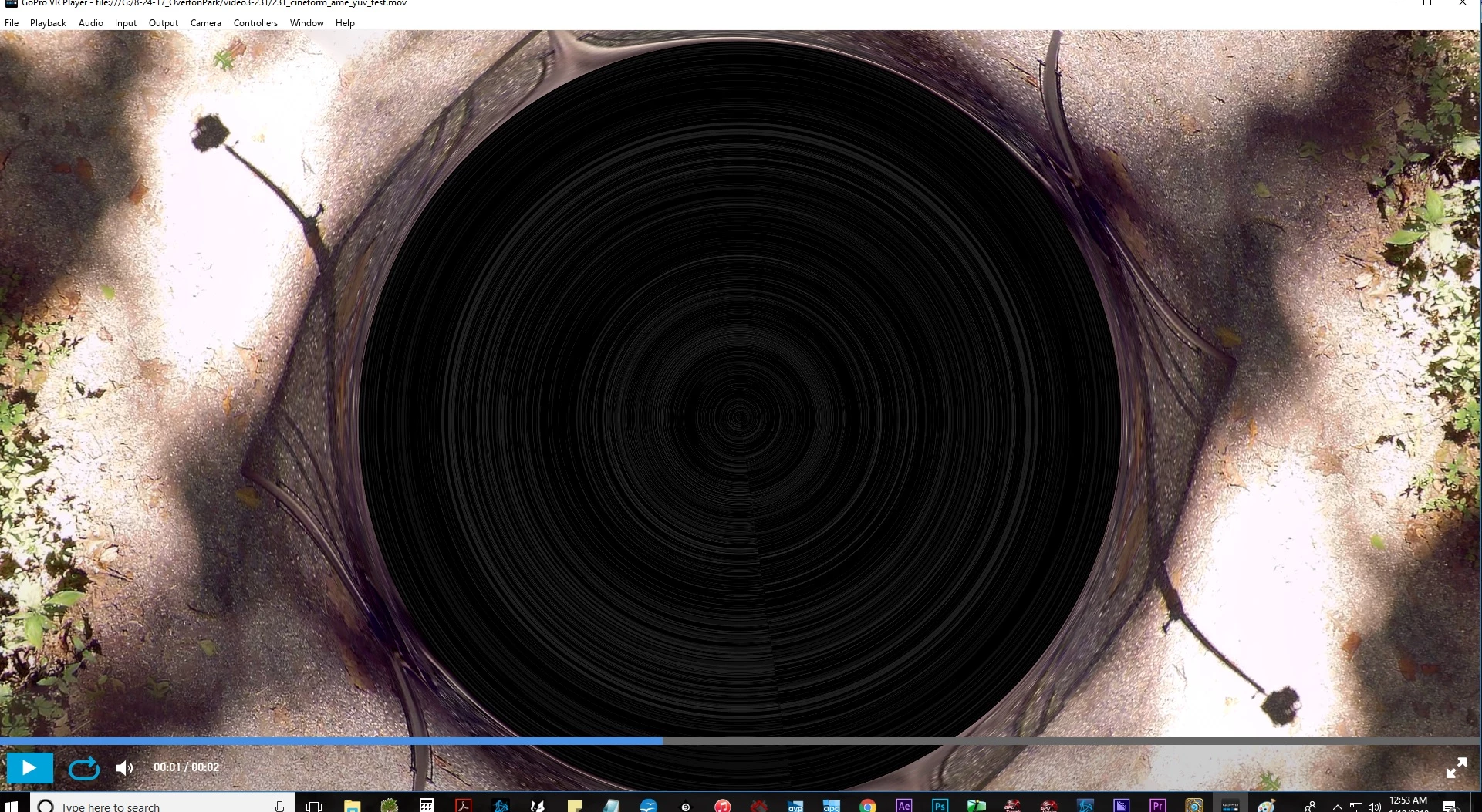
This topic has been closed for replies.

1 reply

R Neil Haugen
Legend
January 19, 2018

Does this happen with the preferences in PrPro set for Mercury Acceleration/software only from PrPro?

The same question with Media Encoder?

And have you gone to the Nvidia website to check if the driver you're using for that older card is their latest for it?

Neil

Everyone's mileage always varies ...
Inspiring
January 19, 2018

I haven't exported directly from PrPro, just encoder. The setting was software only. I have no idea what Kolor is doing in this regard.

My driver is up to date. This has been an issue since the last three versions of the update that I am aware of. Just getting around to asking about it now.

Legend
January 20, 2018

What's your source media, sequence settings, and export settings?