Participant
April 3, 2020
Answered

Clear Audio Type button missing

  • April 3, 2020
  • 2 replies
  • 1094 views

Using essential sounds, playing around with the audio types and effects, and suddenly my clear audio type button isn't there anymore?
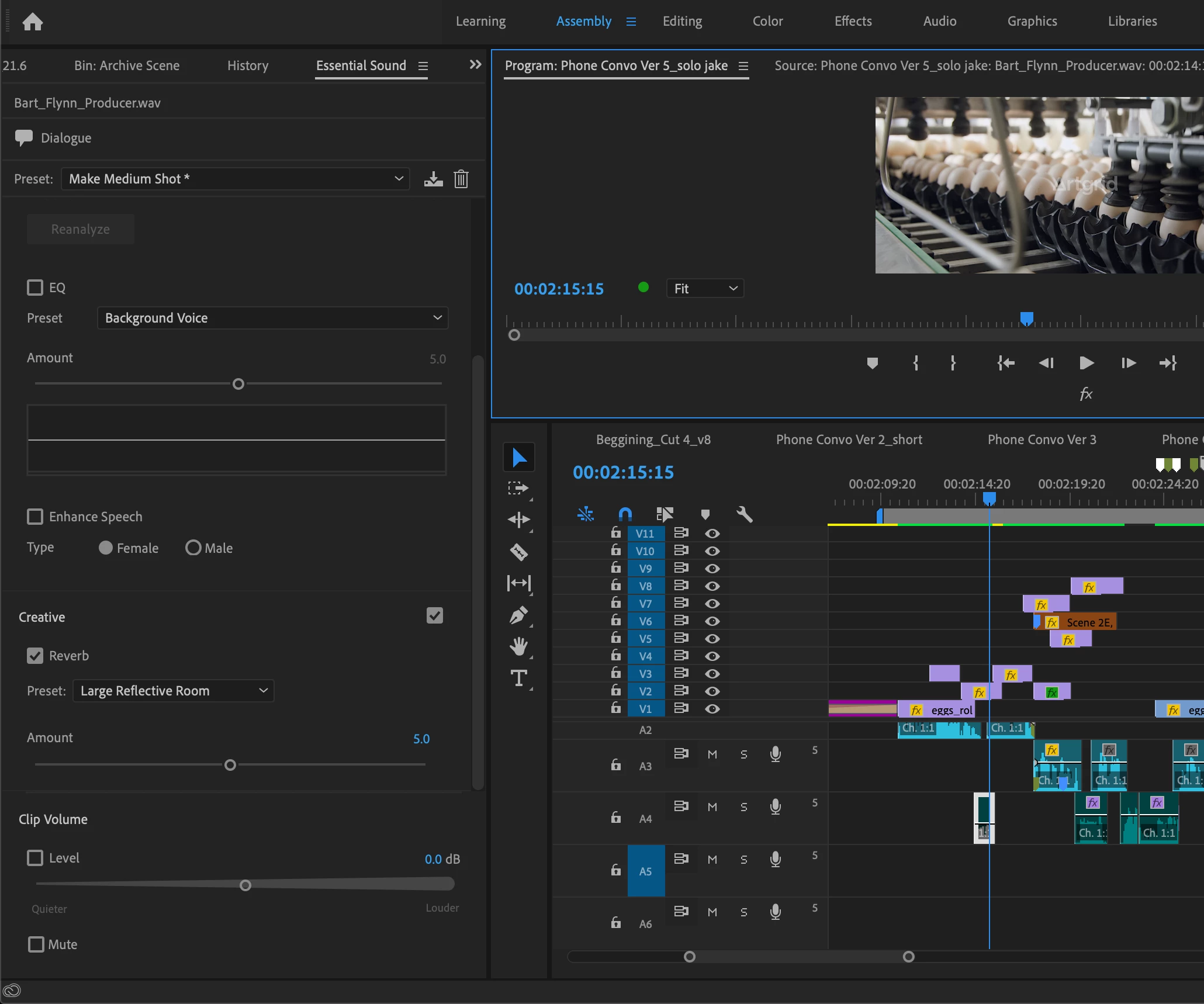


[Moderator note: This forum software ain't the greatest. But please ... when including images, use the picture icon from the reply box formatting bar, and drag/drop a screen-grab onto that dialog. Linking images like this forces everyone to download a strange unknown file to their computer to be able to see your image. NOT ... a good thing.


I've fixed the situation for this post.]

This topic has been closed for replies.
Correct answer R Neil Haugen

Try resetting the workspace, using either double-clicking on the workspace name in the Worskpace bar or going to Workspaces/reset to saved layout.


Neil

2 replies

Ann Bens
Community Expert
Community Expert
April 3, 2020

.


R Neil Haugen
Legend
April 3, 2020

In his image, that option clearly isn't there. He's got Dialogue set ... but there's no clear option to the right end of that line as there should be.


Neil

Everyone's mileage always varies ...
R Neil Haugen
R Neil HaugenCorrect answer
Legend
April 3, 2020

Try resetting the workspace, using either double-clicking on the workspace name in the Worskpace bar or going to Workspaces/reset to saved layout.


Neil

Everyone's mileage always varies ...
j.pax.tvAuthor
Participant
April 3, 2020

Welp, that must of done it! Because it's back.

Thanks!