


Question
Clip in Premiere Pro looks totally different in After Effects (new workflow with ACEScct)
I'm currently working on a project and I totally changed my Premiere Workflow to the new color management flow and working with the wide gamut ACEScct. When I want to work on a clip in After Effects the colors shown on that clip are totally off compared to the clip in Premiere.
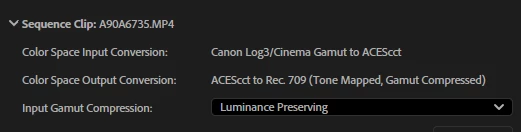
The settings of the sequence and clip in Premiere are: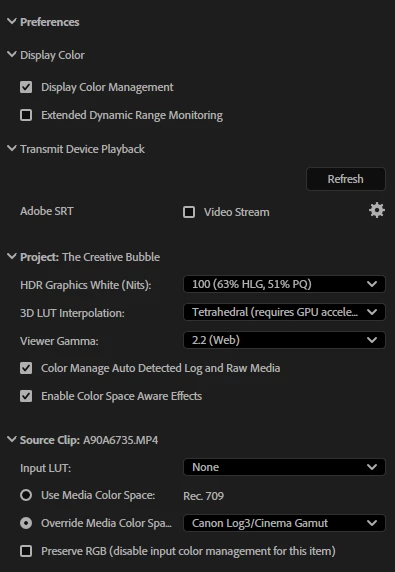
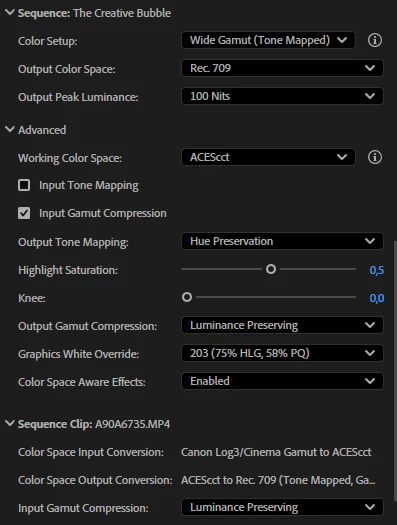
The project settings in AE are: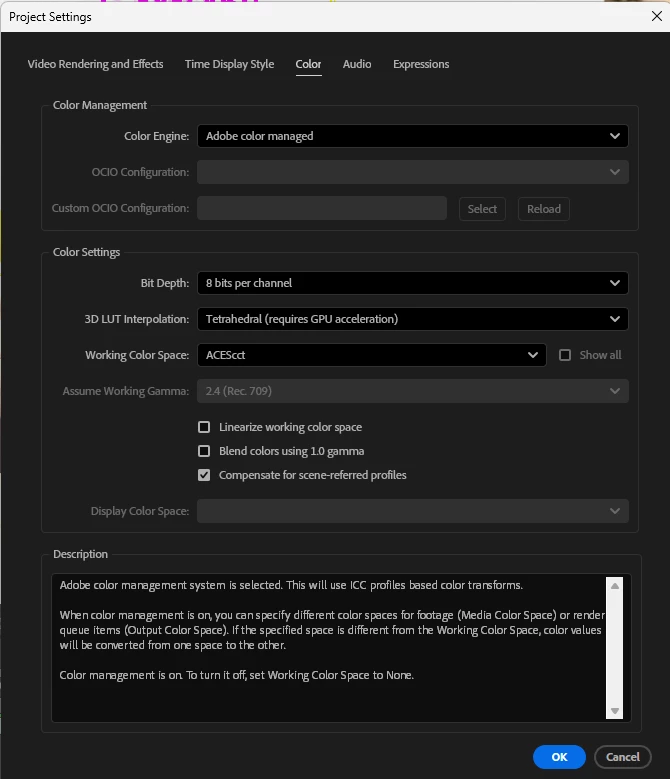
This is the clip in Premiere Pro:

This is the clip in After Effects:

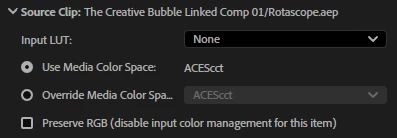
After 'Replace with Afters Effects composition' the source clip in Premiere changes from:
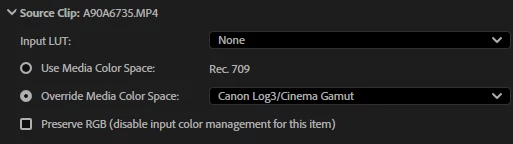
to:
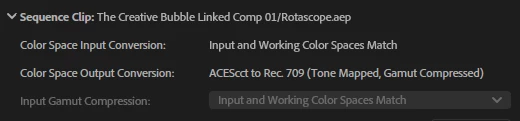
The sequence changes from:
To:
Premiere version: 25.6.4 (build 5)
After Effects version: 25.6.4 (build 3)
Is it a bug or is there a setting not right in AE?
 AdChoices