
Participant
June 19, 2022
Answered

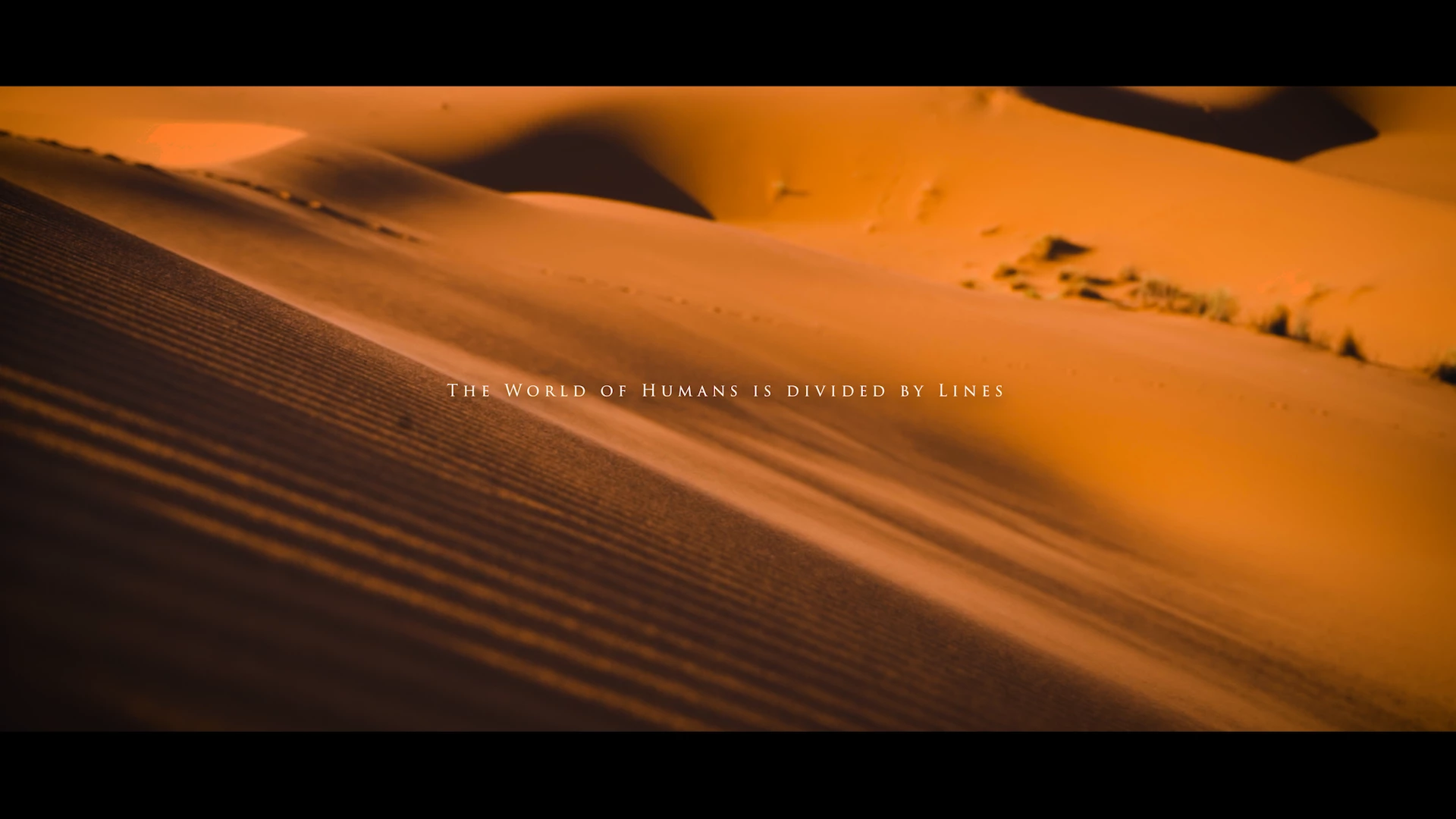
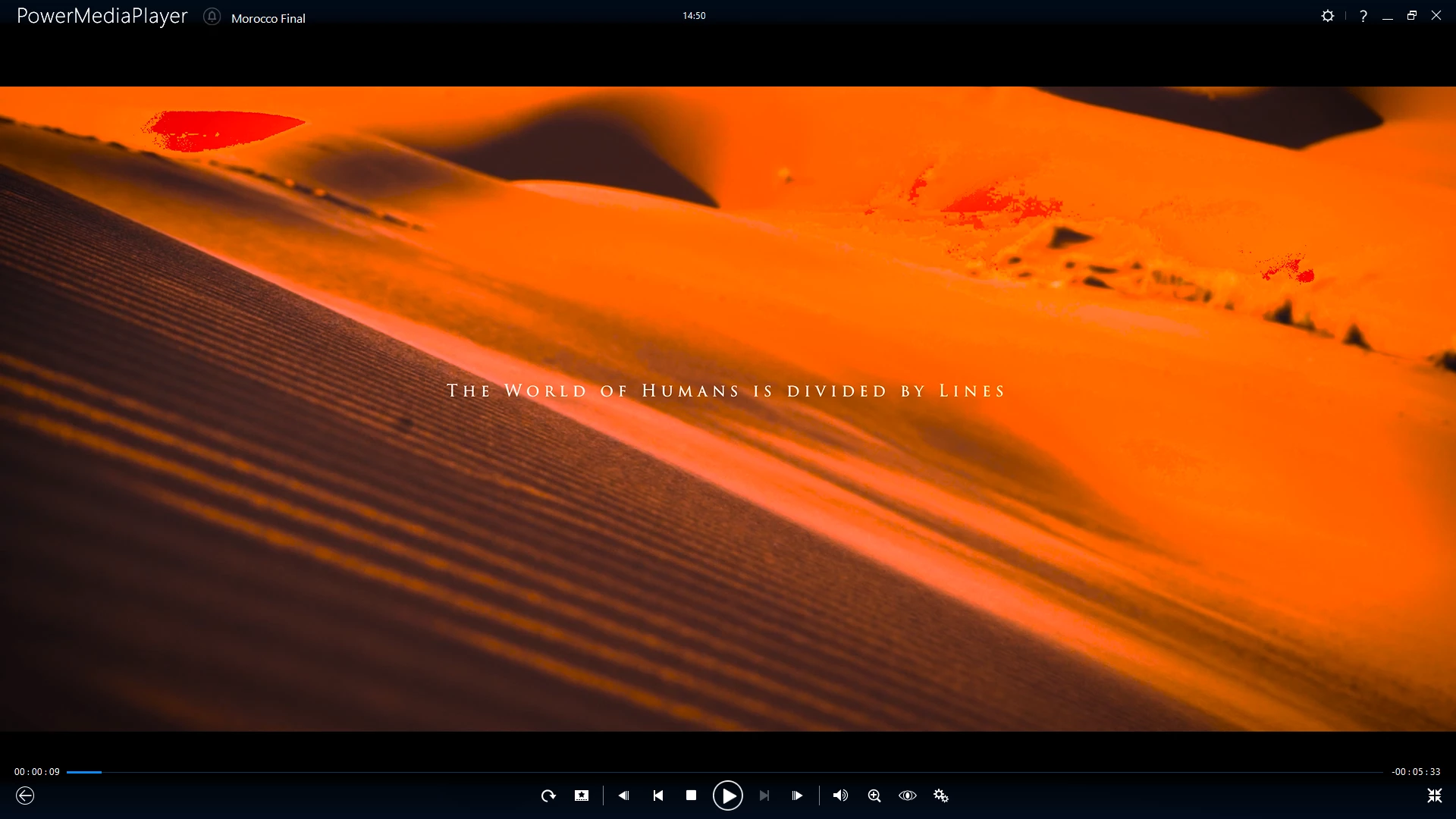
Color change after export, blown highligts and pixeled color

  • June 19, 2022
  • 1 reply
  • 236 views

Hey guys I am quite desperate here, I have finished a video, color corrected and graded with a lut. When on preview everything looks the same but after export the colors are blown out, whites completely overexposed, blacks darker than my soul, and overall a pinkish orangish look. I have no idea what can be, I used to use premiere 2018 and never had any problems but with the 2022 this has happen for my last 2 videos. Any idea on what could it be? Thanks!
This topic has been closed for replies.

1 reply

Ann Bens
Community Expert
Ann BensCommunity ExpertCorrect answer
Community Expert
June 19, 2022
Participant
September 12, 2024

Had the same issue with a clip a coworker sent me from an iPhone. Thank you!

R Neil Haugen
Legend
September 12, 2024

With HDR and different color spaces coming into existence, the color management is getting more complex.


In the 25.x  public beta series, that will be the 'new' shipping version come Adobe's MAX program in October ... there are massive changes, many additional controls and options requiring decisions on the part of the user.


Including whether to use one of several options for wide gamut sequences, with media tonemapped or not to that space, while using a specific display transform and output transform.


Yea, it's more usable, including some ACEScct things, but ... you'll need to know more also.

Everyone's mileage always varies ...