BaneOfKnoll
Participant
September 22, 2018
Answered

Color/Colour artifacting in Premiere pro with GoPro Footage

  • September 22, 2018
  • 1 reply
  • 360 views

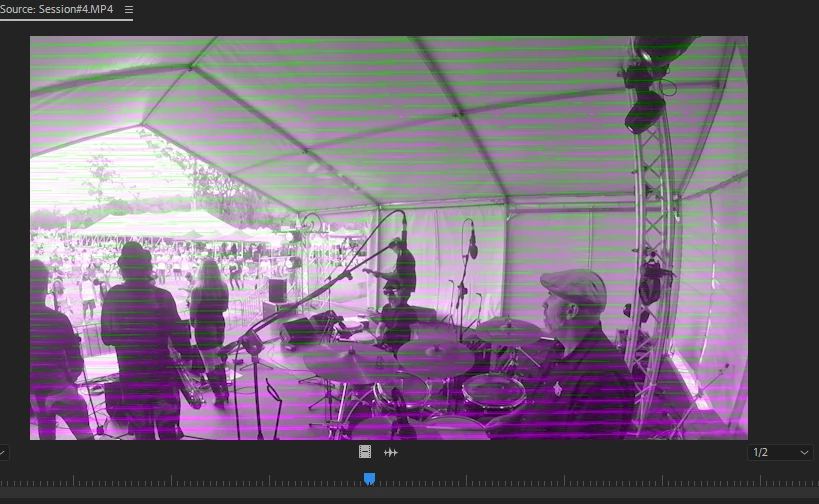
So I have been using my gopro on my new laptop and when I try and load it into premiere I get very odd artifacting from the footage.

It works fine on my desktop and looks fine outside of premiere.

It appears to appear different when scrubbing the footage.

It does it on both my Hero4 Session and Hero 6 Black. ¯\_(ツ)_/¯
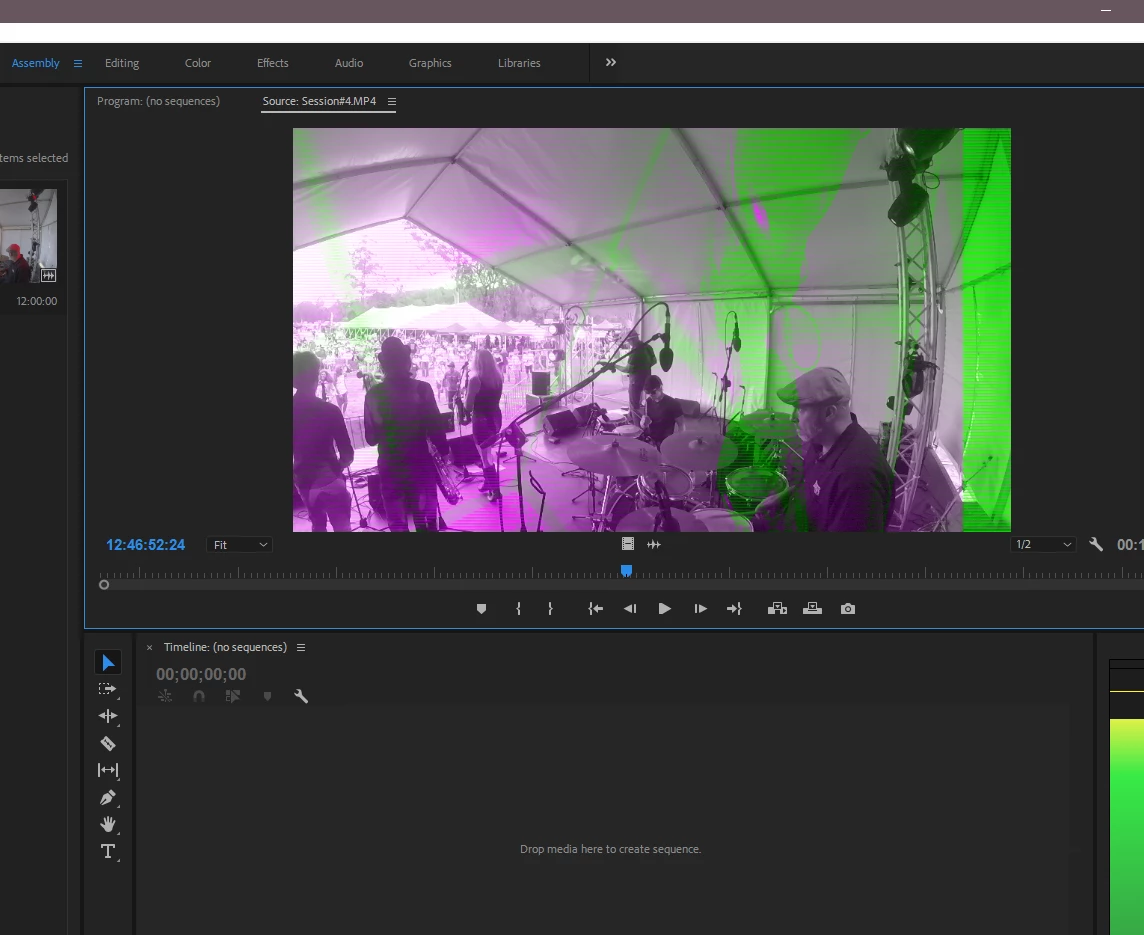
This ^  is when i'm scrubbing along the footageThis ^ is when the footage is stopped
This topic has been closed for replies.
Correct answer R Neil Haugen

Typical GPU driver problem. Go to the website for your GPU and manually check for the latest driver and install it.

Neil

1 reply

R Neil Haugen
R Neil HaugenCorrect answer
Legend
September 22, 2018

Typical GPU driver problem. Go to the website for your GPU and manually check for the latest driver and install it.

Neil

Everyone's mileage always varies ...
BaneOfKnoll
Participant
September 22, 2018

I did a reinstall and manually updated the drivers and it worked fine. Thanks

R Neil Haugen
Legend
September 22, 2018

Neither Macs nor PCs seem to always update drivers even when set to do so. So ... one needs to just check every month to make sure your video drivers are up to date. Of course, you get this, it's telling you rather 'loudly' ....

Neil

Everyone's mileage always varies ...