
Color correcting after using ultra key
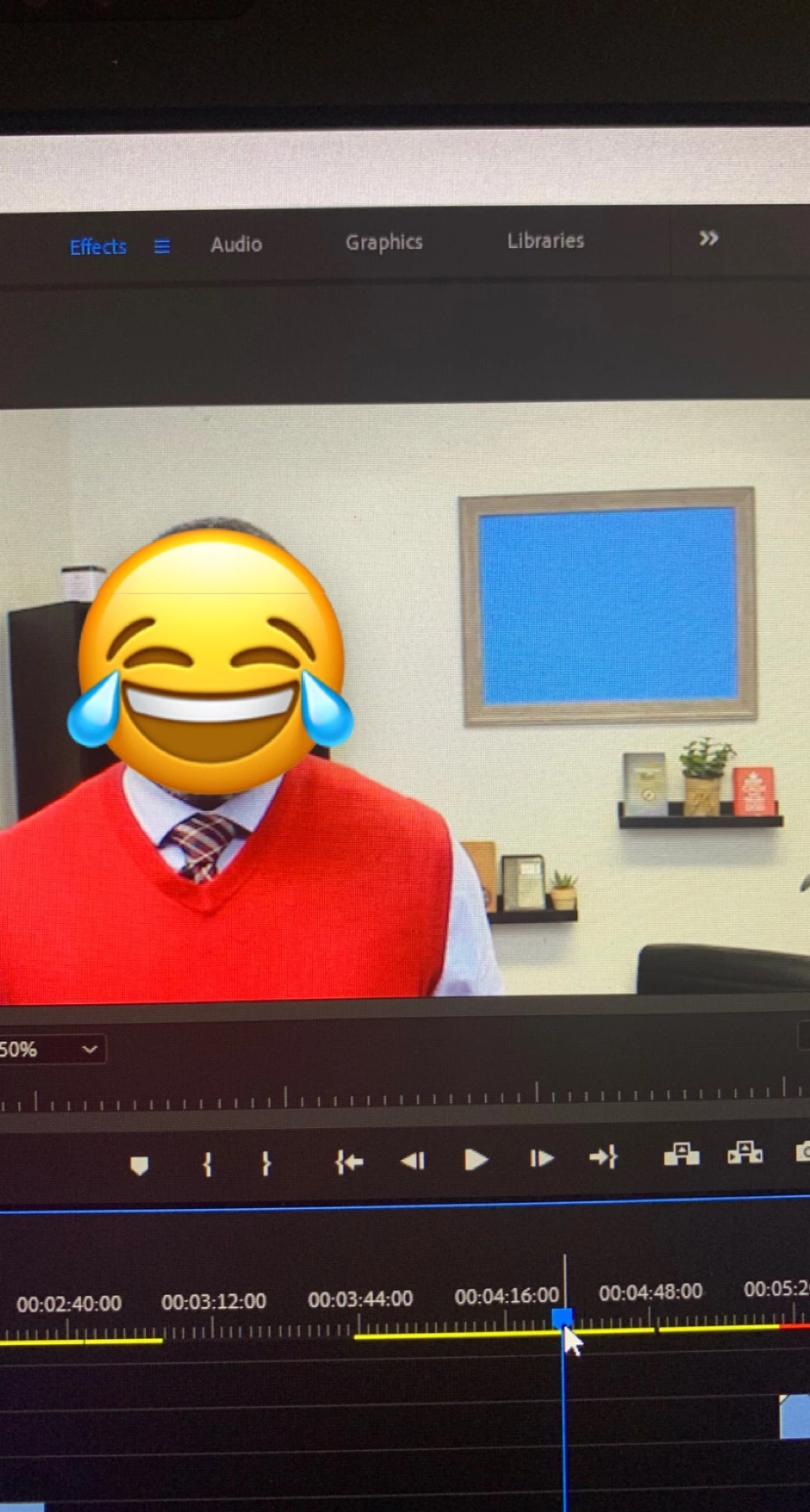
Hello!! New premiere pro user here. And since I'm new I've decided to do some sample footage before kicking off with my actual project. I am working on a project that requires a green screen inside a picture frame. I opted out of green and used blue because we have multiple plants in our background. I'm able to use the ultra key to insert the picture in the frame but here's my problem; when I key out the blue, my talent's skin completion becomes ashy looking and the background looks faded. His completion is very dark. Is there a way to correct the color change after keying out the blue without it messing up my imported picture in the frame?? Would an adjustment layer fix that?? Should I sub-sequence before adding an adjustment layer?? Should I be using a different green screen color?? Any advice would be greatly appreciated!! ☺️
 AdChoices