aTomician
Inspiring
September 7, 2021
Question

Color correcting in Premiere vs Photoshop?

  • September 7, 2021
  • 5 replies
  • 3049 views

Just wanted to get some opinions on color grading in Premiere Pro vs Photoshop.  I've been shooting flat and editing in Premiere Pro for years now, and for some reason, I've realised today that my color correction workflow is really messy and wanted some feedback!


Typical workflow:

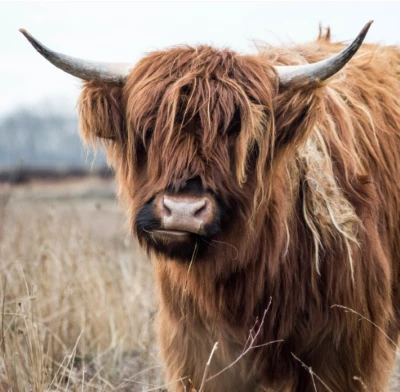
I start off with flat footage that looks like something like this:
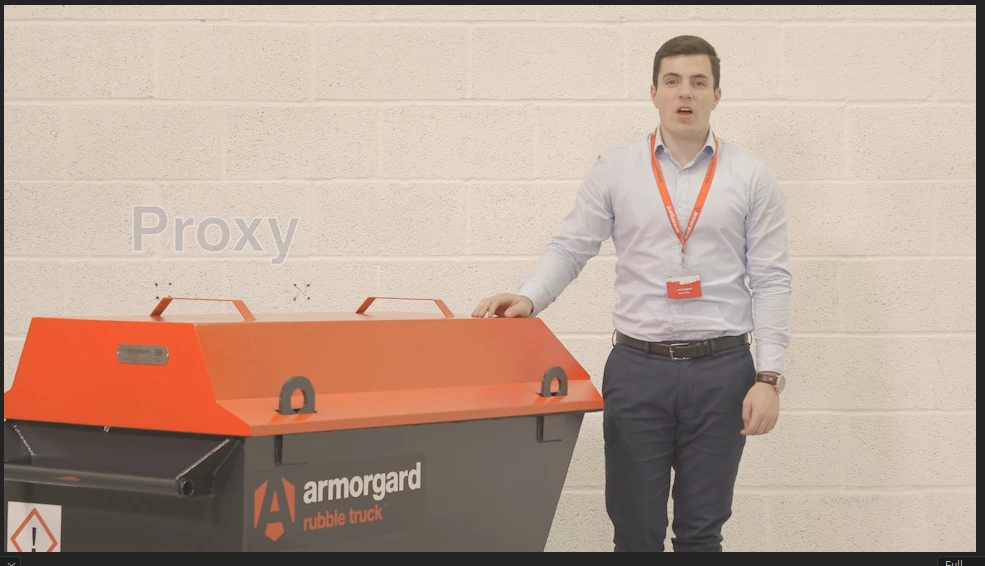
 

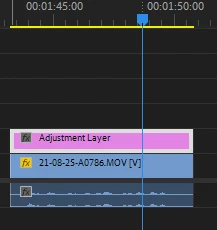
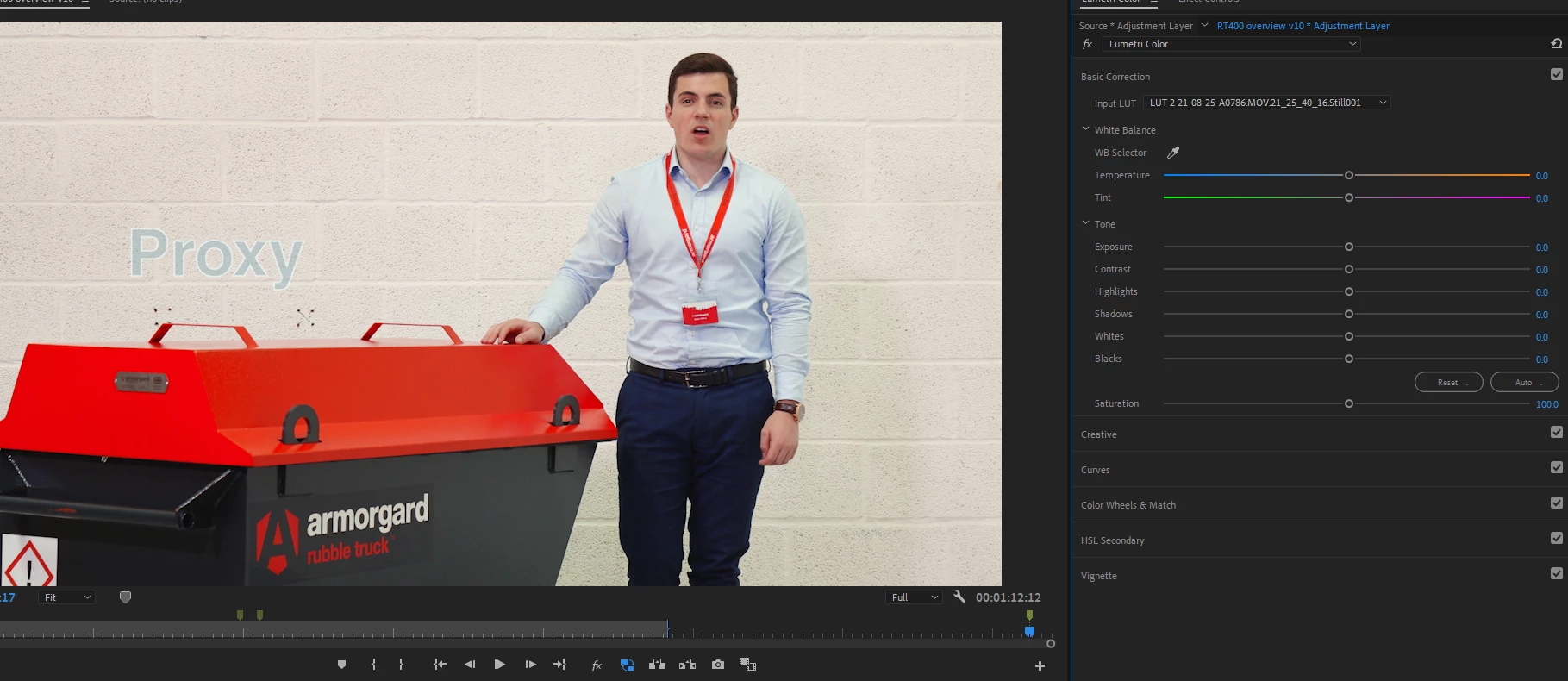
I'll put an adjustment layer over the clip (so it's easy to apply to multiple clips), select it and open the Lumetri Color window:
 

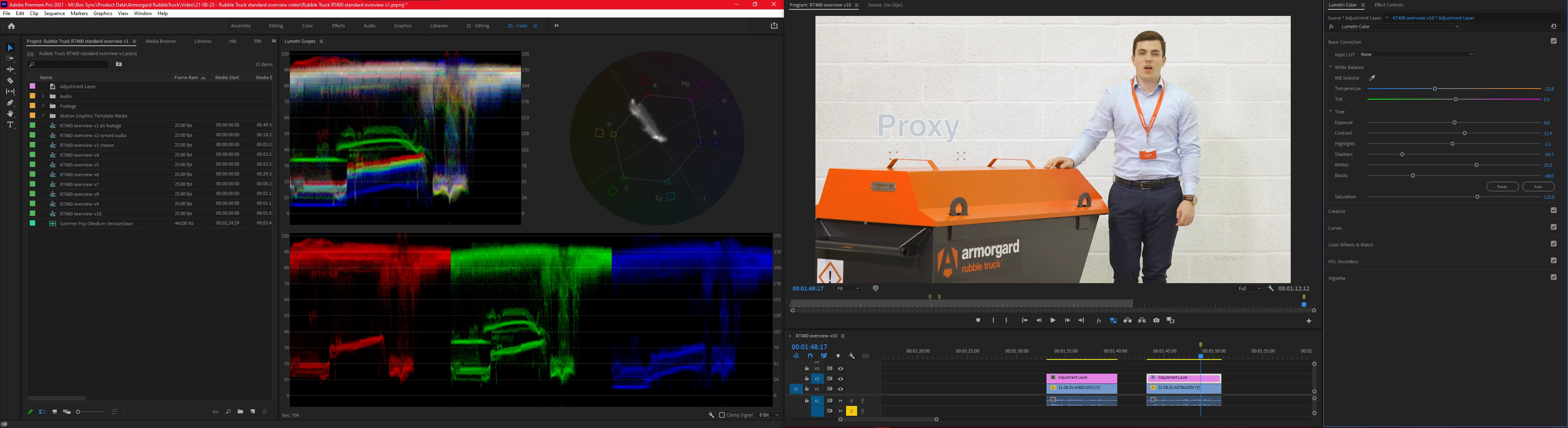
Then, with all the wonderful scopes at my disposal I'll start correcting.  I've always used scopes, and I understand how they work so I'll start with basic adjustment and get the color temperatures right and adjust the light to dark values until the contrast looks good:
 

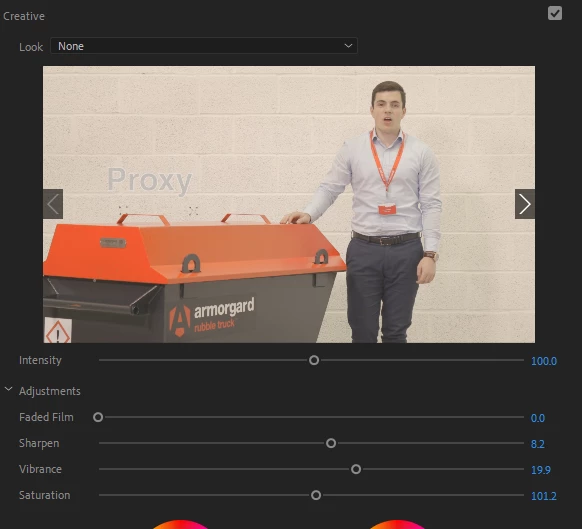
Tweak vibrance a bit:
 

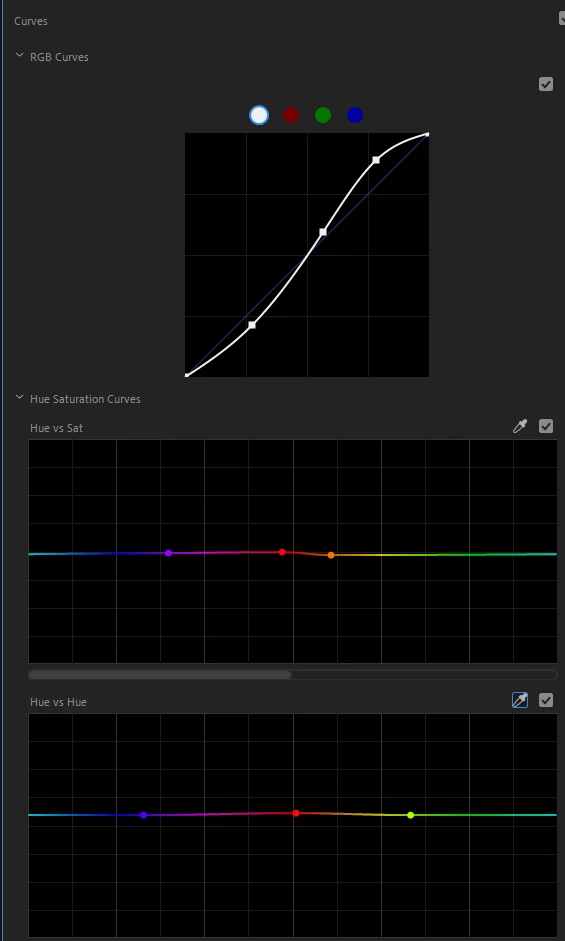
And then use the curves panel for advanced color adjustment.
 

And then I find myself at a dilemma, because invariably I find that if I adjust for skin tones, the other reds and oranges in the scene will look washed out and orangey - 
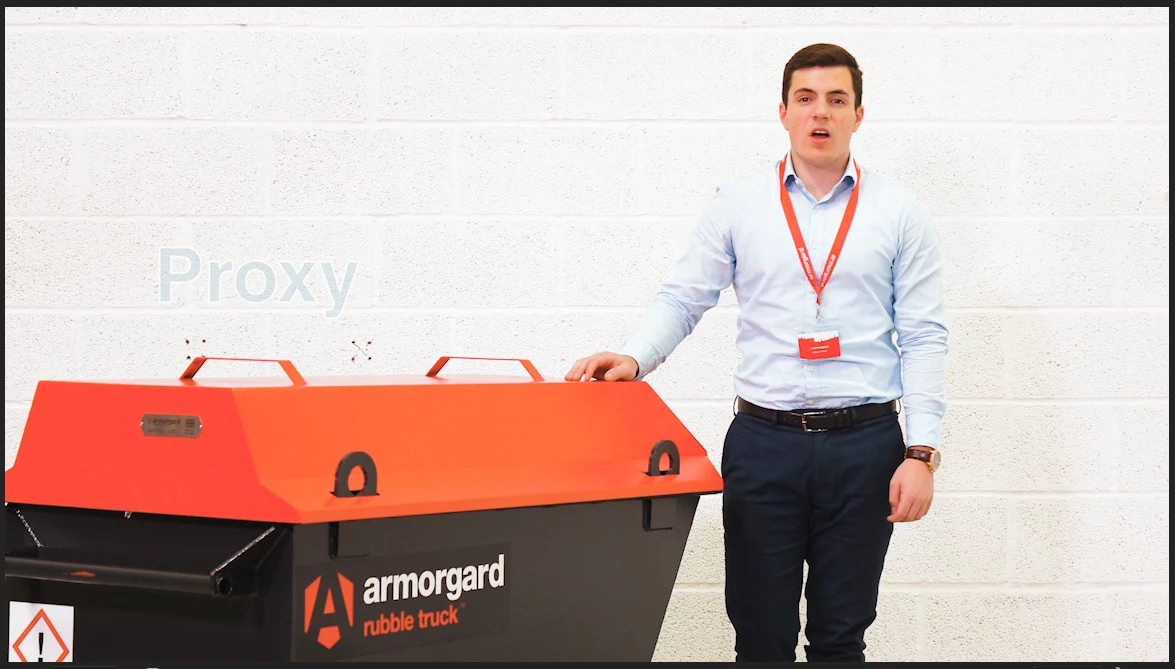
... and if I adjust for reds in the scene then the skin tones look horrible.
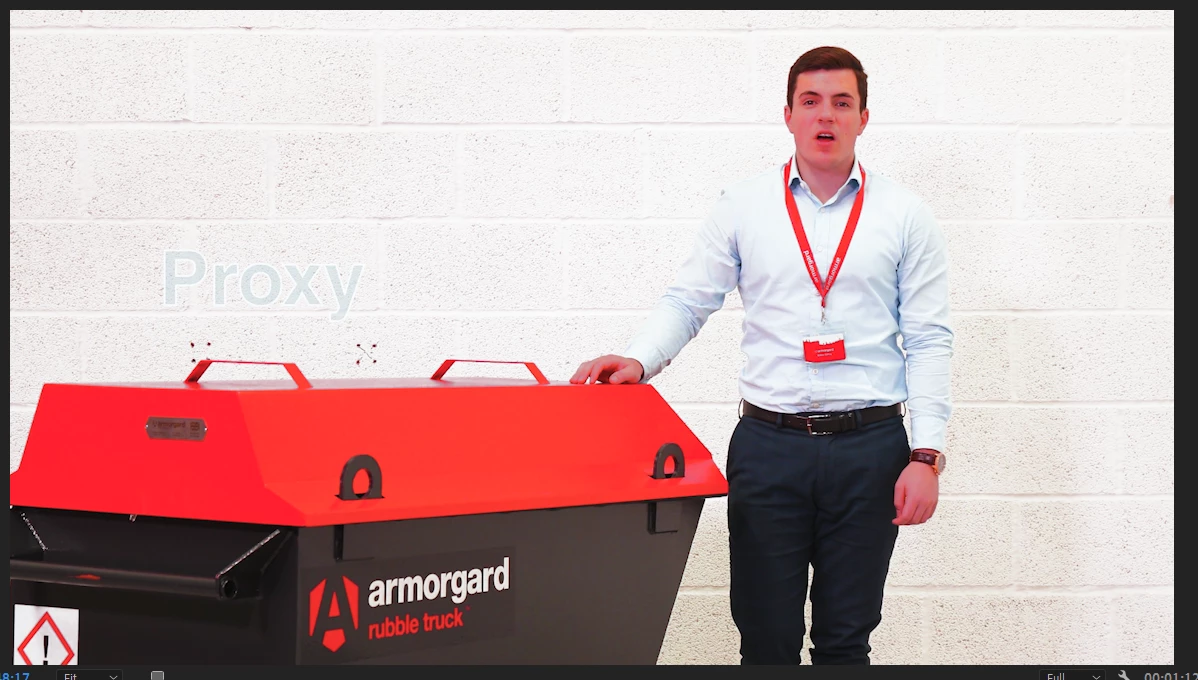
 

So at this point, I always give up on Lumetri Color.  I load a screenshot from the footage into Photoshop:
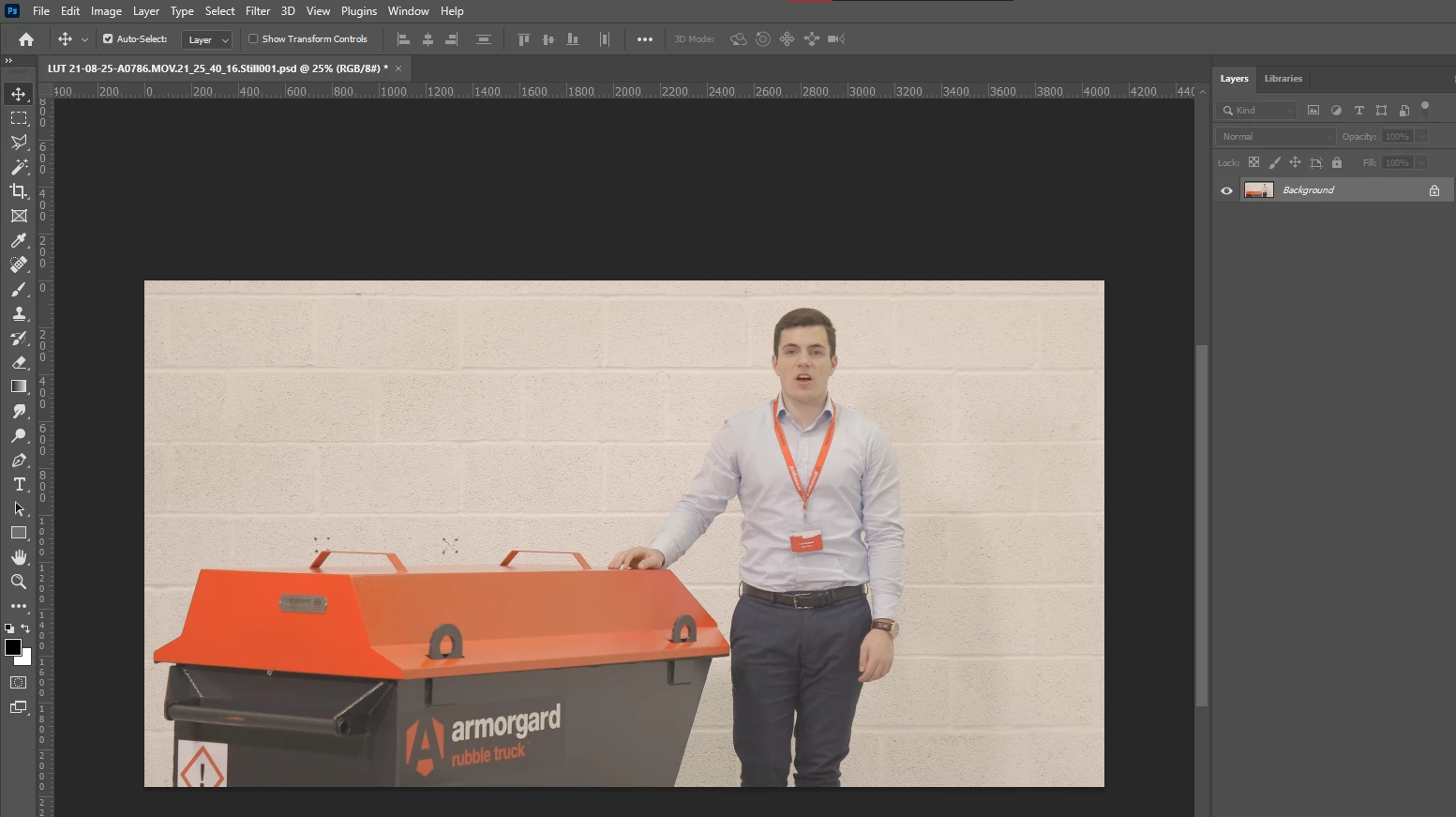
and color correct using basic filters:
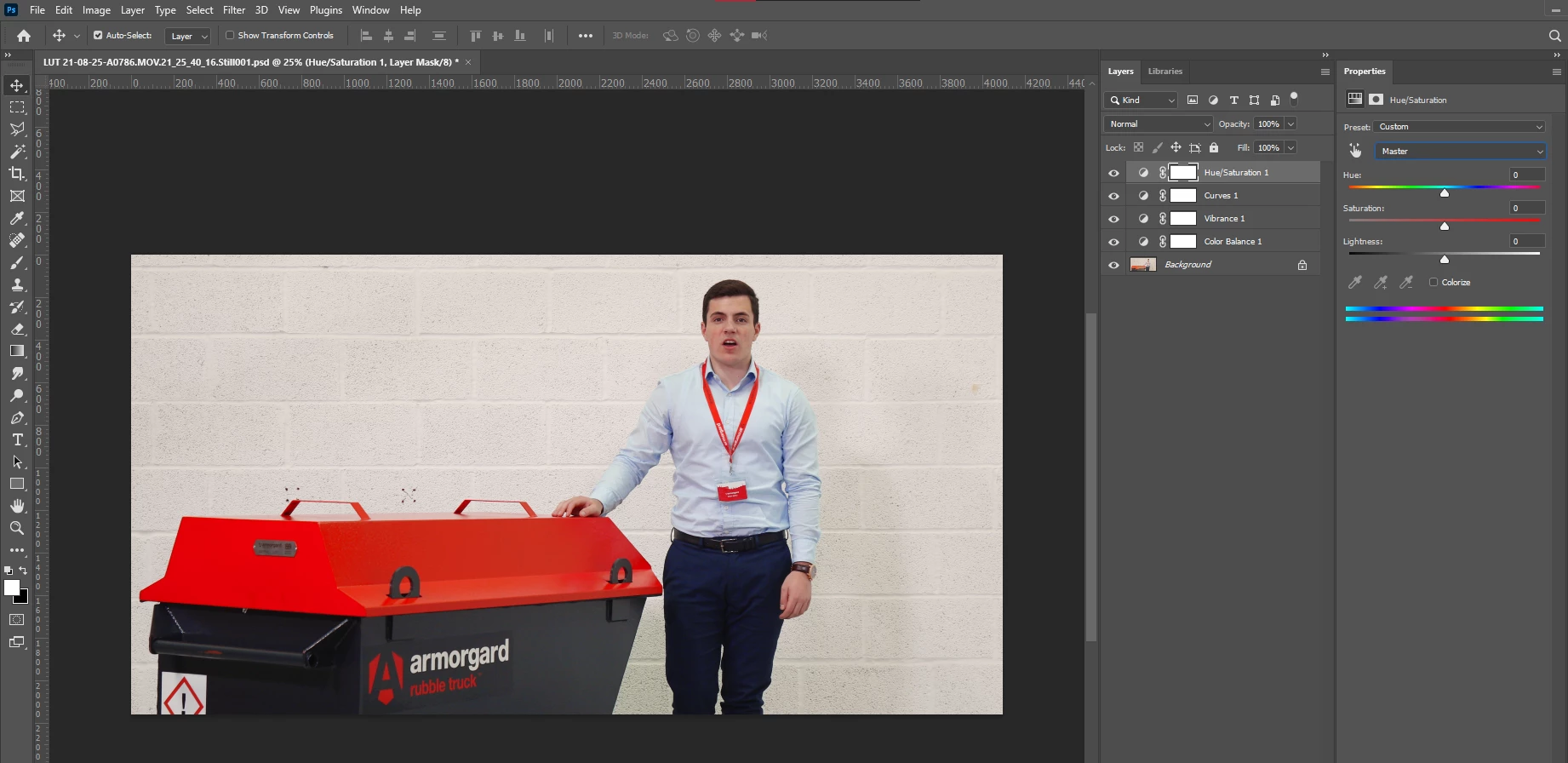
 

In no time at allI have a good-looking image with strong reds, balanced skin tones, and a nice white balance.  Then go to File > Export > Color Lookup Tables and save the filters down as a LUT.
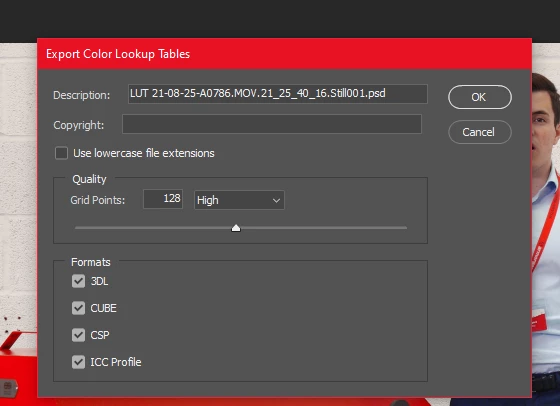
Load the LUT in premiere pro and boom!  I think it looks really good.


So...

I'd really appreciate any pointers as to why I'm finding it so hard to color correct in Premiere Pro?  I'm not satisfied with my color correction in PPro, and I personally find I can get better colors much faster when correcting in Photoshop.  I've tried to match an LUT I've created using only Lumetri Color, and I struggle to get a good result.  Premiere Pro is built for color correction, it's got tons of really helpful scopes so it seems backwards that I'm using Photoshop to color correct.  Am I just doing it wrong?


This topic has been closed for replies.

5 replies

aTomician
aTomicianAuthor
Inspiring
September 9, 2021

Here's a couple of stills - if anyone can closely match the flat still to the corrected still using only Lumetri color, I'd be fascinated to see a screenshot of what settings you've used.

Regards, aTomician
R Neil Haugen
Legend
September 9, 2021

I'll get to this later at the studio.


Neil

Everyone's mileage always varies ...
Inspiring
September 8, 2021

It would be nice if the Lumetri 3-way color corrector allowed you to desaturate the midtones seperate from the highlights and shadows like FCPX's 3-way color corretor. Premiere Pro's old color correction filters are better but they lack suport for adding LUTs. 

R Neil Haugen
Legend
September 8, 2021

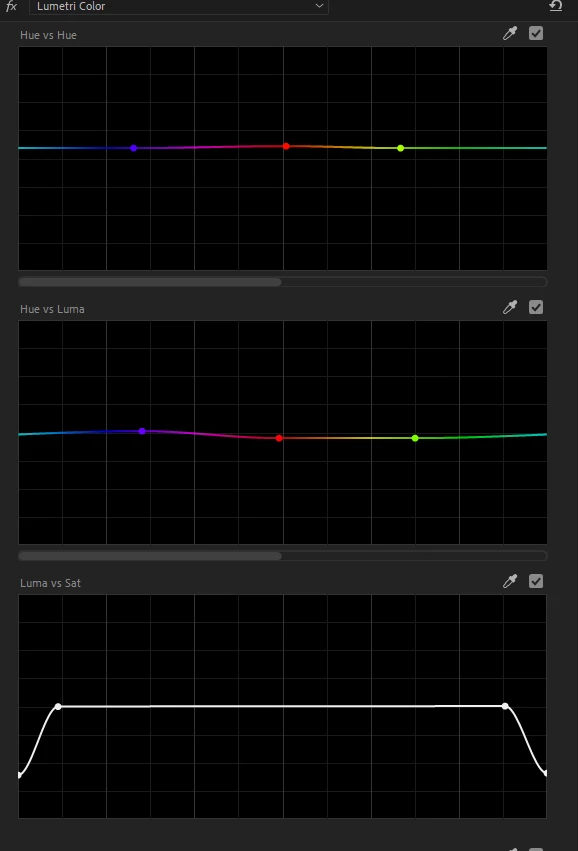
That's in the HSL curves section ... they have a good selection of curves tools for Hue v Sat, Hue v Hue, Hue v Luma, Luma v Sat, and Sat v Sat. I've got several presets I've made for using those. Especially as I tend to roll sat off in deep shadows and upper mids through highligts, and also pull sat down on the end of the sat v sat tool so that the lower to mid-saturation colors can be more vibrant without going nuclear on anything.


Neil

Everyone's mileage always varies ...
aTomician
aTomicianAuthor
Inspiring
September 9, 2021

I have used the Hue vs Hue and tried a lot of variations with it but I find it really difficult to get controlled / fine adjustment.


HSL secondary works well for color correction but it's limited to one color choice.  If I had a set of "HSL secondary" tools for each color range - red, orange, yellow, blue, cyan, purple, green etc then I reckon I could get the look I want.

Regards, aTomician
R Neil Haugen
Legend
September 7, 2021

Resolve of course has more tools ... it was built as a colorist app, and was something like $20,000 a license just a few years back. So yea, it's got more tools. We're steadily getting more in PrPro though, and for what you are asking you just need to use the correct tools.


You've used the RGB curve tool ... but apparently not the ones down below, the HSL curves. Hue v Hue would do exactly what you need. There's also the HSL secondary tab which can do this sort of thing.


And past that, yes, exporting a particular setup as a LUT can be useful. Do NOT put the ones you make in with the included LUTs though! They have a chart of where to do that so that 1) they are NOT in the package/program files and 2) all their video apps will "see" the same files.


But for your workflow, you may be best suited for using presets of Lumetri. Set up a Lumetri to what you need for one type of work. In the Effects Control Panel, save this instance as a preset. Build up a bin structure of Lumetri presets.


This way you drop those on the clips that look like they need that look, but ... you have all the controls set for that yet you can modfiy them.


Neil

Everyone's mileage always varies ...
chrisw44157881
Inspiring
September 7, 2021

it appears that you need to select points closer together to refine the red hue v hue curves. i'm guessing they are selecting too many hues. try the eye dropper on skin tones.


i also noticed you desat your shadows and highlights. while this works in theory, any low bitrate/chroma video is going to get macroblocking due to luma/chroma pulling. it's better to whitebalance multiple points in rgb curves.

aTomician
aTomicianAuthor
Inspiring
September 9, 2021

I'm not keen on the HSL curves, I don't feel that I can get enough control. I can see that in theory, a spline curve works well for the color adjustment i/o as it provides a gradual curve but I think using sliders in PSD or Camera RAW is more controllable.

Regards, aTomician
aTomician
aTomicianAuthor
Inspiring
September 9, 2021

It would be helpful if the points on HSL curves had input boxes where you could adjust the location by typing a number - means we could get fine control over the points.

Regards, aTomician
Legend
September 7, 2021

I suggest you investigate blackmagicdesign's davinci resolve.  A much better interface for color correction in my opinion.  There's a free version that has most of the features of the paid version (which is a very reasonable flat fee) and it's a great way to evaluate the program.  That's not to say you can't do most things in Premiere.  For example, you can create a secondary with a mask to do a correction for just the face and Resolve will do a pretty amazing track of the face as it moves which you can than tweak if necessary.  Doable in Premiere, but you need to jump thru some hoops.   


Can be tricky to get your sequence from Premiere into Resolve, but once you're over that hump, it's pretty great...

aTomician
aTomicianAuthor
Inspiring
September 7, 2021

Boom! An ACP recommending Davinci 😄😄 


I've got Davinci  installed and have messed about a bit but haven't properly got to know it.  It will be hard to drop PPro from my workflow entirely as I'm fairly tied into a lot of the Adobe programs, but if it's possible to import PPro sequences then I'll check it out.


I had thought of masking out parts in Premiere and color correcting parts separately, but to me that's like opening Pandora's box - the thought caused a lot more questions:

  • Why mask when I can get a better result in photoshop without masking?
  • Do I mask and track face?  If so then what about other skin?  That's a lot of masking and tracking!
  • ...and what about more people in the scene?  that work increases proportionately.
  • If I mask skin tones and color correct separately, that's double the amount of color correcting too 😞 


😔😒

Regards, aTomician
Legend
September 7, 2021

well getting your premiere sequence into resolve can be an adventure but can be worth the effort.  I don't need to do it that often, but I'm immersed in a difficult project right now where the 3 cameras were not matched properly (if at all) and I'm not happy with what I'm able to do in Premiere...