
Color correction difference between ‘Program’ tab preview vs Export media
Hello, everyone!
This is my first time posting here, so any feedback about how to report a bug is welcome.
Thank you in advance for all the attention given to anyone who reads and for the opportunity to create a community like this.
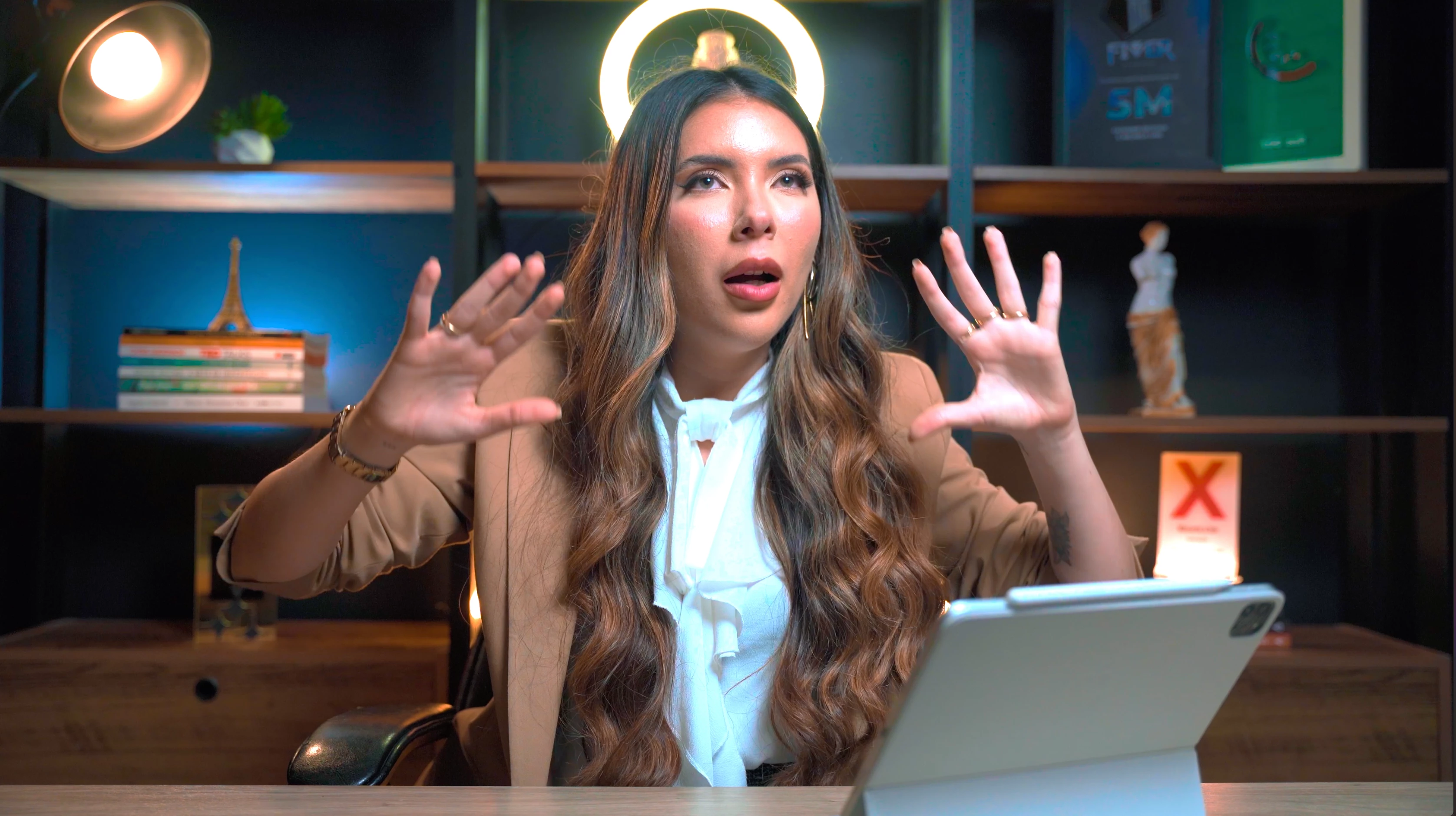
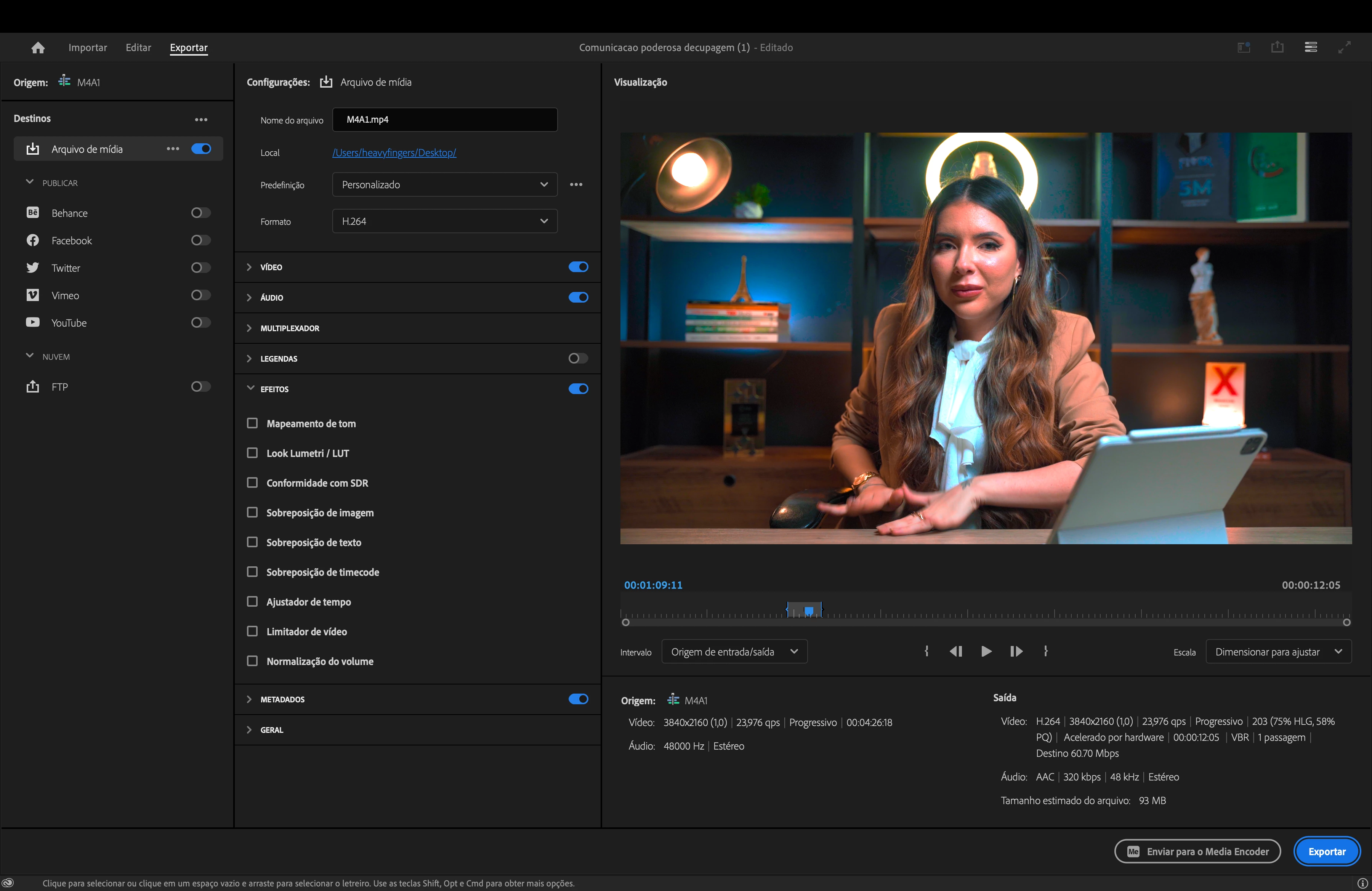
The issue: the difference of what see inside the Premiere on tab "Program" vs the final render with overexposed highlights and visible red saturation of the image
Technical info:
- Premiere Pro 2024 24.1.0 (Build 85)
- macOS Ventura | Macbook Pro | Chip M1 Pro | 16GB RAM | Liquid Retina XDR display
- Recorded with Sony a7iii using Slog2 + S.Gamut3.Cine
What I've already tried:
1. Input look profile (From_SLog2SGumut_To_Cine+709.cube) from sony official site
- than clicked in Modify> Interpret Footage> Tab "Color" and changed the color space to "Sony S-log2/S-Gamut".
- It get worse...
2. Tried to only change input look profile, and return to color space "Rec. 2100-HLG" that premiere set
- the same crap
3. Removed the Look from sony website, color space "Rec. 2100-HLG", and i made the color correction in Lumetri Color. The result you can see the result in the images below
Program view (inside premiere, print screen by command+shift+4)

MacOS preview & Quicktime view (print screen by command+shift+4)
Even at the Export tab inside Premiere we can see something is wrong
Thank you for the answers,
Heavy Fingers.
 AdChoices