
Color Editing of Stage Show in Theater
- August 14, 2024
- 2 replies
- 3673 views
I have footage shot in BRAW that I've inported into Premiere Pro 24.1.1. Most is OK but there are two dances where the colors are not right and I'm trying to correct them. On one the primary colors are supposed to be bright red and white with some red trim. The red has turned to pink and I want to get it back to red but don't know which effects and controls to use. I've tried Lumetri color but can't seem to get the pink to turn to red.
Similar clip where the dancers have white tops but different solid color pants. The colors are red, yellow, blue, green, and black (The Olympic Rings). The are all solid and deep colors but on my footage they come out more muted and pastel. The red looks pink, the blue looks purple, the green and yellow are washed out. How do I make them truer to the actual colors and more vibrant and less washed out.
I've not tried to corrrect the first clip yet so the still shows the colors as they currently appear on screen.
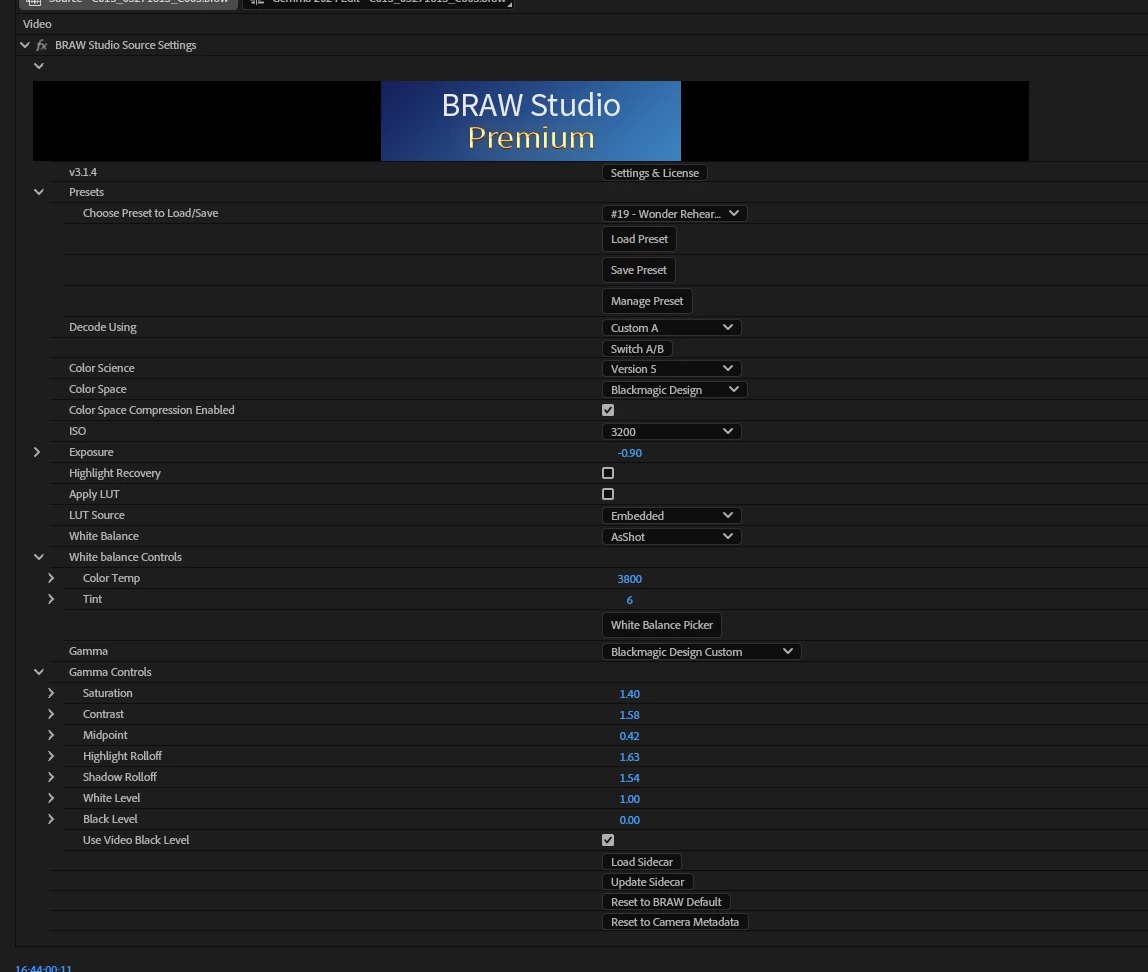
The Olympic clip I have tried to use the lumetri on the clip with the still labeled with Lumertri. The red and green are slightly better but the blue still looks purple and the yellow is really washed out. Here are a list of the corrections applied with screenshots attached.
1. Exposure: -1.5
2. Hue vs Sat with the three colors selected, Red, Blue, Green. These are all raised to near the maximum.
3. Hue vs Luma Blue is brought down with Red nearly unchanged and Green curving down because the blue is down with only 3 points.
Red and blue have been the hardest colors for me to capture on film depending on the stage lighting and I don't know enough about the color controls to fix them. Please help. Currently shooting with a BlackMagic 6K camera but have had problems with Panasonic, and Canon cameras too.


 AdChoices