Question
Color grading issue - why does the sample screen blow up white?
Hi everyone
I accidentally videoed in tungsten setting in broad daylight so I'm trying to colour grade footage to be warmer using Lumetri Scopes. But as soon as I touch the RGB Curves to tone down the blue range, the sample video is showing this white overblowing pixelating screen.
What does this mean? Is PP processing the video? I've been watching other video tutorials and I notice that if the editor is adjusting the RGB curves, the colour is adjusting instantaneously.
If I playback my video after adjusting the blue curve, all I get is one long white pixelling video - please help! 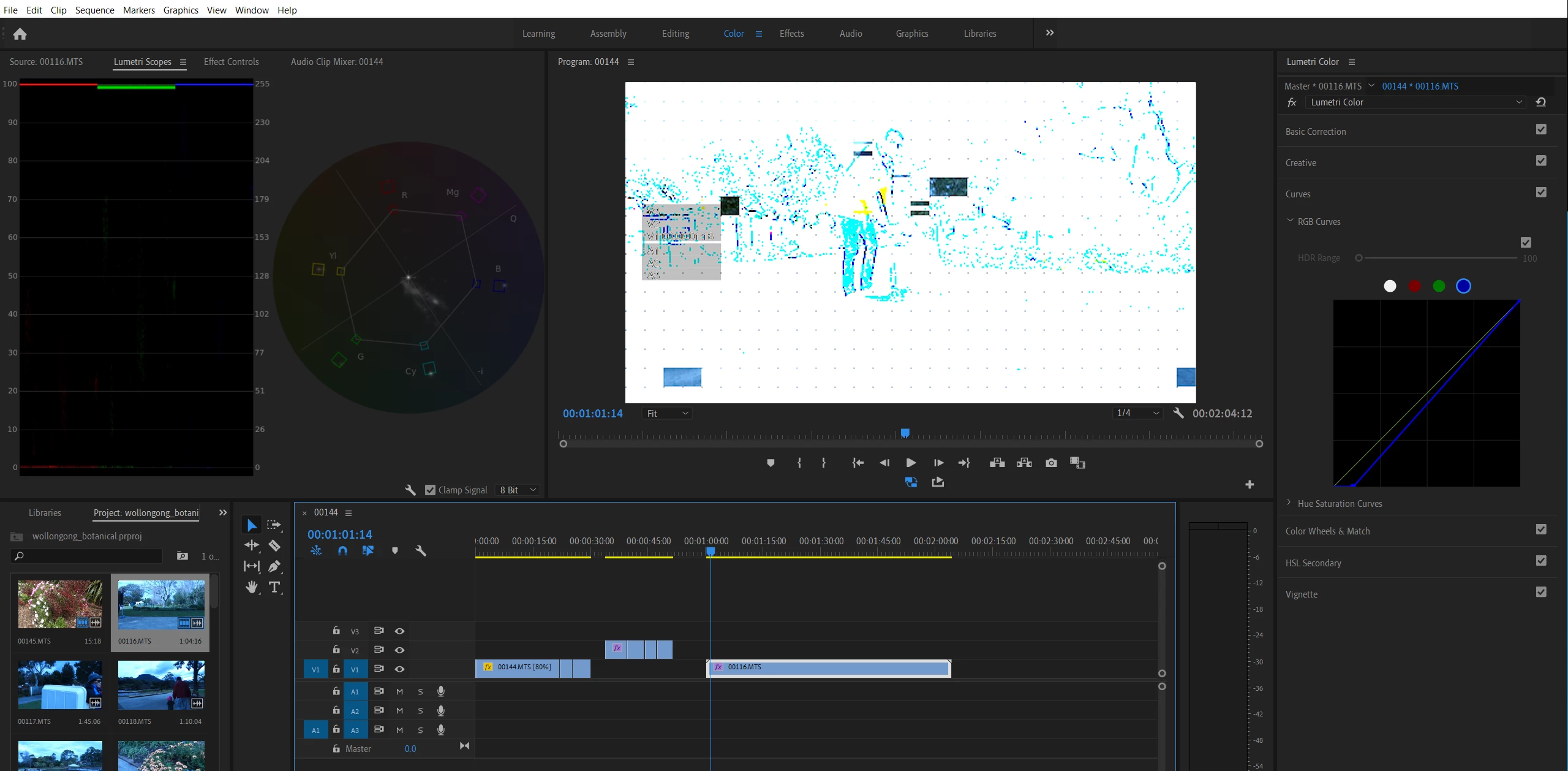
 AdChoices