This is a deep and frustrating issue.
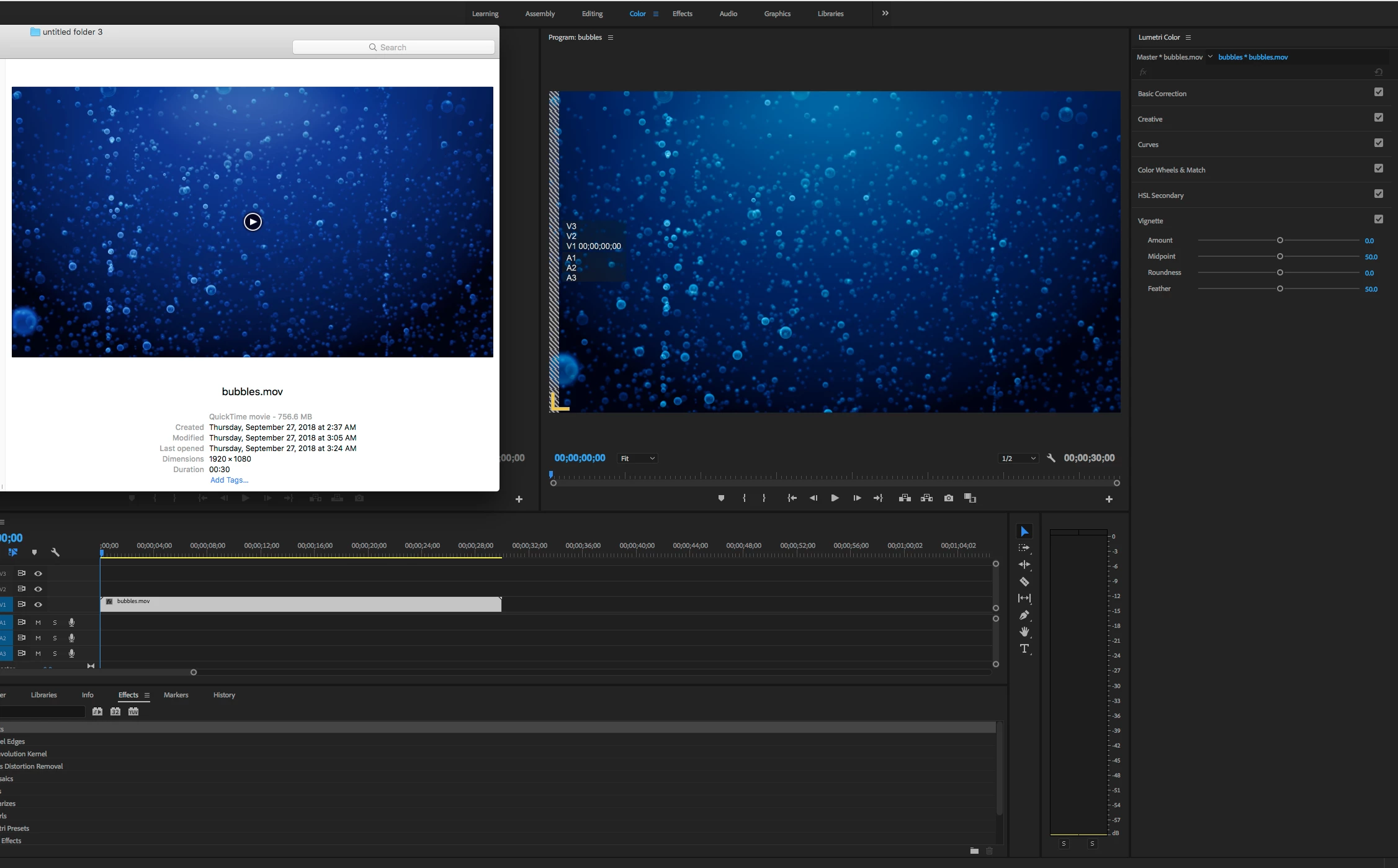
Short answer: PPro is displaying the color correctly, QT player is wrong. Instead, use VLC player to QC your files outside of Premiere.
Longer answer: QT player uses a different gamma curve from the official specification for HD video - ITU BT 709 (Rec709). PPro uses the correct specifications. The difference between the two is why they look different. Way back in the 90's when Apple created QuickTime they chose to deviate from the spec - probably to suite computer display technology which is a bit different from CRT televisions, which is what the Rec709 spec was created for. Nowadays there is very little technical difference between a computer monitor and an HDTV and there have been efforts to address this. Unfortunately, most internet browsers have adopted the QuickTime version and display colors in the same "wrong" manner as QuickTime player. In my testing, I have found that Safari and Chrome yield these same "wrong" values as QuickTime, but FireFox yields "correct" values which match Premiere. You may be saying "but wait, who cares about the standard if the majority of the industry has agreed to do it a different way - shouldn't we just make that the new standard?" Probably! Luckily the difference we are talking about is not so huge that it bothers most people. You have a keen eye, welcome to the club of pixel peepers! We do not have a solution to this problem, because it is not actually a bug, but I have heard of people developing LUTs that they add on export so the colors match what they see in QT player. The problem with that is then the colors will be wrong if you bring the file back into Premiere.
 AdChoices