
Answered
Color Options
I want to use pen tool. Color of the background and path color of pen tool is not contrdition enough. Is there any way to have pen tool path color option?
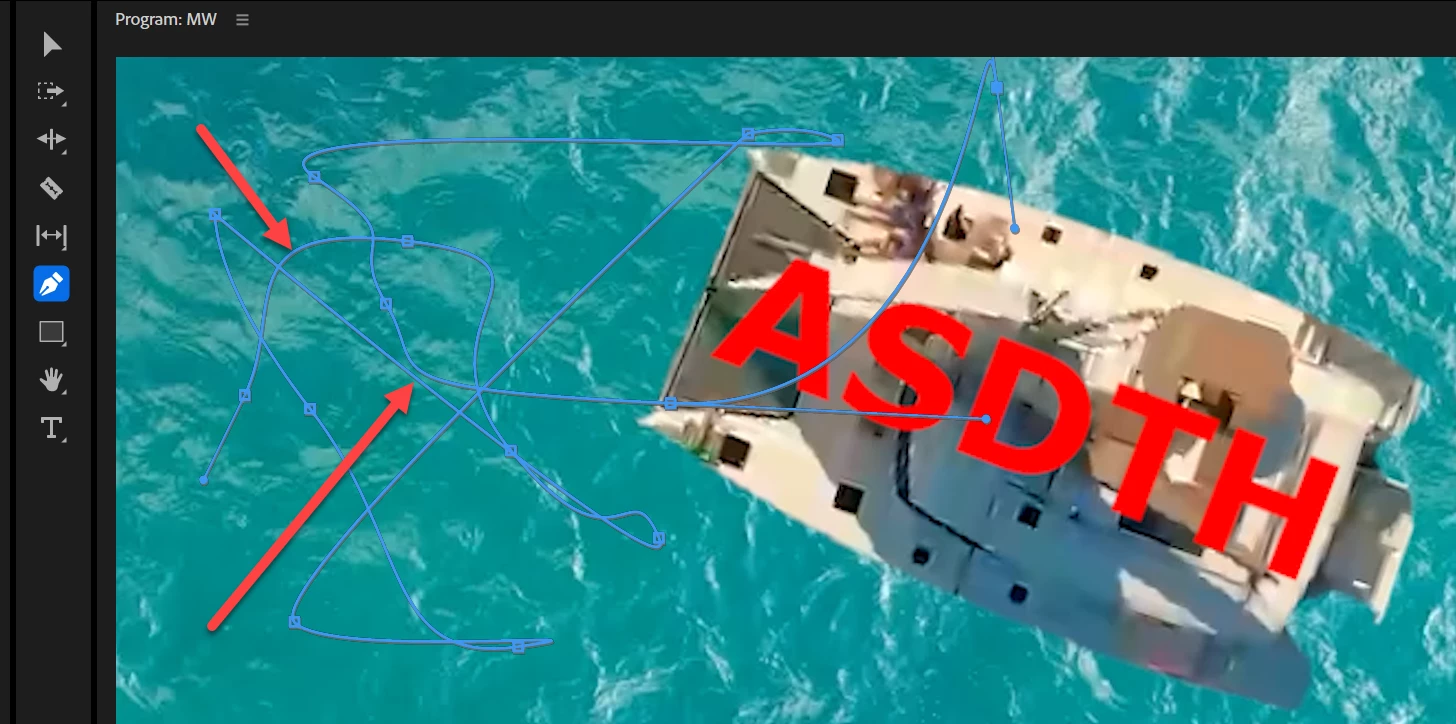

I want to use pen tool. Color of the background and path color of pen tool is not contrdition enough. Is there any way to have pen tool path color option?
You can't change the color of the mask path in Premiere Pro. However, you can temporarily adjust the color of your underlying image to improve visibility.
One non-destructive way to do this is:
This can help make the mask path stand out more while working on your project. When you're finished, go back to the Settings menu and select Composite Video to restore the original view.
Already have an account? Login
No account yet? Create an account
Enter your E-mail address. We'll send you an e-mail with instructions to reset your password.


 AdChoices