Known Participant
July 11, 2018
Question

Colour Correction / Background looks very green

  • July 11, 2018
  • 1 reply
  • 618 views

Hi,

I used this helpful tutorial to colour correct an interview. How to Color Correct and Grade in Adobe Premiere Pro CC (Lumetri Scopes, Skin Tone, White Balance) - YouTube

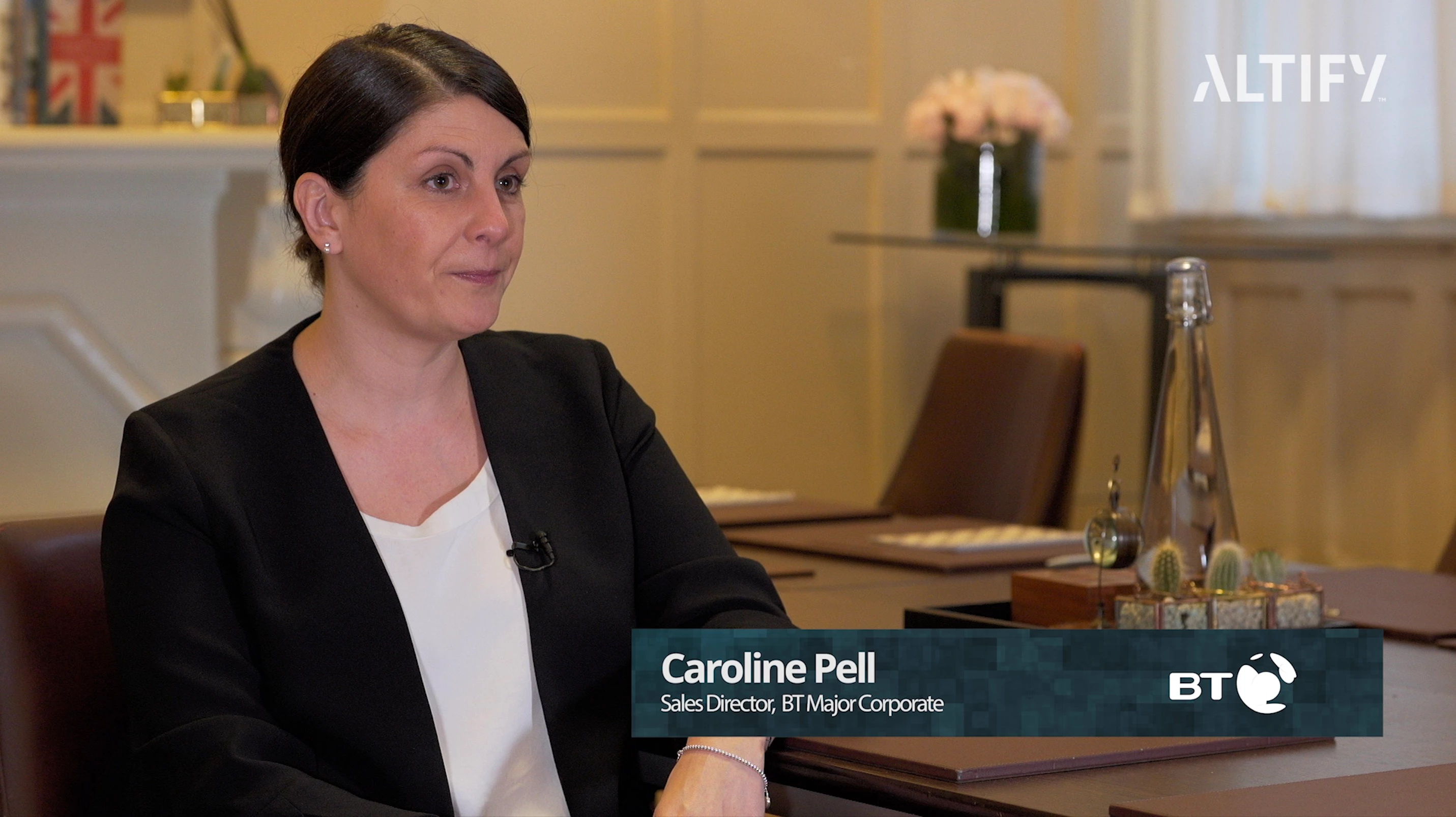
Here is the before and after.

Before:
After:
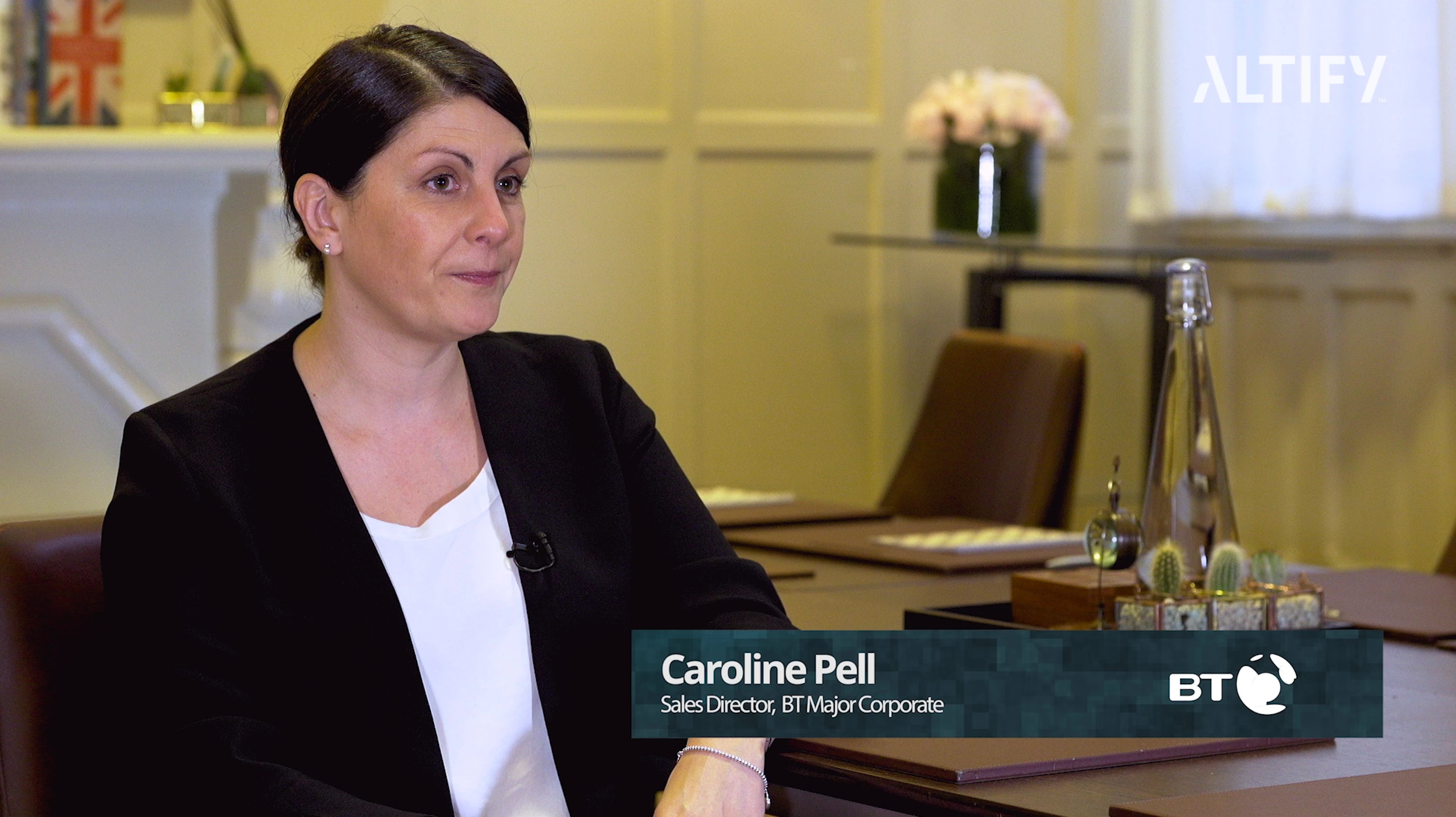
I think it looks much better after the colour correction. Skin looks better but the background looks kind of green and there's a sort of greeny light highlighting areas. (I don't know what colour the wall is as I wasn't there for the interview).

Do you think this looks ok? Or does it need a lot more work? Any suggestions?

Thanks!

This topic has been closed for replies.

1 reply

Legend
July 11, 2018

It looks much nicer with what you did. Good going. There's a guy here who did something on you tube with lumetri to demonstrate making some corrections, and hopefully he will share that with you, suggest maybe some tweaks.

Legend
July 11, 2018

before and after me messing around in photoshop … 

Is weird cause you got 56k coming in window ( blue ) and probably yellow wall, (blue and yellow = green ), a lamp on mantle with probably 22K light bulb ( of no consequence really - but it's yellow/orange on mantle top), and some key ( see highlight in flower vase) on the girl, probably 32K. White balance probably somewhere around 32K.

I tried to take down her shirt a little but she's getting flat and washed out looking.

That guy I mentioned will probably show up and have some good advice for little tweaking, but if I had to just go with what you did already I think it's much nicer than what you had originally and would just go with it.

Known Participant
July 11, 2018

Ok great, thanks! It's helpful getting a second opinion to say it looks ok! Thank you