Interesting. I am even more confident that this is a bug.
- Using the wipe feature, you cannot see a difference.
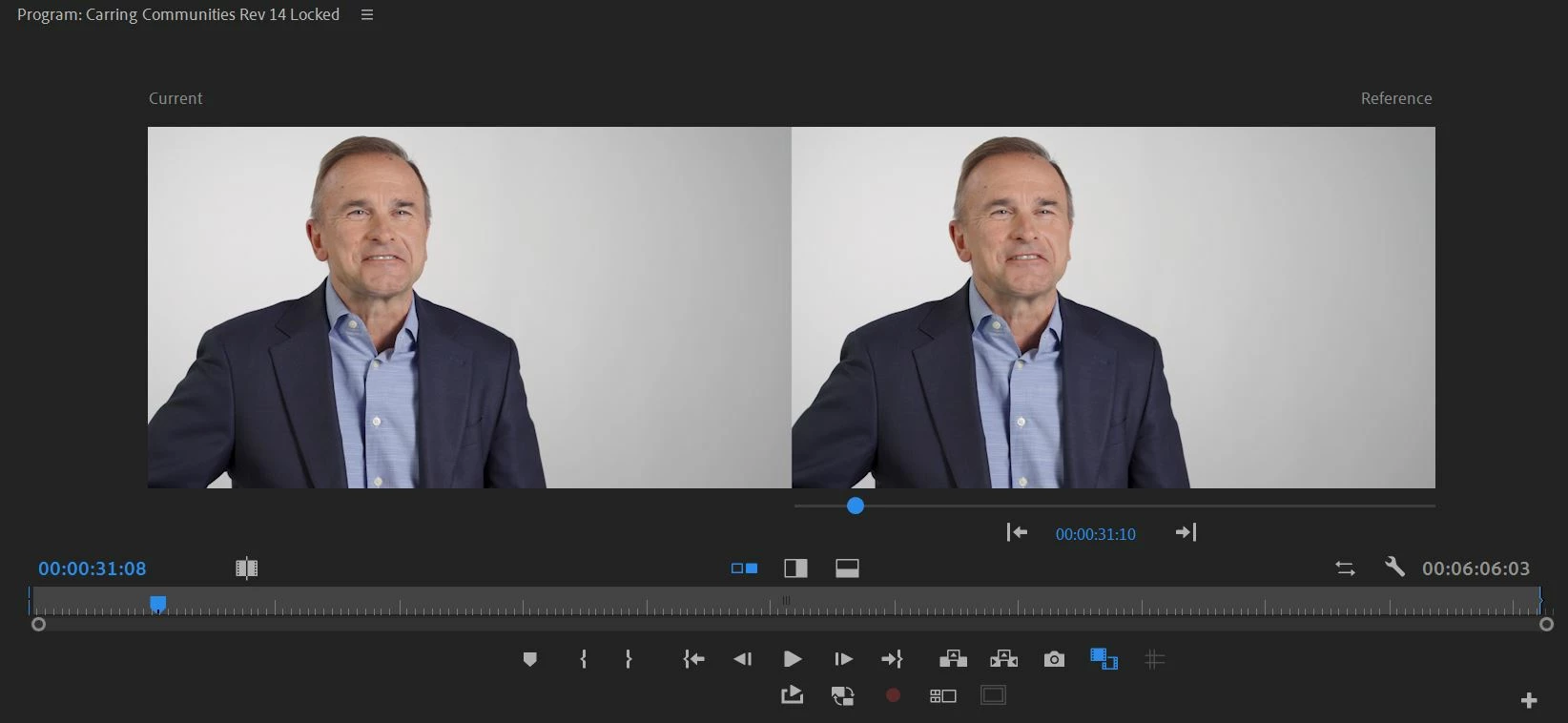
- In a comparison view, I can see the right-hand side of the frame is definitely darker in one of the images than the other. Confirmed on multiple displays, mac, pc.
- If I hit the button that flips the comparison and changes which image is on the left or right, the problematic darker image stays on the left of the comparison view. This means that the issue is not with the clip or color management, but somehow with how the left frame of the comparison view is programmed.
Is there a way to escalate this to the dev team?
We can actually close this issue. It's my brain and eyes playing tricks on me....
On another forum someone got me thinking to try and move the images into photoshop and change how I am comparing them. When I overlay the images, they do match exactly. When they are side by side, my brain interprets one of the images as being darker. Weird...
Thank you for the help everyone!



 AdChoices