


Consolidate and transcode, render and replace, neither works when editing in a 9x16 timeline.
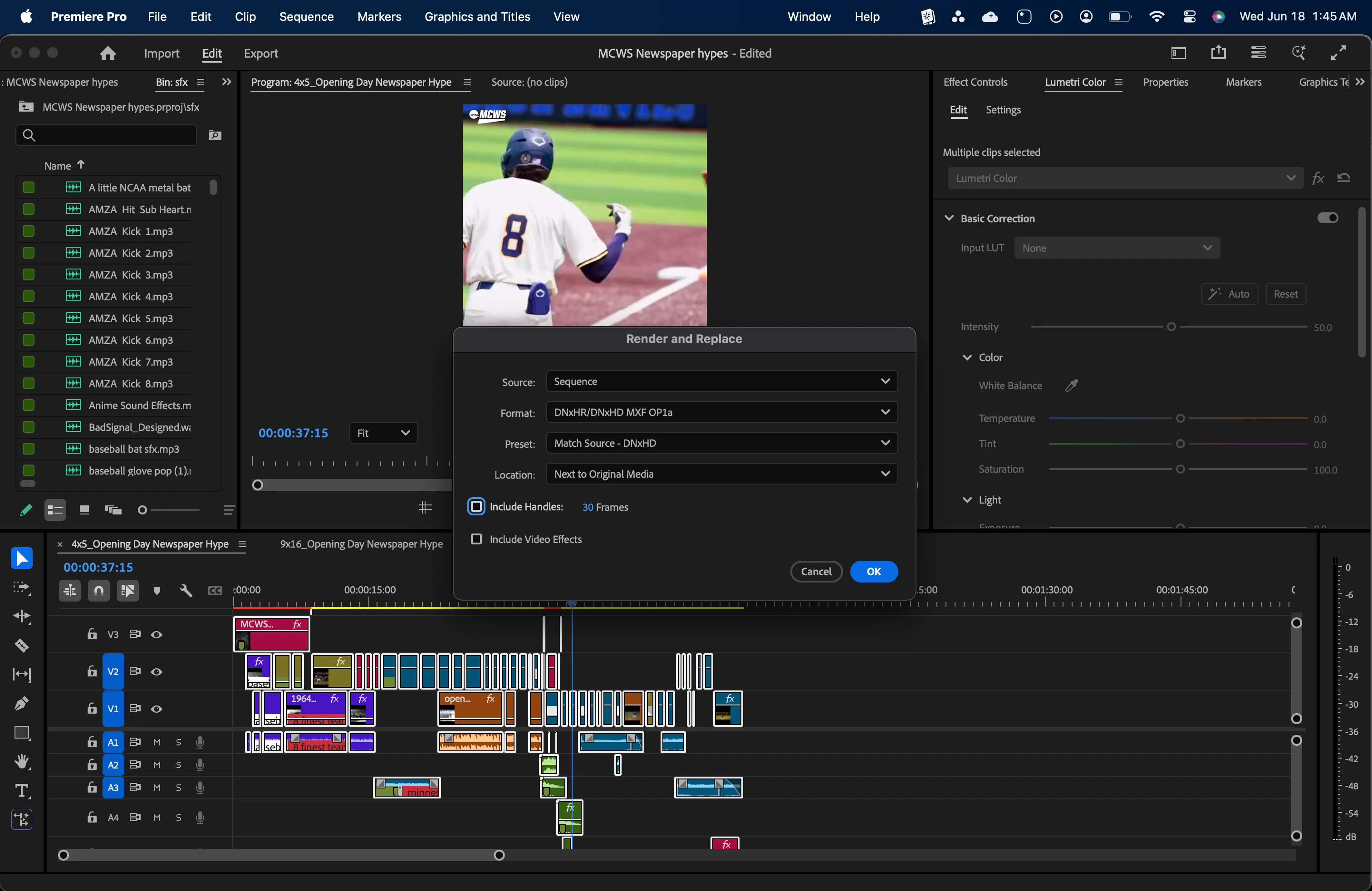
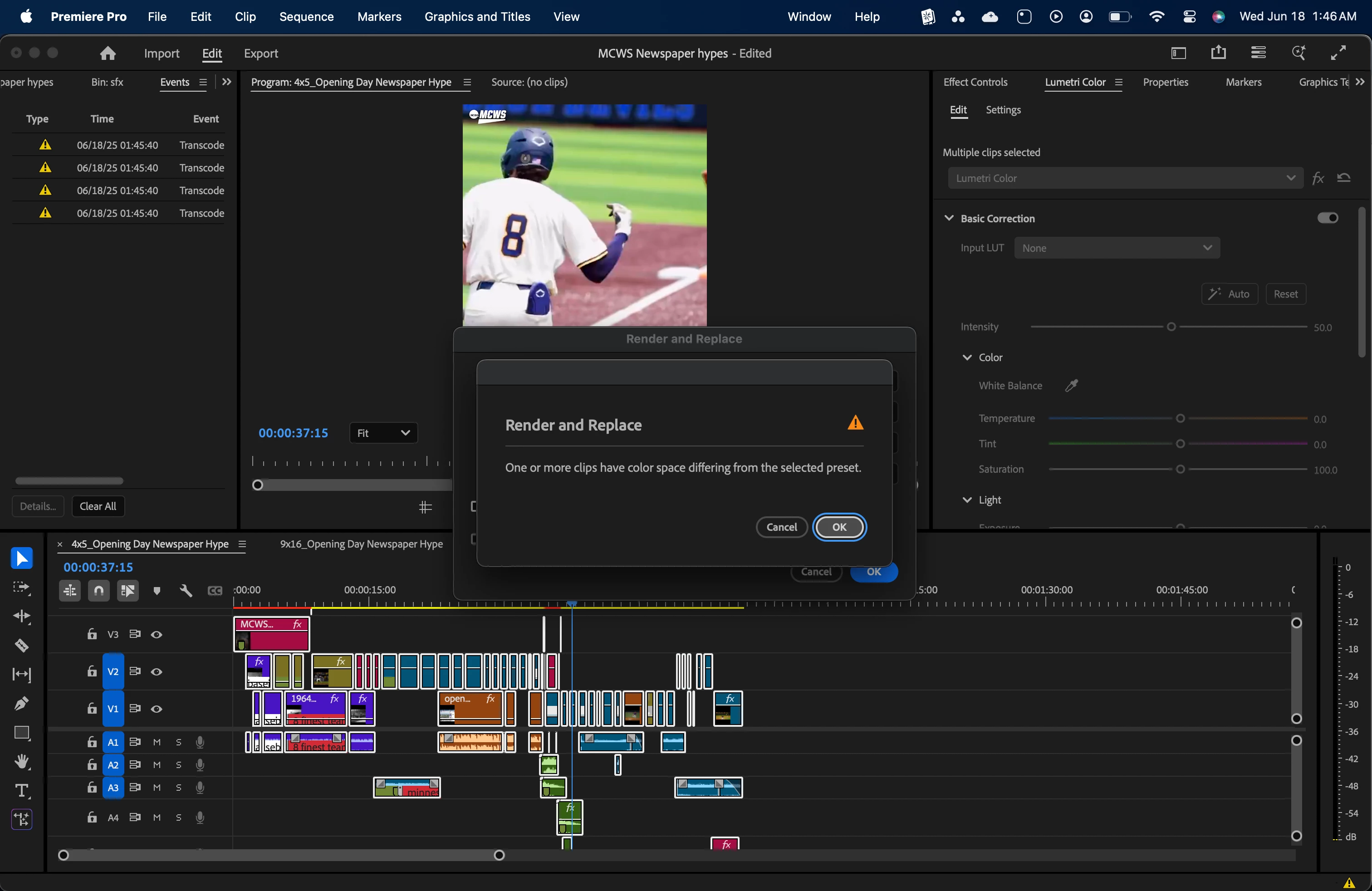
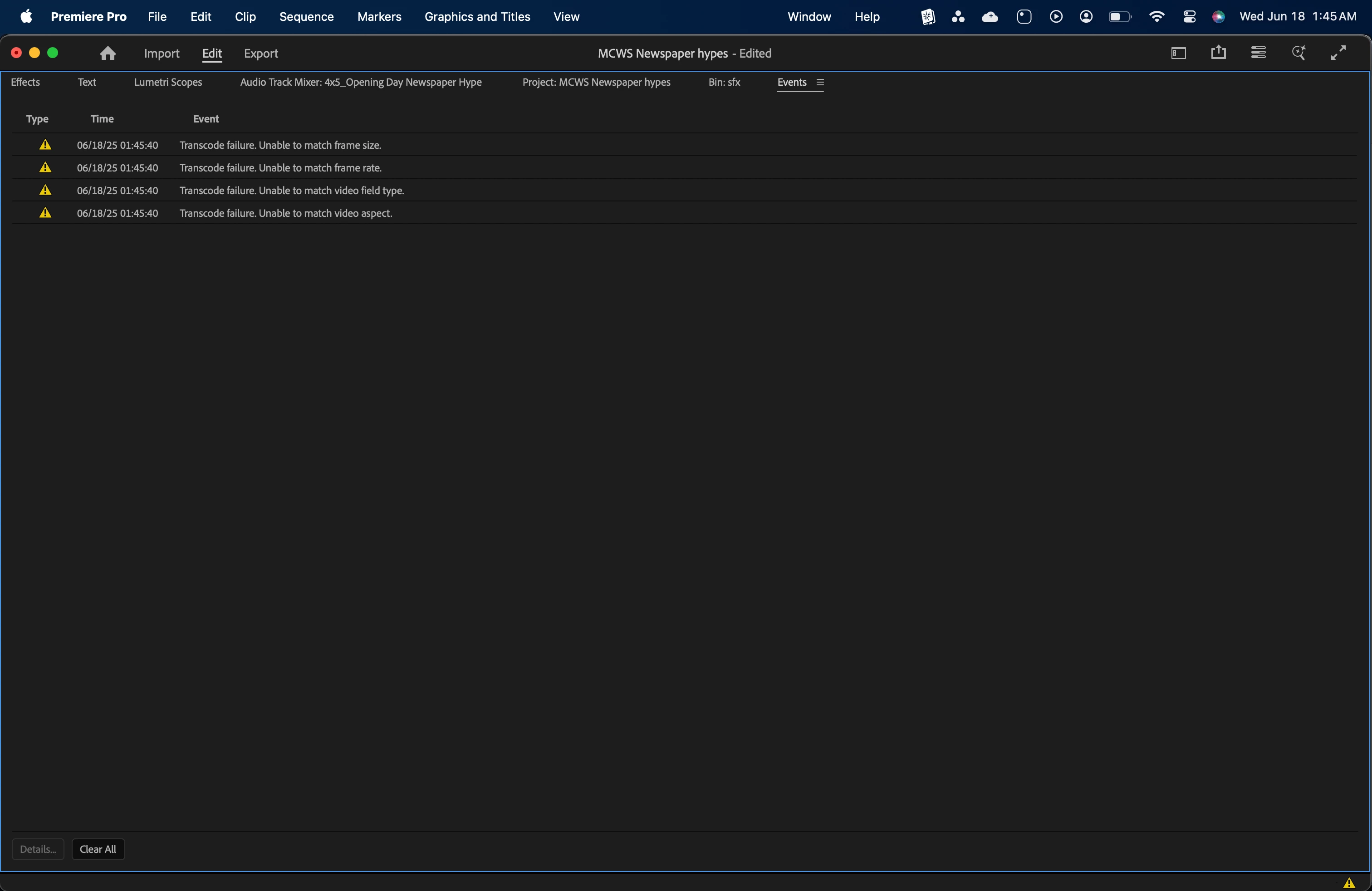
I want to use the consolidate and transcode feature to cut down on my project size, because I have a ton of footage that I don't need other than what was used in the project. I would like to get rid of the fluff, but keep a workable project to refer back to in the future. The project is completely done now, and I was given melts of footage so I really only need the parts of each melt that was used in the final edit, and want to delete the rest of it. Ideally, Consolidate and Transcode extracts the part of the melt that I used, so that I can delete the full file and only keep the parts that were used in the edit. HOWEVER, because I'm editing for social media, none of my sequences are 16x9, the frame rates don't match because I speed ramped a bunch, and therefore consolidate and transcode will only copy the full files to a new location. This doesn't help because it really doesn't save any space for me. I've heard that Render and Replace could be a good work around, but Premiere won't even attempt it because of mismatched footage/sequence settings. Any ideas on how to get around this? I have some nests and after effects comps in the timeline as well.
TL;DR 16x9 footage in 9x16 timeline will not consolidate and transcode because of the mismatched settings.

 AdChoices