



Convert panned static mask to moving mask?
Hi. I'm trying to do some some really complicated masking stuff and I can't seem to get what I'm looking for. I'm trying to create a new animated mask that emulates a static mask that has been panned.
As an example, I have a pink pattern layer with a static, star shaped mask.
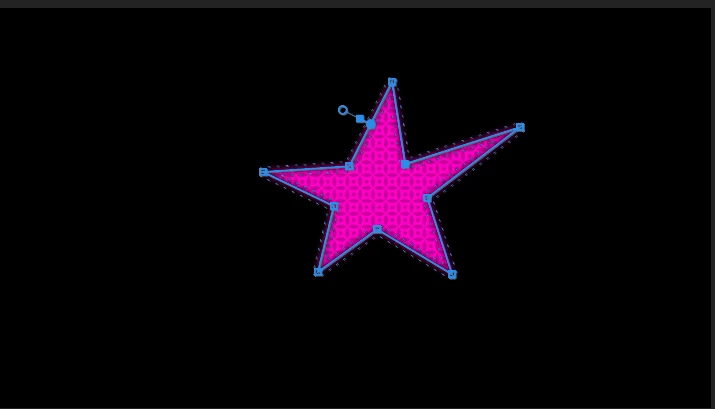
This layer is then nested, and the nested sequence has a position/rotation/scale animation applied, as if there were a camera zooming into the pink layer.

Is there any way to create a new animated mask for an unmoving green pattern layer that perfectly matches the shape of the original mask? The below gif is an imperfect recreation of what I'm going for.
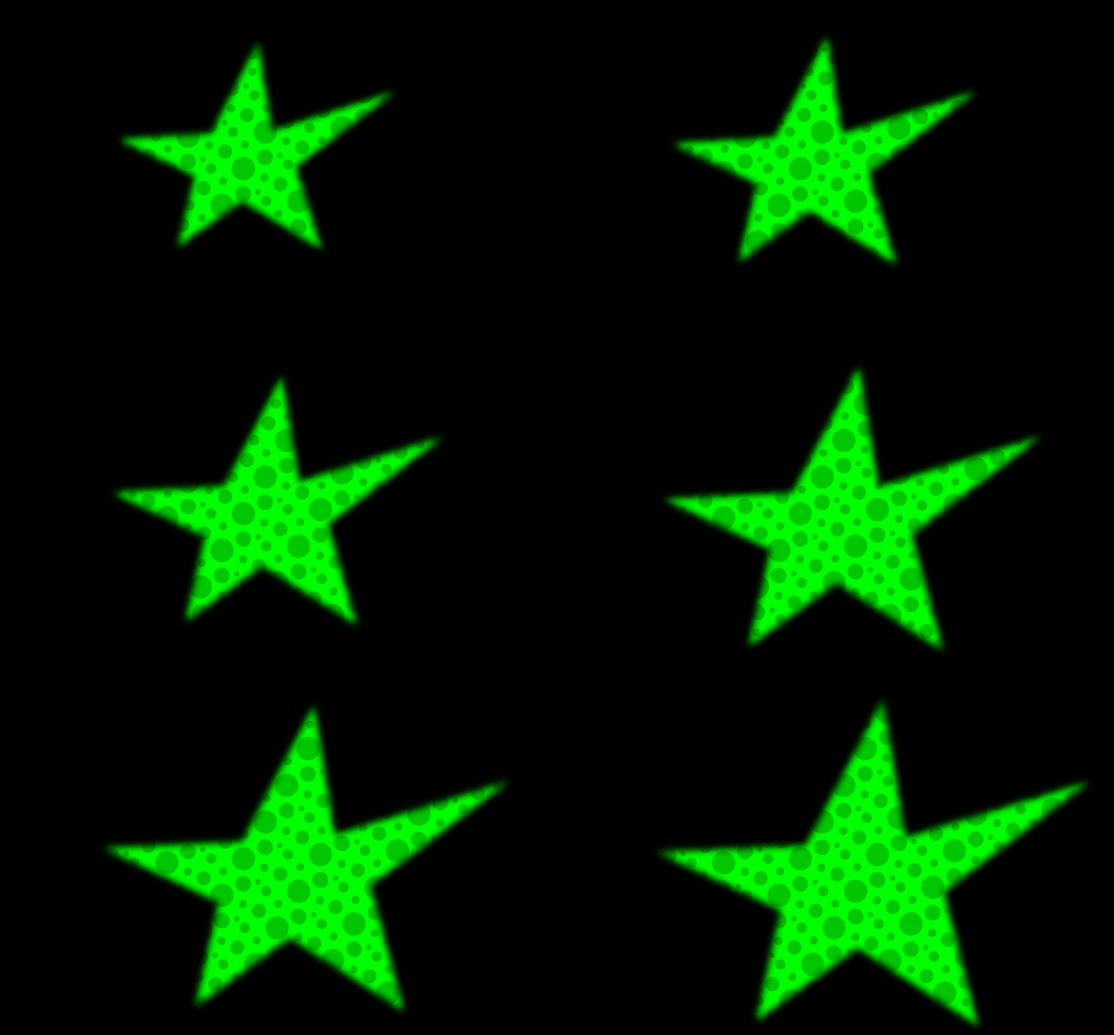
Som notes: Please read this part since it explains why I'm trying to do this.
This example is an extreme oversimplification of my project. In reality, there are multiple non-static masks inside the nest that pertain to multiple unmoving patterns outside the nest. The masks were created inside the nest as a matter of necessity, and I can't change them. I understand that you could use alpha adjust to cut holes in the nest and reveal the underlying patterns, but this can't work in my case for two reasons. First - the nested masks sometimes overlap each other, meaning that I wouldn't be able to accurately split the underlying patterns apart.
Second - I want to put another layer behind the underlying patterns. If I just cut holes in the nest where the patterns should be, it won't allow for a third layer behind everything else.
I know I'm asking a lot, but I am pulling my hair out trying to think of a way to make this work and the only thing I can think of is giving the non-nested pattern layers an animated mask.
Thanks in advance for help.
 AdChoices