Corrupt Export H.264 / Abstractions in main video but stills and additional video Fine mostly
Hey there,
Very new to Premier Pro but experienced with Adobe products and computer savvy, been trying to export this 11-minute film the past few days and having all sorts of issues on my MBP 2015 using APP CC2020 V14.2.0 (b47).
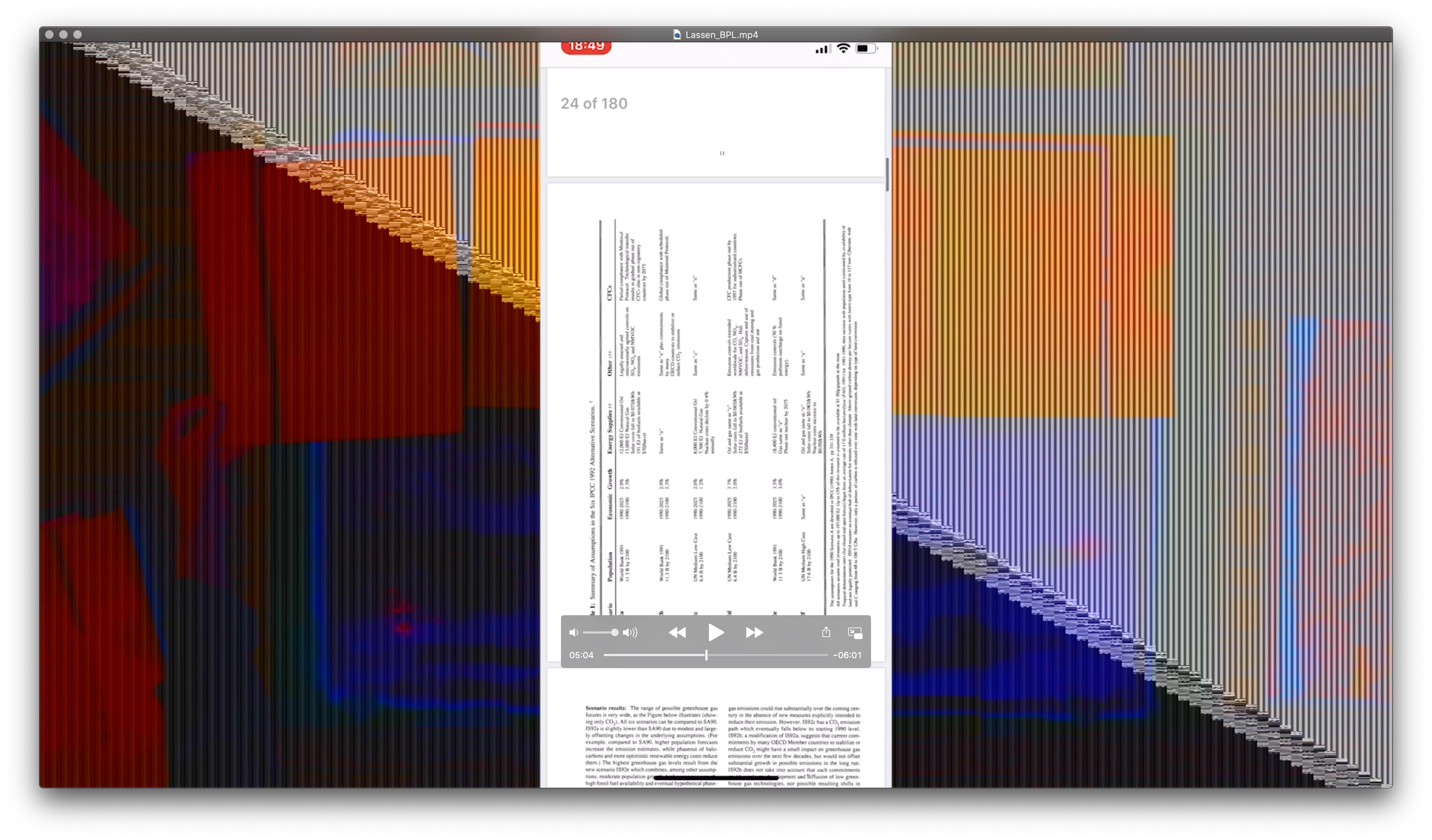
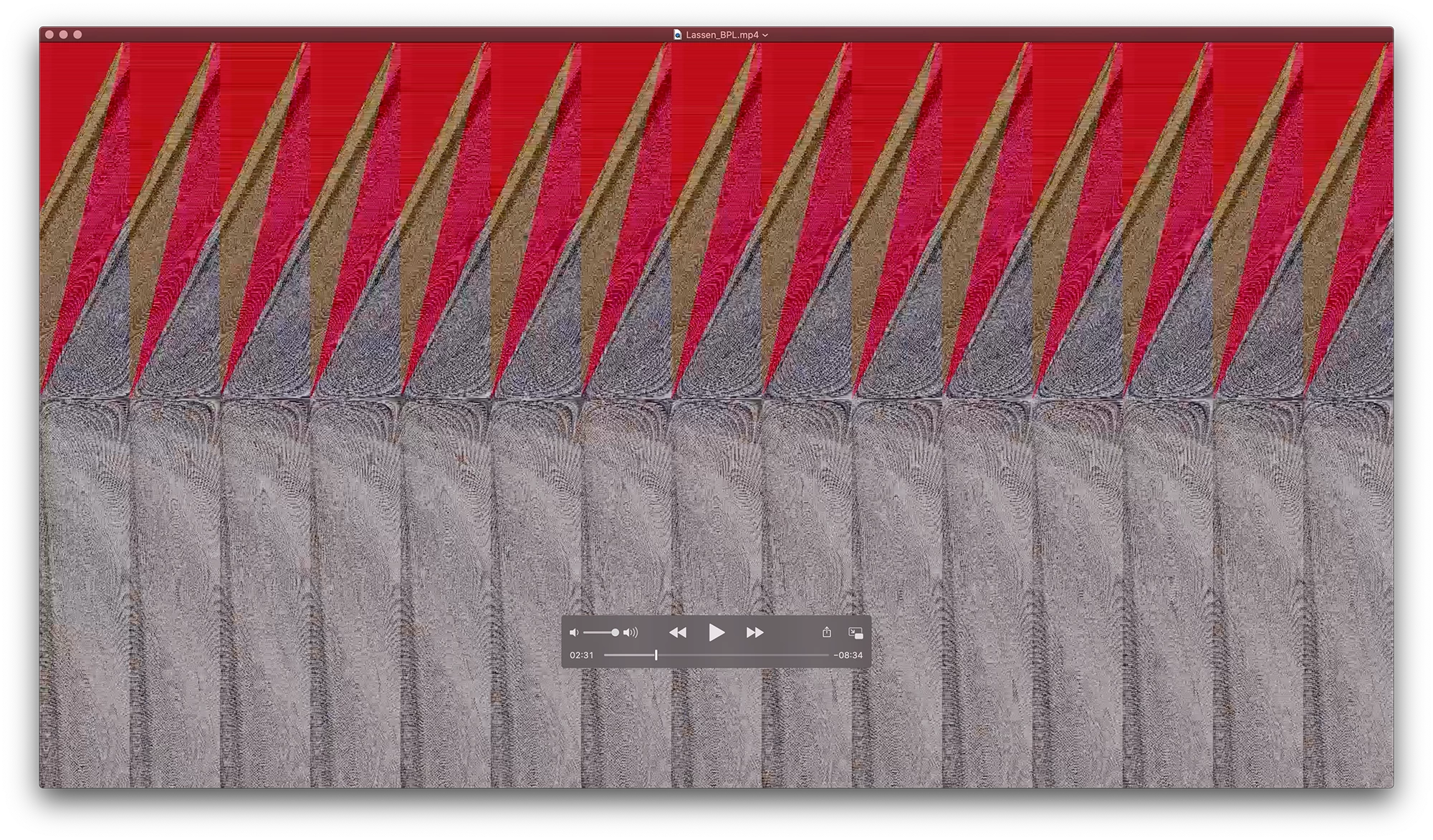
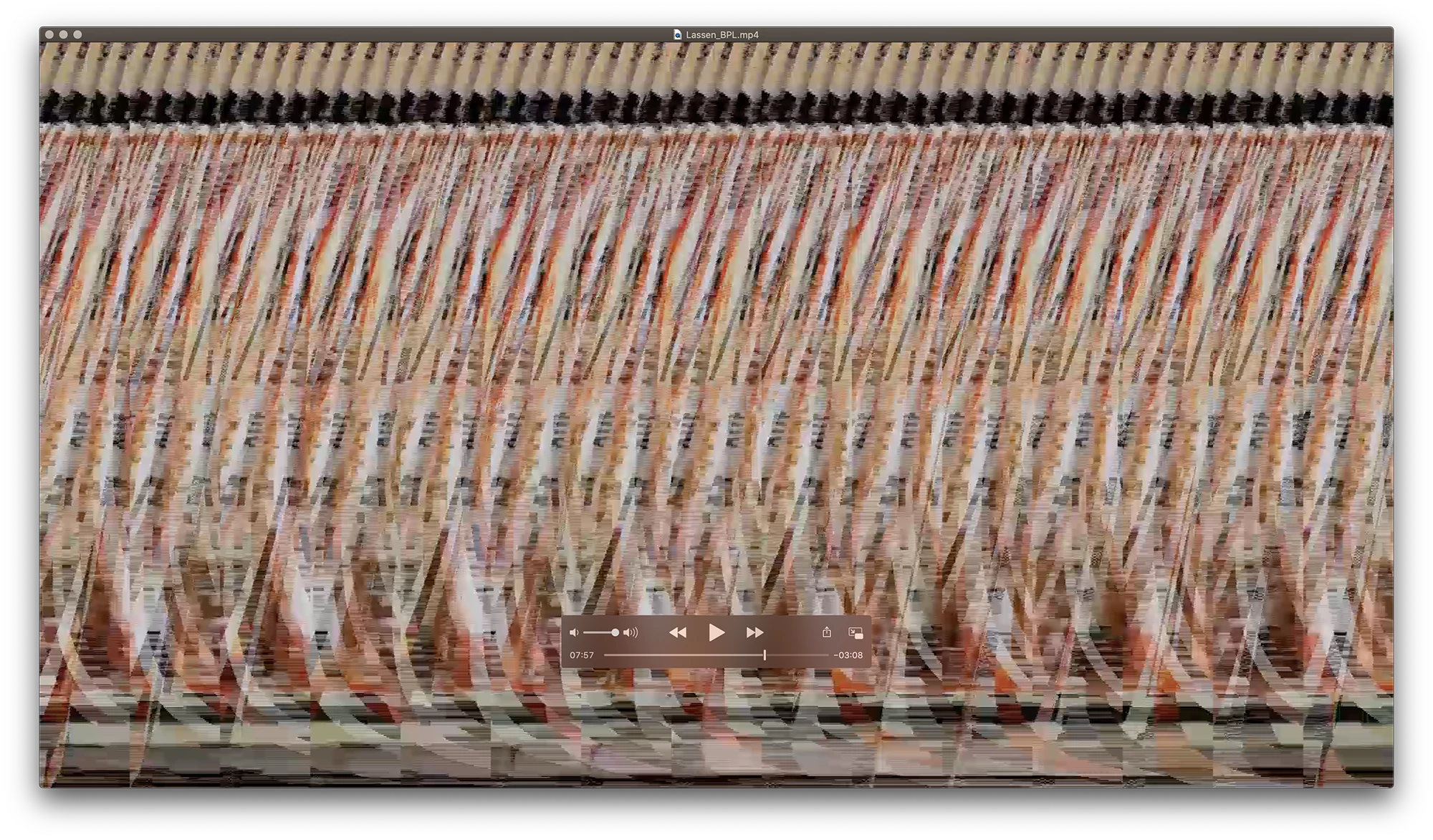
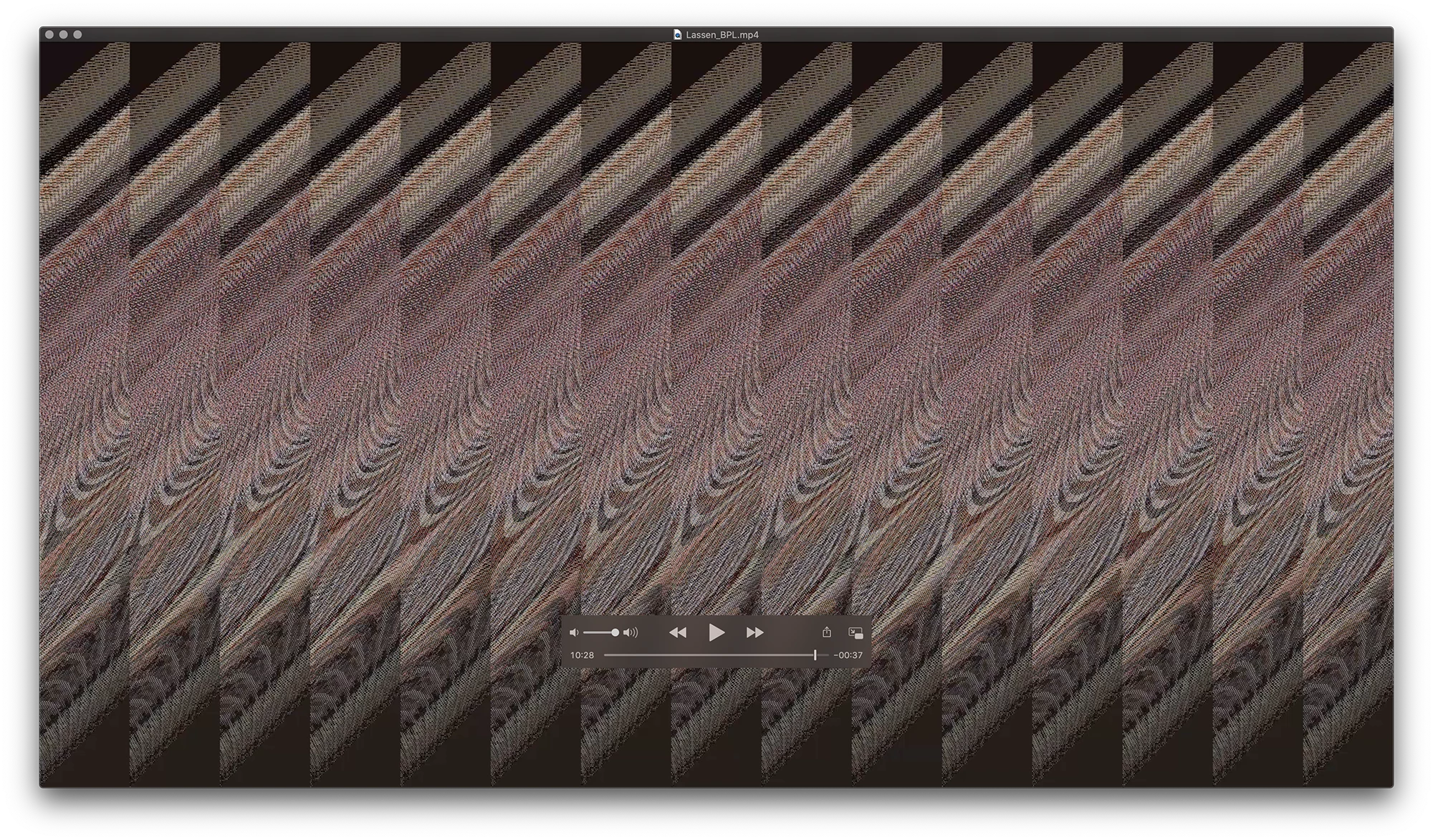
The file kept crashing and finally got it to export just now, the first 3 minutes are fine as they are stills but as soon as the main video starts it's corrupt and abstracted. The main video is 59.94 fps and the other videos, there are about 11 video tracks are different frame rates. I'm exporting at 59.94 fps. There is a lot of videos on top of other videos hence the rendering time but it's taking a very long time to render (finally got through that part) but the export just isn't working.
I'm using the settings below, it's for Vimeo 1080p and I found them here: https://whoismatt.com/hdexportsettings/
Any help would be greatly appreciated as I'm running into a wall. Lastly, the video plays fine when it's rendered in the preview in APP, it's the export where it's either been freezing or corrupting when exporting. I also re-installed the entire APP application this morning to see if that might help.
Many thanks for any help.
Brian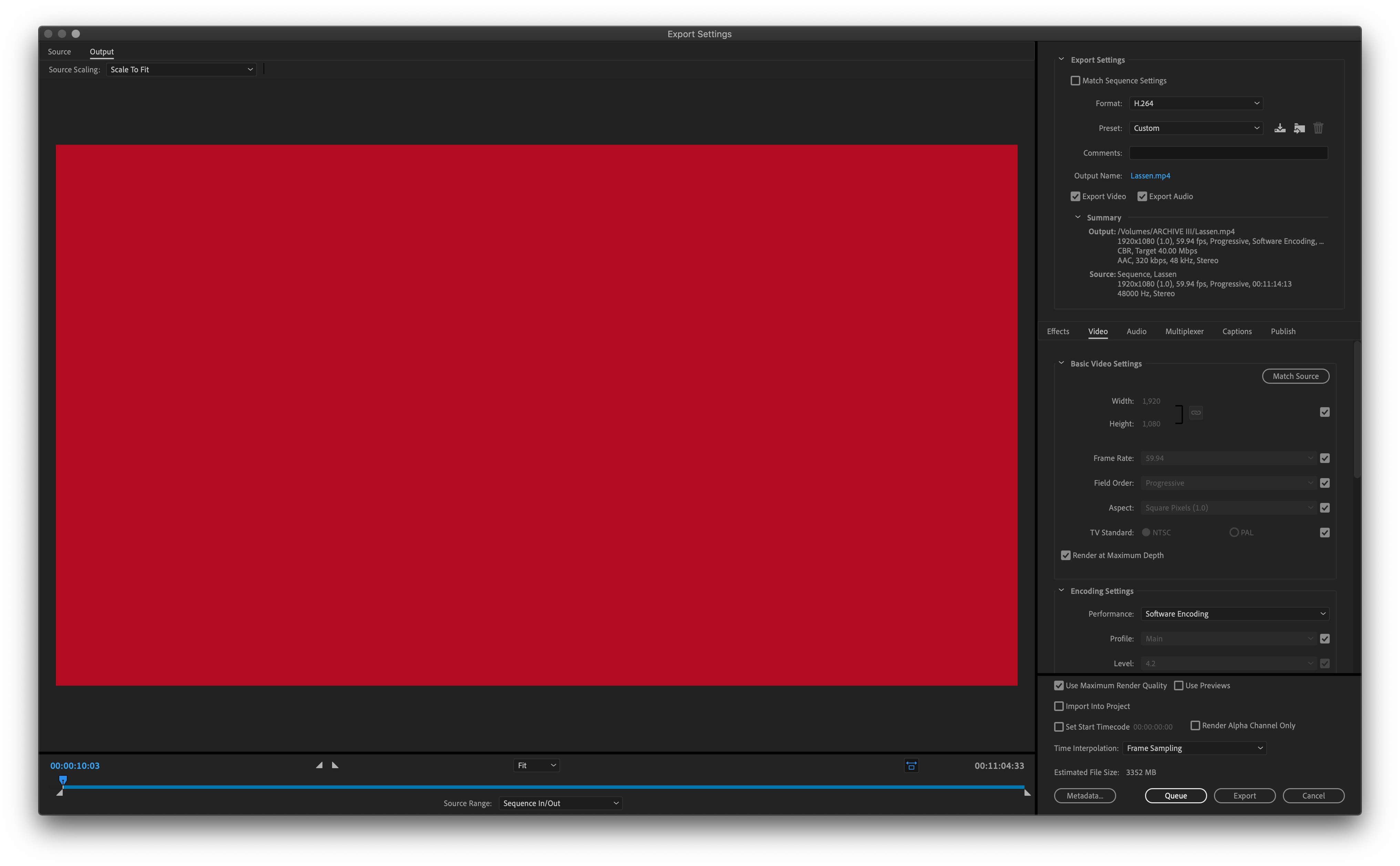
 AdChoices