
Corrupted/glitched greyed out file, but only one specific .mp4 file
Hello, so, this happened after I updated my premiere to 1.4.5 (after that I upgraded to 1.4.8 and it still buggy)
It looks like it is corrupted inside premiere but the file itself OUTSIDE premiere is all right (outside of premiere I can open and visualize the footage normally, nothing wrong with it.) it's only inside of premiere that the screen is all buggy/greyed out (the entire footage)
Here i created a new project and just opened the buggy .mp4 file, nothing else, just the footage
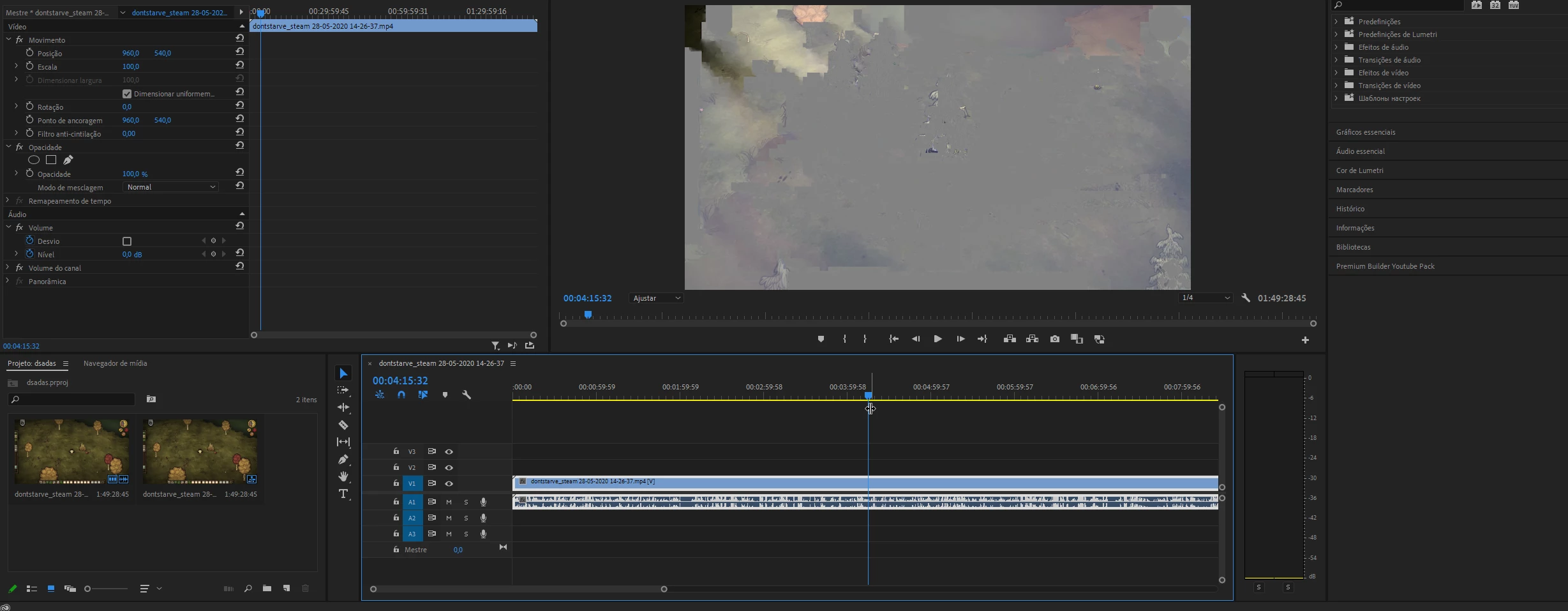
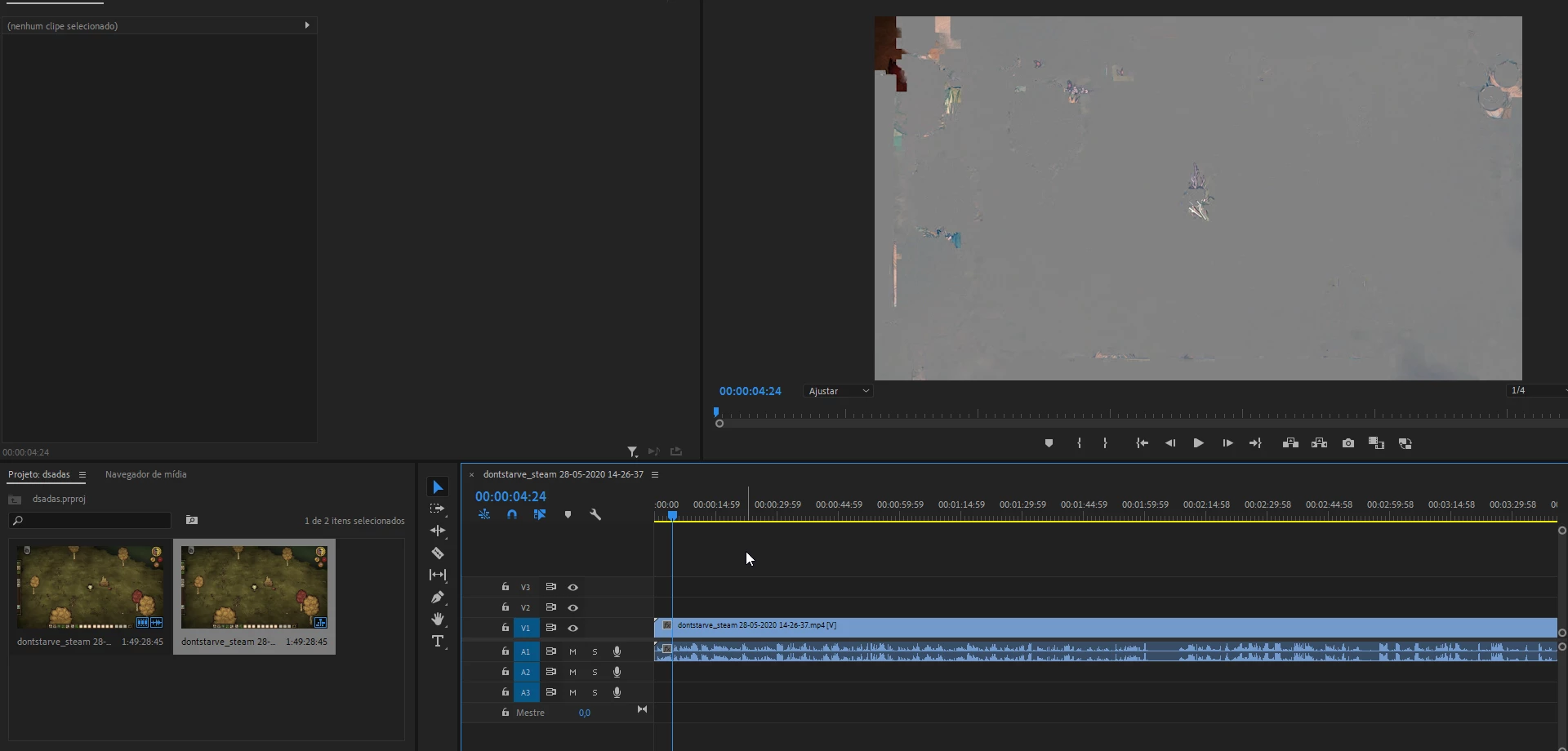
I already tried some things, here's what I've tried so far.
>Deleting media cache files
>Updated premiere to 1.4.8 (still buggy)
>Restarted my pc
>Updated drivers (AMD)
>Changed the name and location of the file (also made an copy of the original file and still didn't work)
>Tested the file on Premiere CC 2019 (which worked, but I can't open my CC 2020 project in it so it doesn't matter, and I also tried that one website that downgrades the premiere project to get it to work on previous versions, which didn't work)
And none of the things i tried worked so far.
It's just one single file that's causing the issue, if I add any other .mp4 file it runs normally, first, I thought the issue was that the file of this file is over 10GB (15GB to be specific) but I loaded some other footage and it seems to work normally, it obviously seems like a media cache bug, but I already cleaned the media cache a couple of times and it still doesn't work.
Maybe I am cleaning the wrong cache files? is there another "cache" folder that I should be aware of?
I already cleaned the "AppData>Adobe>common>media cache"
and the one it's linked to premiere "Edit>preferences>media"
I don't know what else to do, I would appreciate some help.
 AdChoices