


Legend
January 2, 2026
Question

Crash Freeze Issue maybe NVIDIA Driver

  • January 2, 2026
  • 2 replies
  • 1010 views

Hello Everyone.

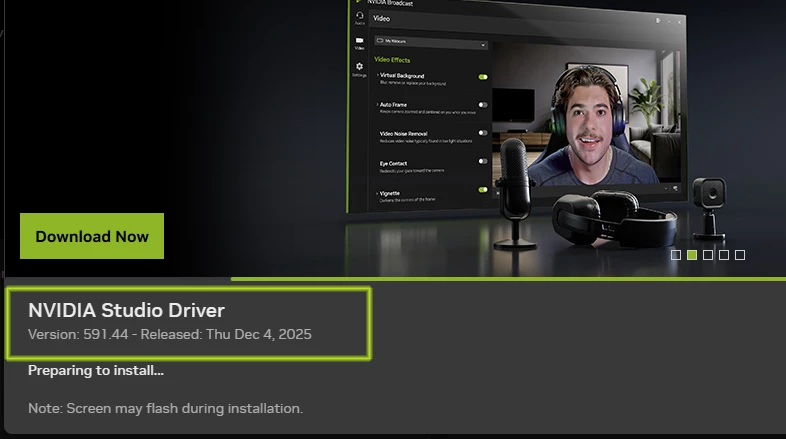
Recently I noticed Computer Freeze and Crash, when working with After Effects. I also, noticed my Computer Freeze and Crash during working with Premiere Pro. I have a fairly strong Computer. Inside my NVIDIA update settings, It keeps on showing Update Available. Is there a way I can manully install the latest Studio Driver?

Thanks.

Intel(R) Core(TM) i9-10900K CPU @ 3.70GHz (3.60 GHz)

64.0 GB (63.7 GB usable)
872448i0CDF3C4463902041.jpg

2 replies

Ann Bens
Community Expert
Community Expert
January 2, 2026

You are looking at the most current driver.

You do not need to use the experience app.

Manually downloading and installing: https://www.nvidia.com/en-us/drivers/

Always do a clean install.

Legend
January 3, 2026

Ms. Ann.

Is this the right one, or i neede NVIDIA search for a Driver

Thanks

872530iC758C730F44E3DED.jpg

Averdahl
Community Expert
Community Expert
January 2, 2026

If you click on Download Now it shall install. If not, you can download the latest Studio Driver here: Download The Official NVIDIA Drivers | NVIDIA


quote

Is there a way I can manully install the latest Studio Driver?


By @animationlife