



markkoskg15941118
Inspiring
December 26, 2021
Answered

Create nested sequences with file name? (automatically) READ

  • December 26, 2021
  • 3 replies
  • 2979 views

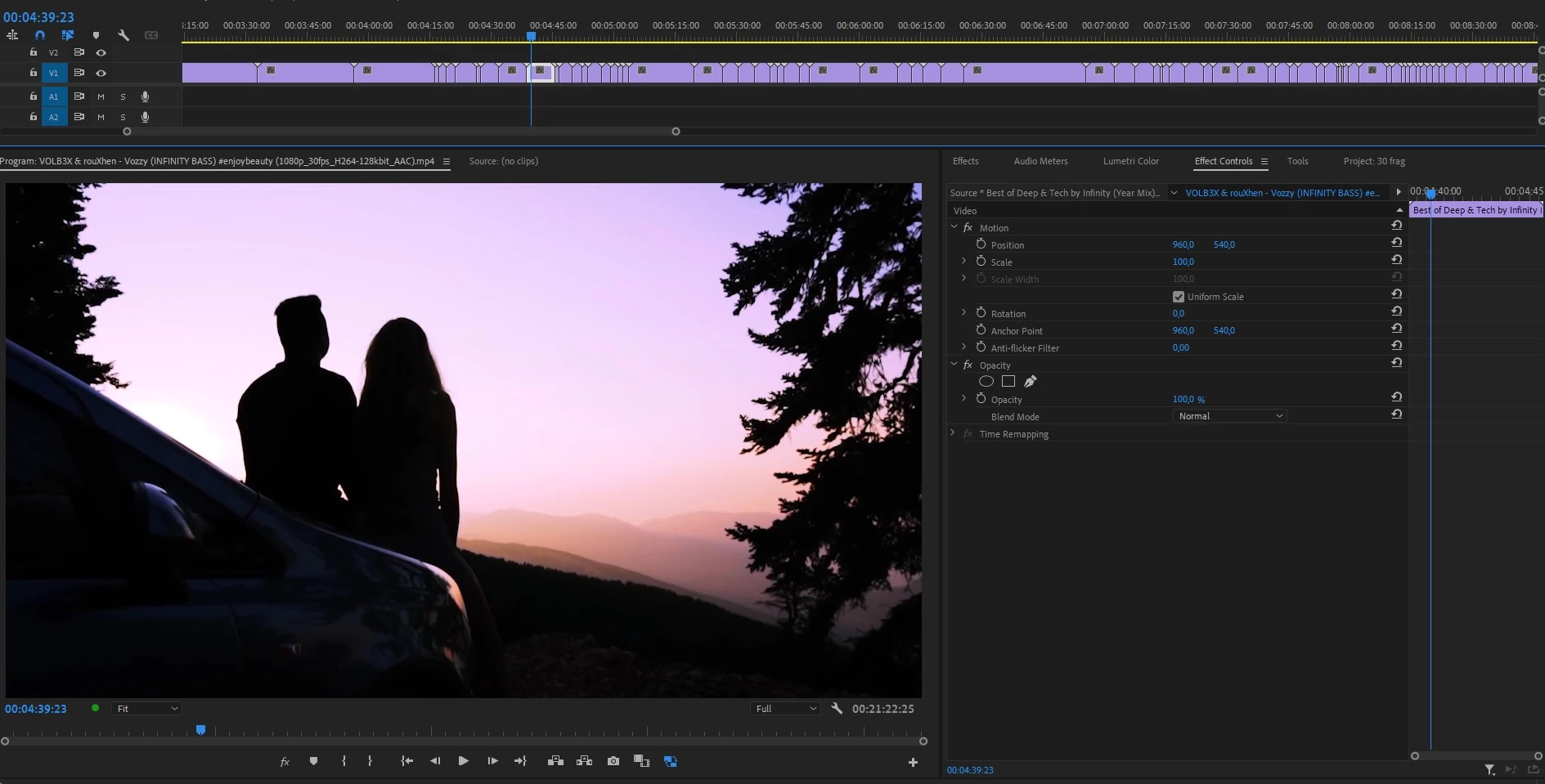
Sometimes I cut out small video clips that are less than a second long. The problem is that now I have more than 3 thousand video fragments in various projects and I don't want to create nested sequences "one by one" and rename them with the original name of the video. Is there a way to create a nested sequence with the original name of the video and quickly?
The way I create a nested sequence with the original name of the video is like this:
Right click on the fragment / properties / copy the name of the video. Then right click again on the video fragment / Nest / paste the name of the video instead of "Nested Sequence 1".
Doing it that way is going to take days and days.
The "Make Subclip" option does not work for me because it does not allow me to resize, add effects, trim or remove things within the video. Besides, not all the videos have the same dimensions (4k / 1080/720), and when I export I want all the videos to be in 1080p.

Correct answer Christian.Z

If you are technically inclined, you can create Macros, this will allow you to apply a sequence of keyboard strokes that are triggered with one. It requires a bit of research and some scripting knowledge, but basically using the script editor in mac, you can create a shortcut that applies, the shortcuts of copy filename, nest and then past the filename.

3 replies

Participating Frequently
October 26, 2023

I just had to do this too for 200 clips. Premiere really needs a rightmouse button - send to media encoder for clips from the timeline. It's been long enough!

Richard van den Boogaard
Community Expert
Community Expert
December 27, 2021

Why is it necessary to create nested clips in the first place?

Justin Kase Conder
Participating Frequently
December 14, 2022

I am in a smilar situation as the original poster. While I can't speak for them, the reason need to created a series of nested clips is so I can export each clip as an individual file. Why Adobe hasn't made this possible is beyond me, but with clients who want a library of clips that they can mix and match for their TicTok and other social media collateral, exporting the individual clips is a required part of the job. 

There's no way built in way, as of this writing to accomplish this, without creating nested clips and then batch exporting them.

tyrones92072254
Participant
June 26, 2025

did you come up with a work around?


Christian.Z
Community Expert
Christian.ZCommunity ExpertCorrect answer
Community Expert
December 27, 2021

If you are technically inclined, you can create Macros, this will allow you to apply a sequence of keyboard strokes that are triggered with one. It requires a bit of research and some scripting knowledge, but basically using the script editor in mac, you can create a shortcut that applies, the shortcuts of copy filename, nest and then past the filename.