
Bulgakov
Inspiring
July 10, 2018
Answered

Creating a nested sequence without audio

  • July 10, 2018
  • 2 replies
  • 1313 views

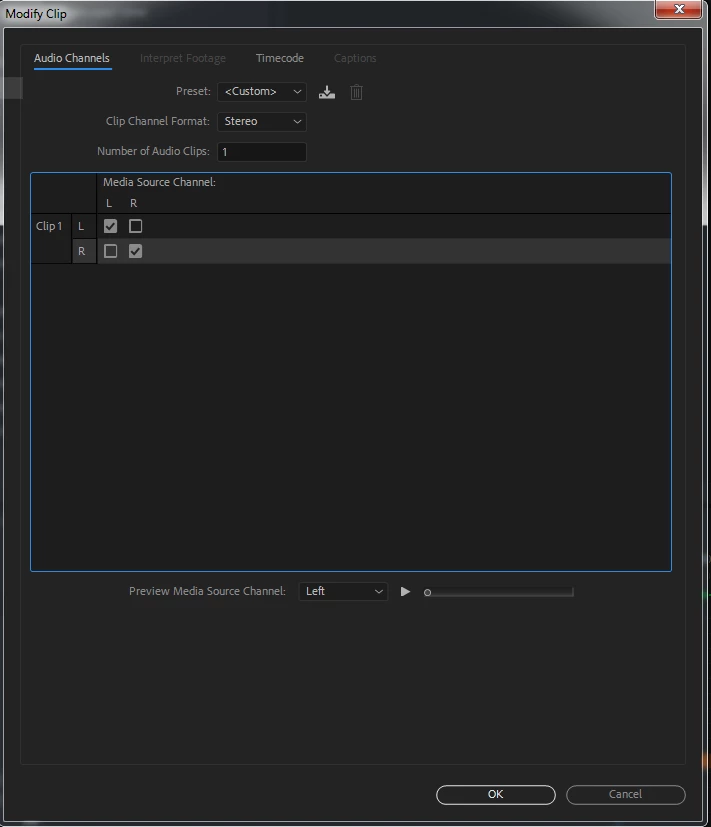
I have a project that includes several nested sequences of graphics and images without audio.  However, when I drop them in the timeline, an audio track is created. With regular clips you can simply modify them and change the number of audio channels to 0. However, while that option seems to exist for sequences, it will not allow you to use the 0 option. If I type in 0, it reverts back to 1.
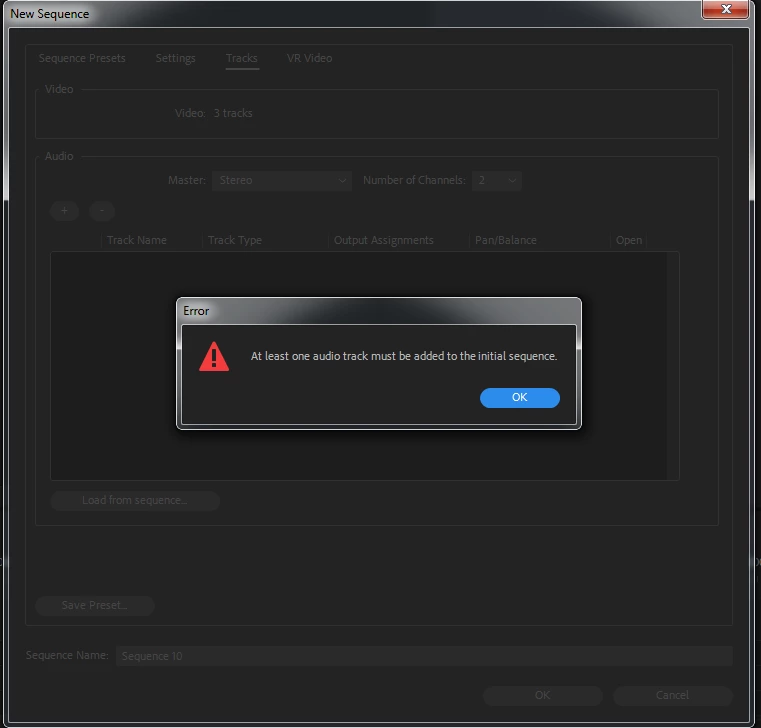
I tried creating a new sequence and changing the properties, but it forces me to have at least 1 audio track.
I can of course insert the sequences and then unlink the audio, but it would be much nicer not to have to do this. Is it possible?

This topic has been closed for replies.
Correct answer Ann Bens

If you dont have the audio track sourced you wont add the audio.

2 replies

Stargazer on ARM
Known Participant
September 8, 2020

Hi there!

By opening the sequence in the source monitor you can handle it pretty much like any other video/audio clip:

  1. Right click on the sequence in the project bin window
  2. Chose "Open in source monitor" from the scroll down menu
  3. Set in/out points
  4. Drag and drop the clip on the timeline
    (choose video only or audio only by drag-dropping from the standard icons underneath the monitor screen)


Good luck!

Ann Bens
Community Expert
Ann BensCommunity ExpertCorrect answer
Community Expert
July 10, 2018

If you dont have the audio track sourced you wont add the audio.

Bulgakov
BulgakovAuthor
Inspiring
July 10, 2018

Oh, of course! (He says, planting his palm firmly on his forehead).  Thank you for reminding me!  I've been staring at this way too long.