

Creating an opacity mask turns rest of the clip black
Hi there,
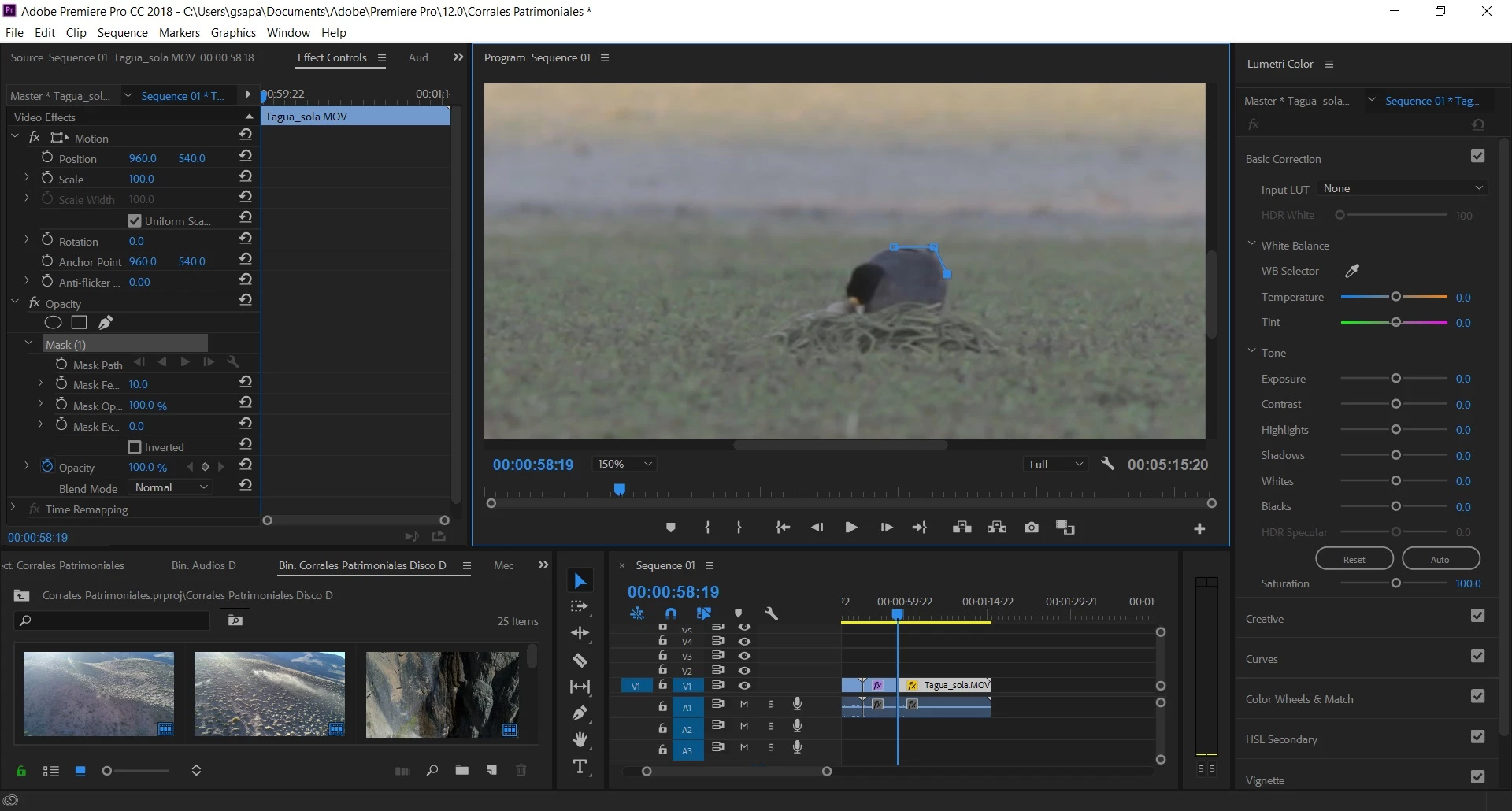
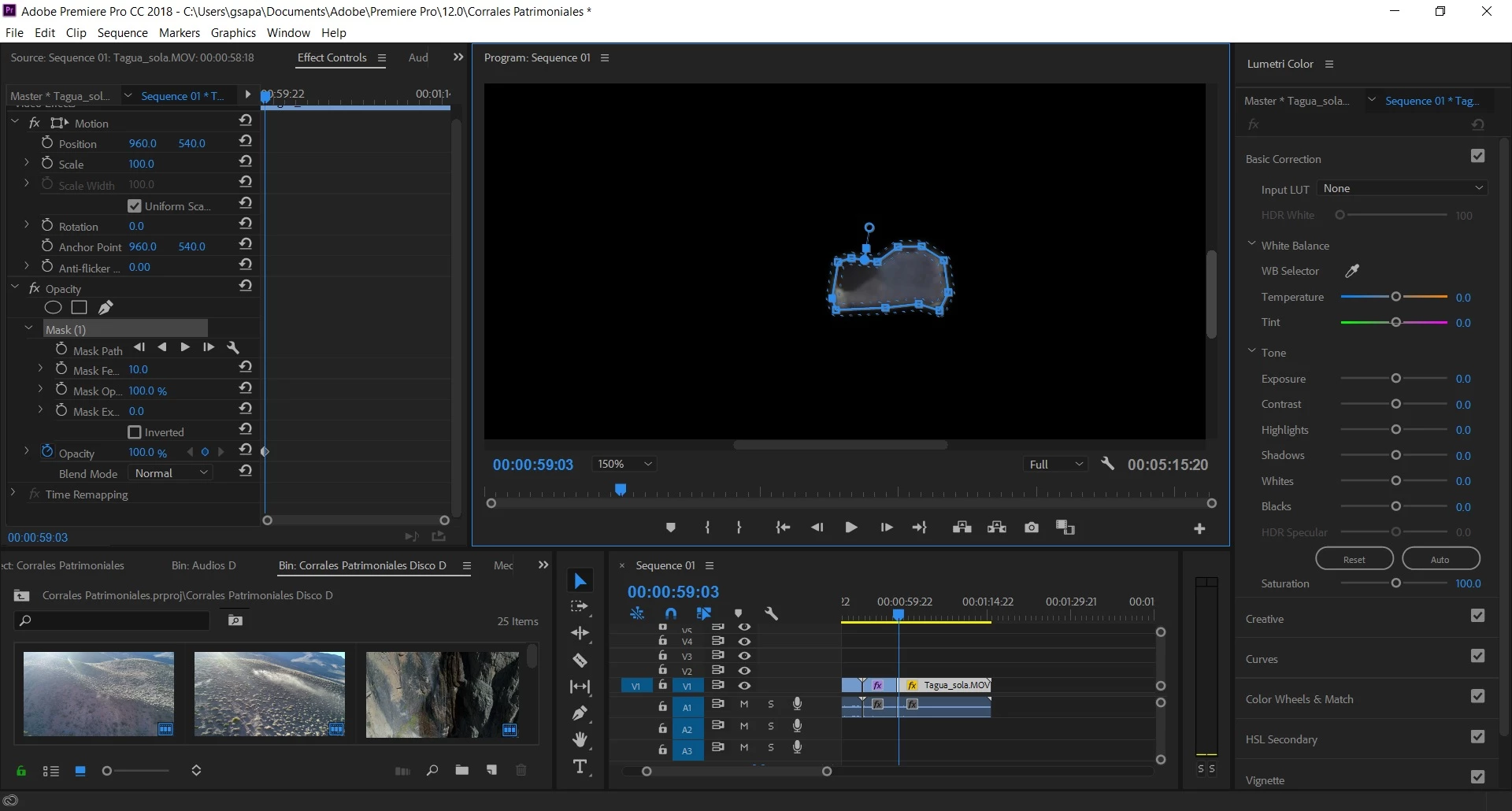
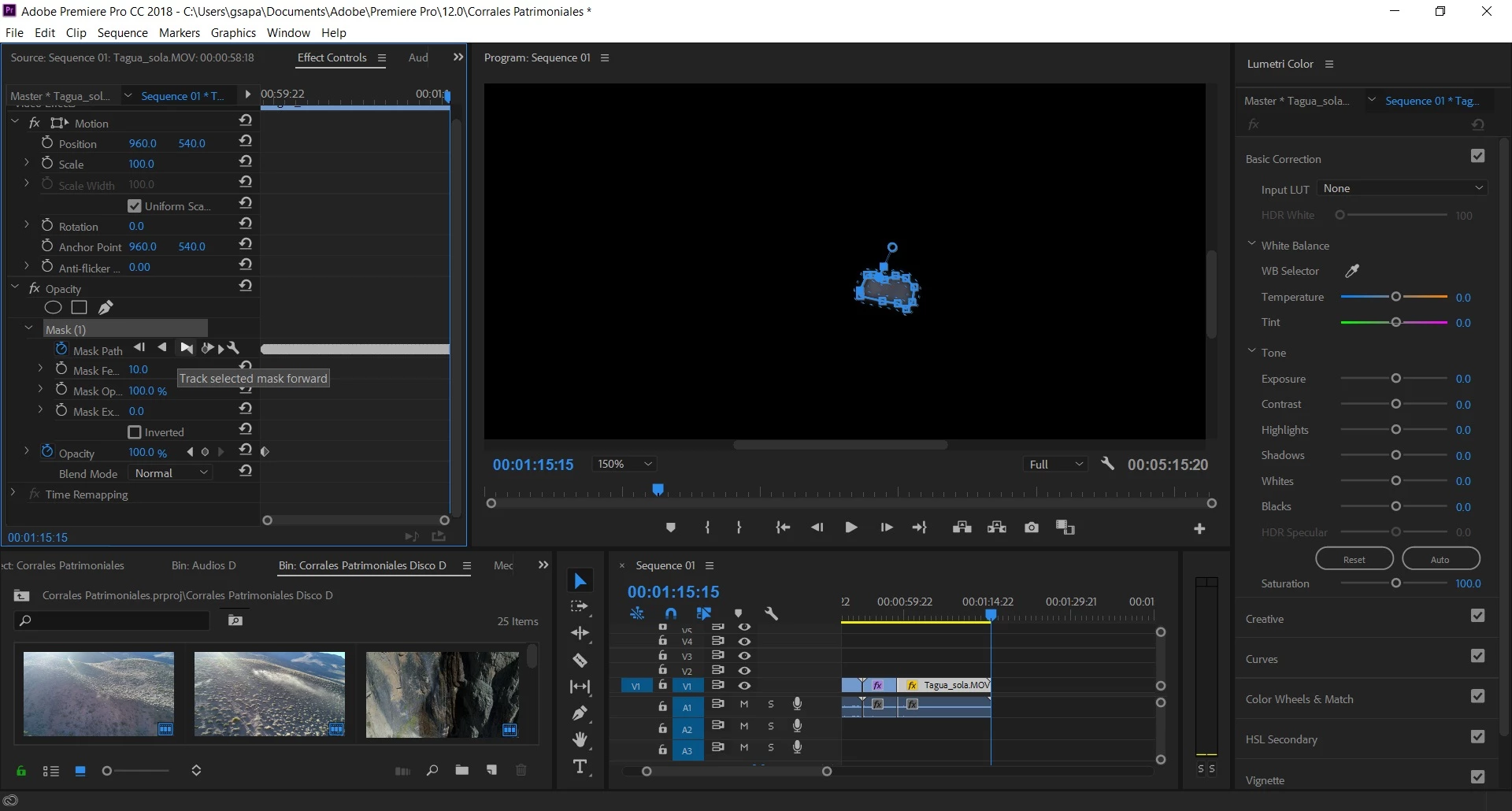
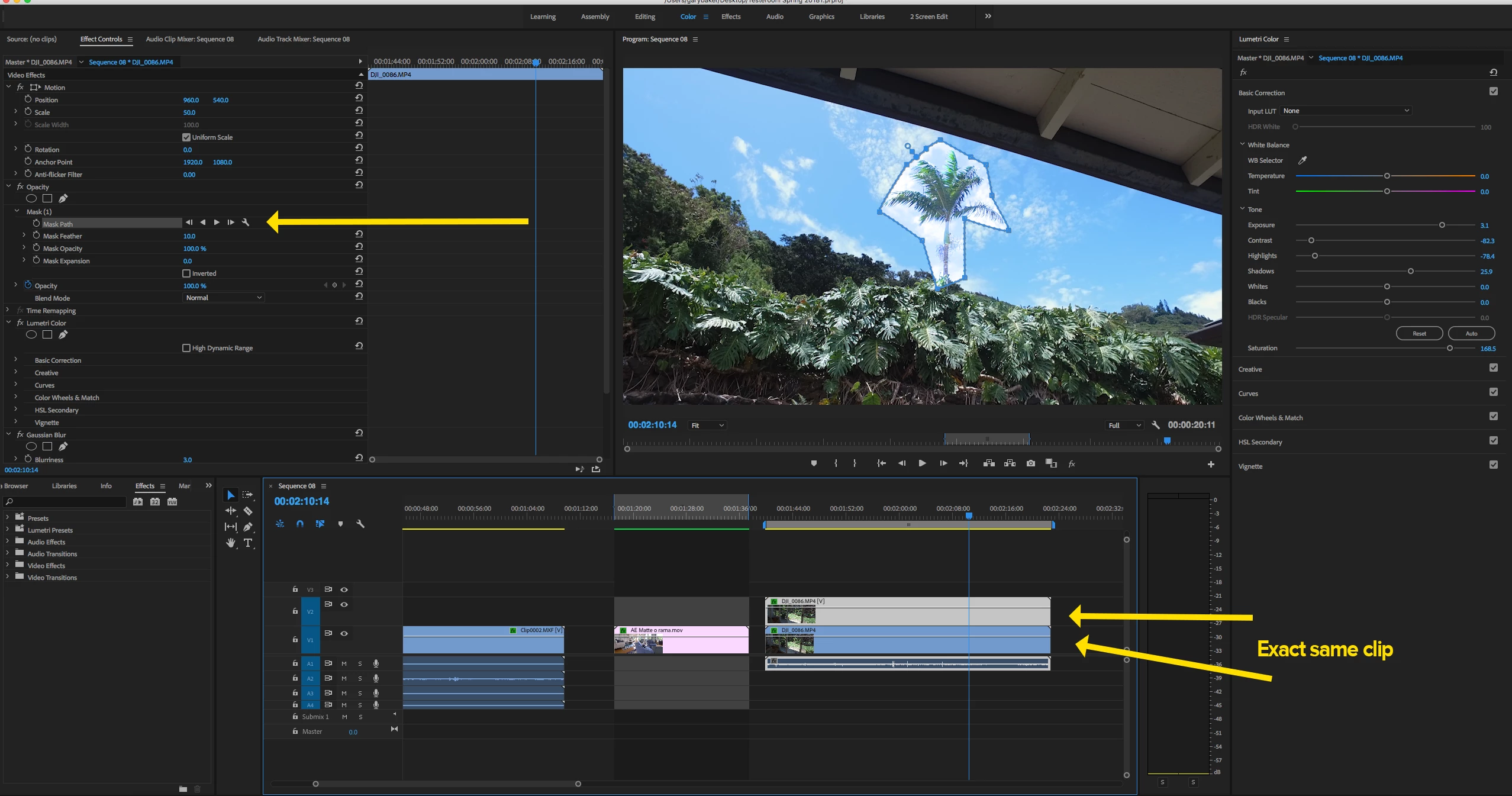
I'm new to Premiere but learning fast. Lately though I've run into this issue which won't allow me to color grade a specific subject of a clip. The problem arises when I finish drawing the opacity mask around the subject (in my case the subject is an aquatic bird), and as soon as I close the loop around it, the rest of the video turns black. When I press Track the mask forward, the tracking process is run correctly, keeping the mask tied to the subject, but the background will stay black.
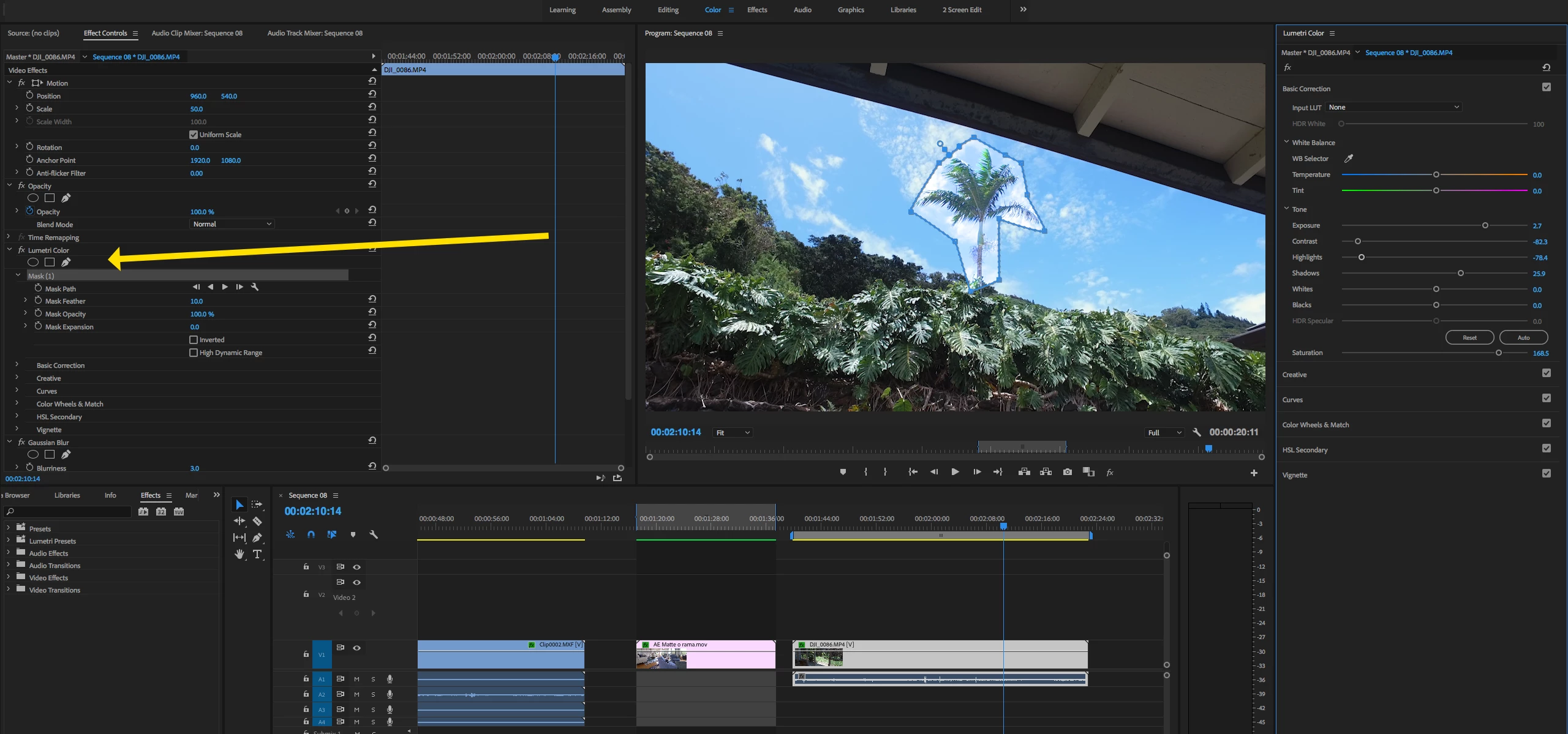
Am I doing something wrong? I find it strange since I did the exact same exercise a week ago and it gave me no trouble, allowing me to color grade a moving subject distinctly as its background. I remember that when that worked well, a kind of mask layer was created on top of the clip in the sequence. Now however, when creating the mask around the bird, this mask layer won't be created on top of the clip.
I'm adding some images below to show the problem.
Thanks in advance!
 AdChoices