
July 12, 2023
Question

Creating auto captions doesn't ask what language

  • July 12, 2023
  • 2 replies
  • 1330 views

Hi, 

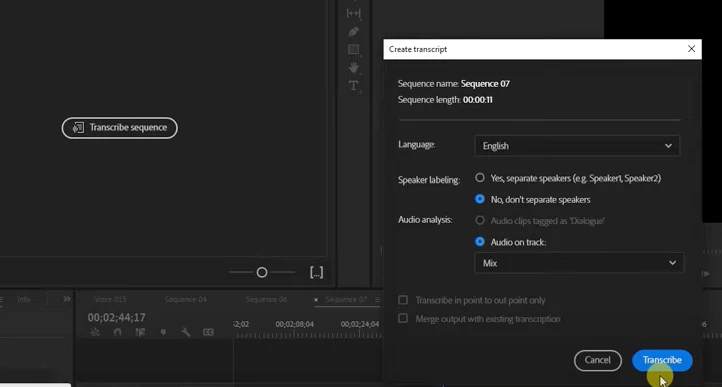
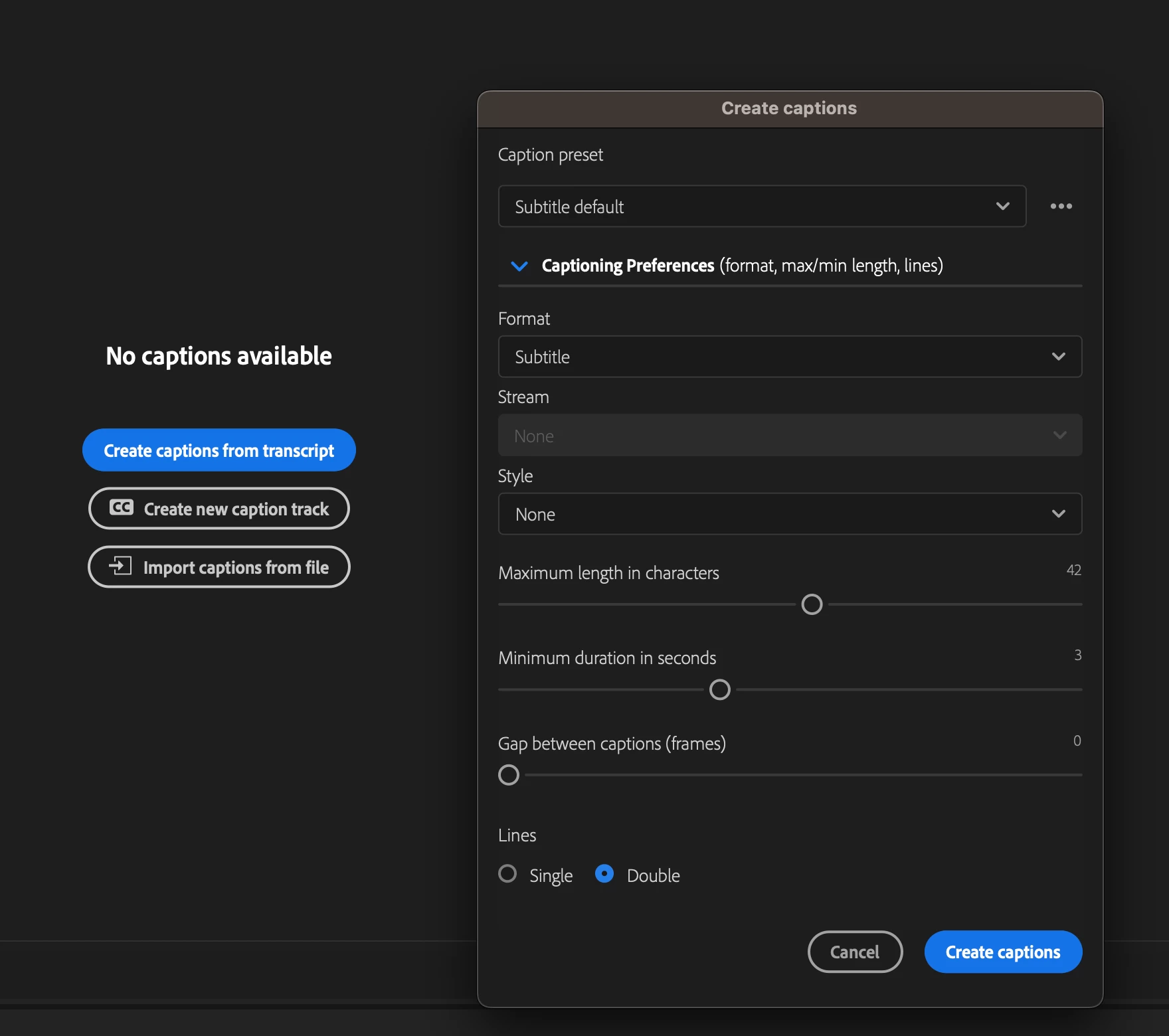
I can't find the "Transcribe Sequence" button anymore under Window > Text, I only see "Create captions from transcript" and it doesn't ask me what language I want the captions to be in.


It used to always ask me what language the audio is so that it can auto-generate the captions for it.


Thanks in advance for your help.


Old:
 

New:
This topic has been closed for replies.

2 replies

Participant
July 19, 2023

Same here. 

Stan Jones
Community Expert
Community Expert
July 19, 2023

@thepaperwings @ritahollanda 


First, the language settings are NOT in the Create Captions dialogue. They are in the Transcription dialogue.


Things got more complicated with PR 23.4 and the new Text-based editing/transcribe source media options. It will make perfect sense, but there is a learning curve.


When you have a transcription of either the source media in your sequence or a static transcription of the sequence, you will see the "new" Create Captions dialogue that paperwings shows above, with a drop down arrow that hides the preferences if you don't open them.


If you have neither transcription, you will still get a dialogue called Create Captions, but it looks like this, shown here with the caption and transcription setting closed:


Since you see the Caption dialogue without transcription, you probably created a Source Media transcript. To redo it, find the clip in the Project Panel and right click it. Pick Re-transcribe and it should give you the preference for audio.


There are more gotchas; post back if this does not work.


Stan


Community Expert
July 13, 2023
-------------------------------------------------------------------------JVK | Editor/Designer/Software Instructor. Pr, Ae, Ch, Ps, Ai, Id