


Participant
October 16, 2026
Question

Creating proxies error

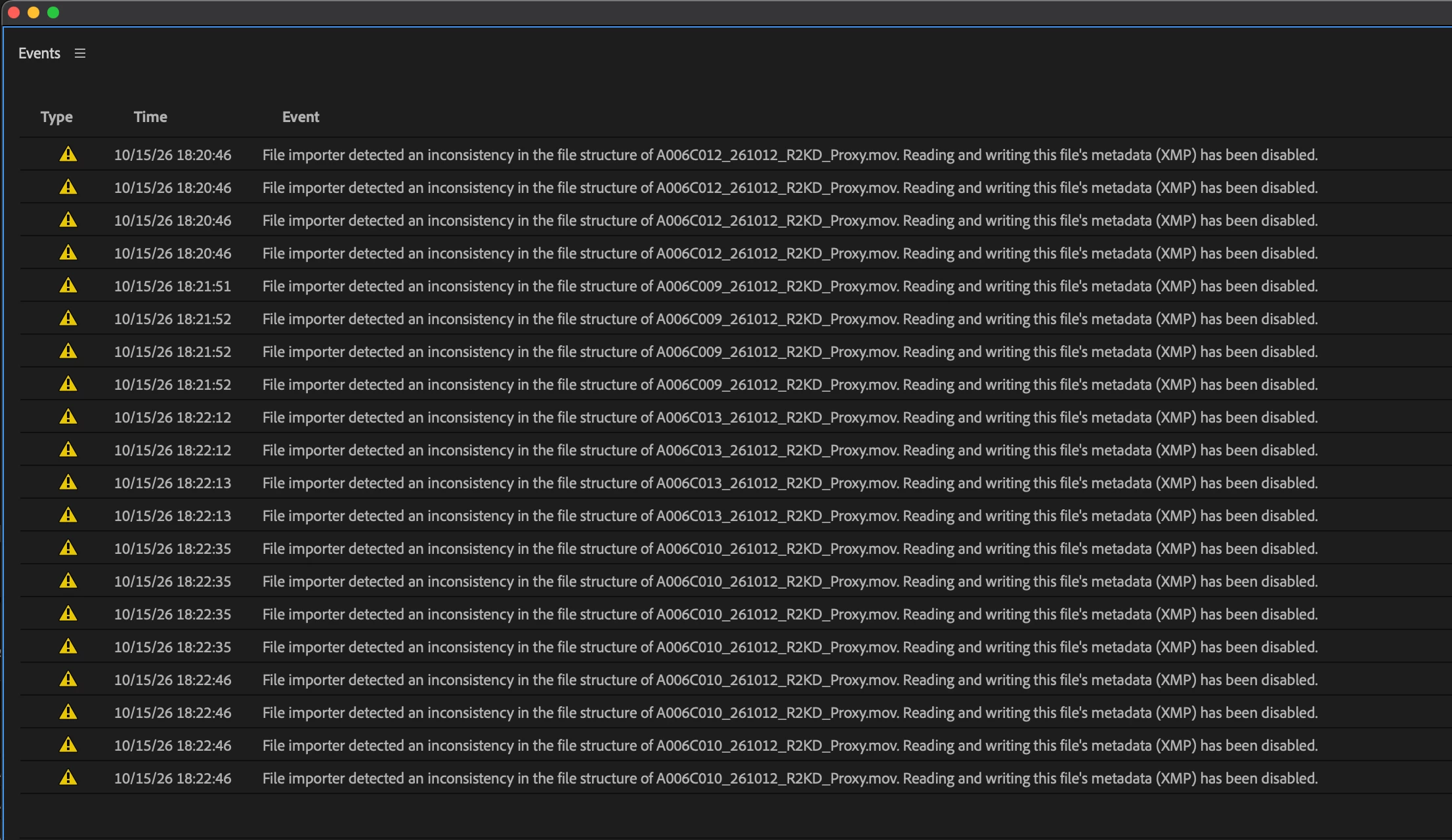
Help!!! I’ve been creating proxies for a project for the past few days and everything has been fine. I recently had to convert my project into a Team Project. Now, when I start to create proxies for the new footage coming in, I get these messages for most of the clips. However, the proxies are still being created and playback fine. I have no idea what to do or why this is happening. Please help!
 

    2 replies

    Community Expert
    October 17, 2026

    This warning means Premiere found something unexpected in how the proxy files are structured, so it has stopped reading and writing XMP metadata in those files. Your proxies are still being created and playing back fine, which means the media itself is OK.

    To stop Premiere from trying to write metadata to these files:

    1. Choose Edit > Preferences > Media (Windows) or Premiere Pro > Settings > Media (macOS).
    2. Deselect Write XMP ID to Files on Import.
    3. Deselect Enable Clip and XMP Metadata Linking.
    4. Click OK.

    These answers would help narrow down the cause:

    • When you converted to a Team Project, did your proxy save location change? For example, from a local drive to shared or network storage.
    • If you create a proxy for a single clip in a folder on your local drive, do you still get the warning?
    Translate
    Participant
    October 17, 2026

    Thanks so much for your reply! Those elements were already deselected. When i converted to the team project, the proxy save location did not change. And yes, I still get the warning for the single clip on my local drive.

    Translate