Nov 23, 2025 9:14 PM UTC
Answered

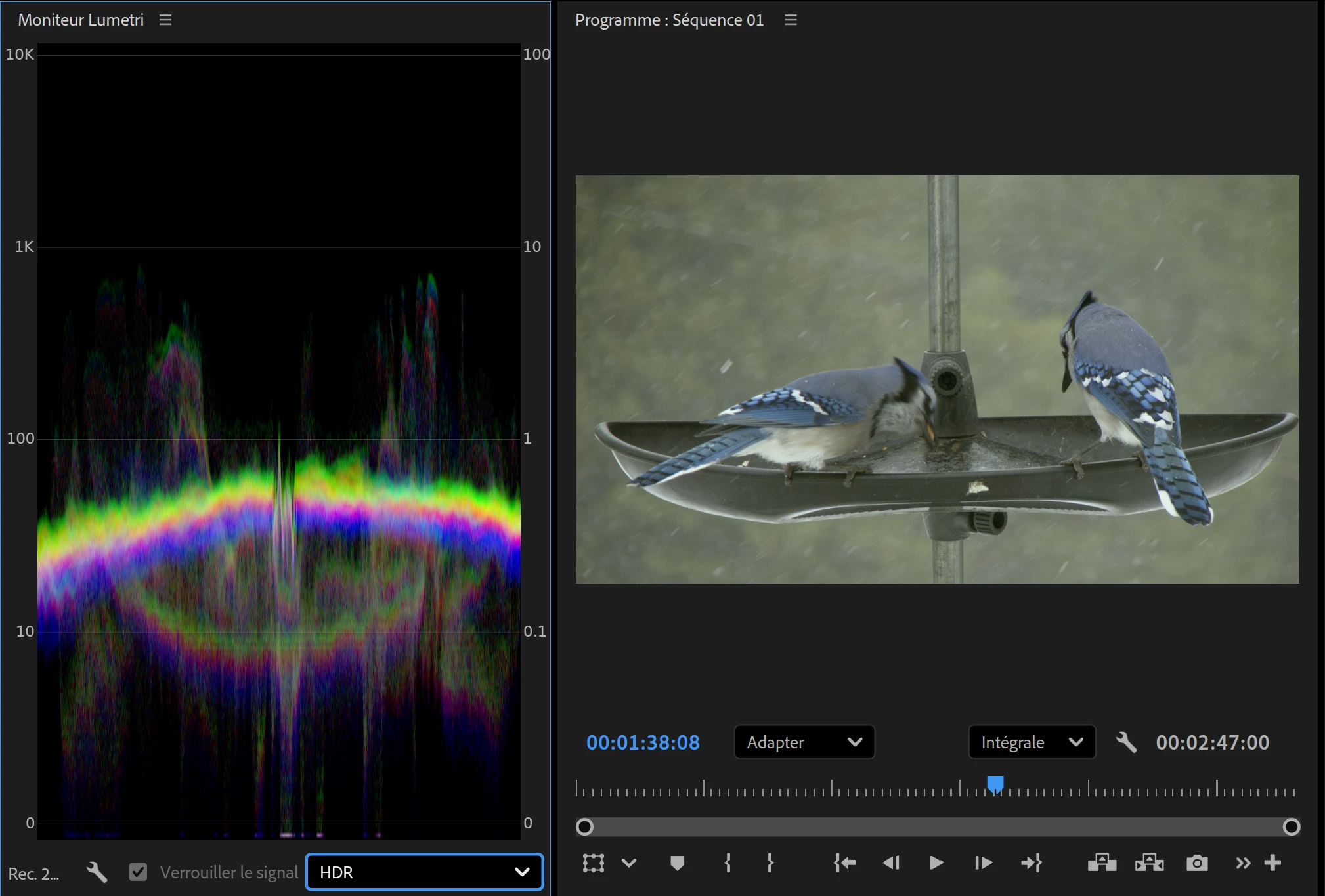
Crushed white on playback monitor.

Hello,
I was wondering why I got crushed white on my second fullscreen monitor (Eizo) when everything is fine on the main monitor software interface in the program window (AOC).

I try the opposite, make Eizo main monitor and AOC playback monitor and I got the same behavior.
White are fine in the program window(Eizo) and crushed in the playback monitor.(AOC).

Using the 25.6.2 (Build 1)
865705iCC461F2670F9CA6C.png865706iD25EDC9DAA466E28.png

Remy37811207x5vpCorrect answer
Nov 23, 2025 10:09 PM UTC

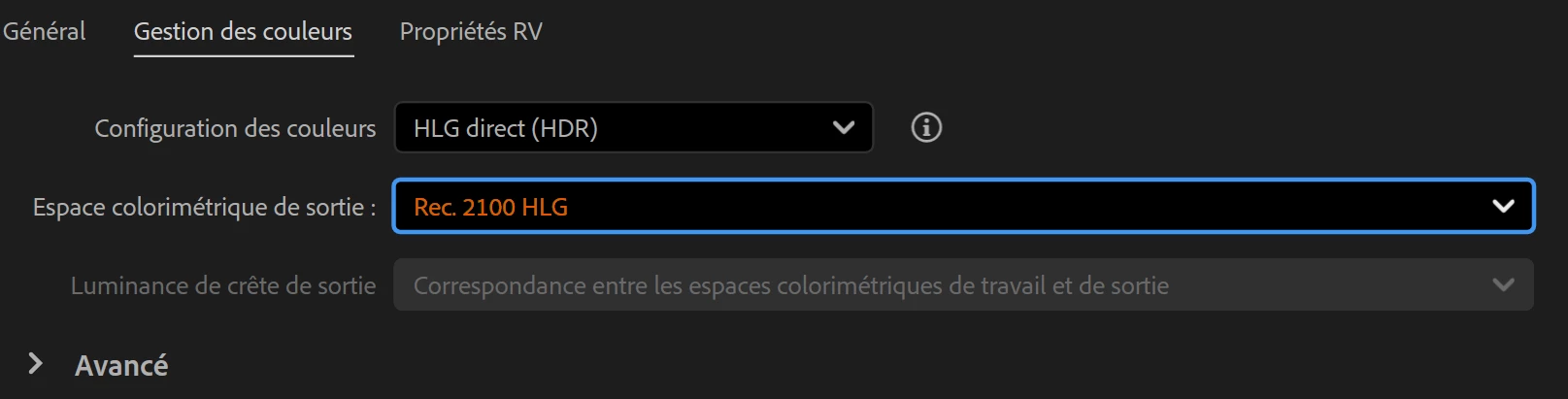
It look like it's related to the output color space, if I go in advance, I am able to make behave both monitor the same for the white.   865722iE7E13704FBEF9F73.png

2 replies

Remy37811207x5vpAuthorCorrect answer
Nov 23, 2025 10:09 PM UTC

It look like it's related to the output color space, if I go in advance, I am able to make behave both monitor the same for the white.   865722iE7E13704FBEF9F73.png

Translate
Adobe Employee
Nov 24, 2025 9:22 AM UTC

Hi Remy37811207x5vp,

Glad that you found the solution. Could you please confirm which Output Color Space was causing the problem & the change that you made to fix it? Also, are both your Eizo & AOC monitors HDR1000 capable?


Thanks,

Sumeet

Translate