
Inspiring
April 6, 2020
Answered

CUDA rendereren not available (also no OpenCL)

  • April 6, 2020
  • 2 replies
  • 398 views

 My issue: I cannot select the CUDA renderer
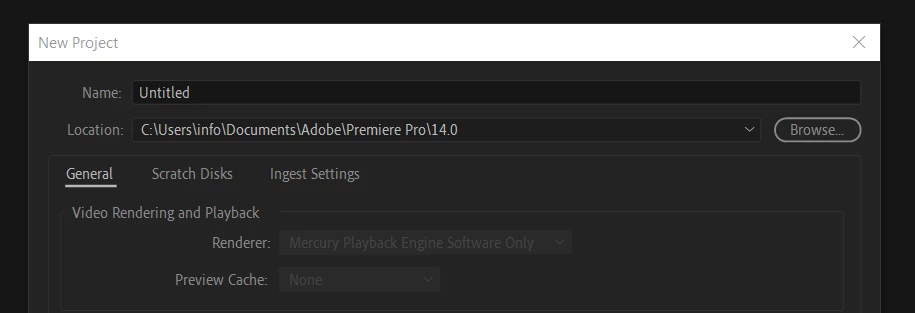
I worked last week. Now it just does not.

What I tried:

- update NVIDIA drivers (clean install)

- tried previous NVIDIA drivers

- reistalled Premiere Pro (older version and latest version)

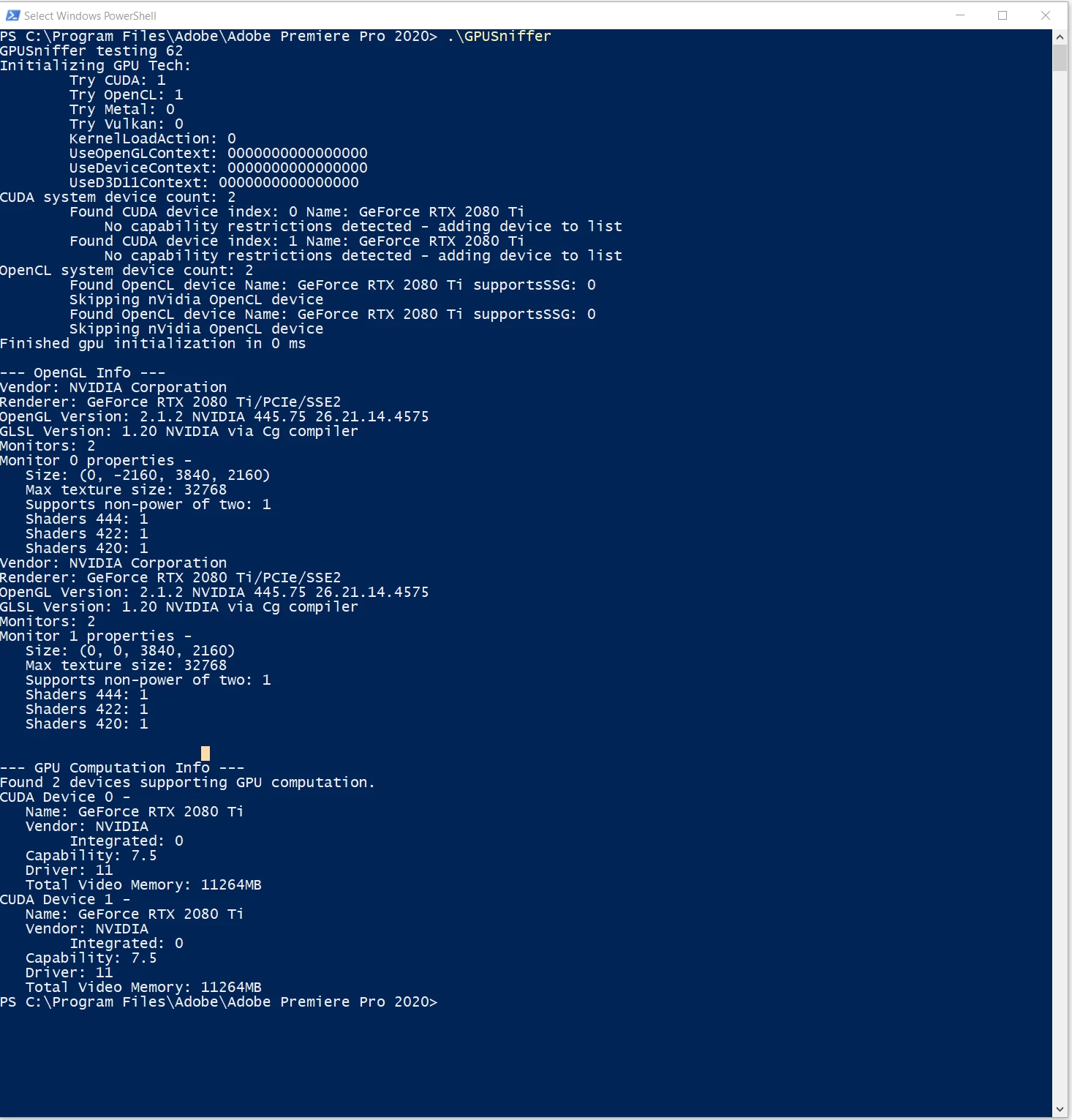
- ran GPUSniffer: no issues:
- reset preferences (also plugins)


System specs:

- Windows 10

- CPU Intel i9-9960X

- GPU 2 x 2080 Ti

- RAM 64 GB

Strange thing is that it was working!

When I start Premiere the splash screen is shown 30 seconds without info and then starts loading plugins etc.

Thanks for any help.

Marcel


This topic has been closed for replies.
Correct answer Augurk

Thanks MyerPJ. This is actually not the solution but you pointed me in the right way. When I wanted to disable SLI I needed to kill some processes first. I did this before but now there were additional processes (e.g. Steam and Unreal startup items). I disabled those in startup and now it works again!

Thanks again!

Marcel

2 replies

MyerPj
Community Expert
Community Expert
April 7, 2020

I would take out one and see if that changes anything. Are they connected via sli, that's usually counterproductive.

AugurkAuthorCorrect answer
Inspiring
April 8, 2020

Thanks MyerPJ. This is actually not the solution but you pointed me in the right way. When I wanted to disable SLI I needed to kill some processes first. I did this before but now there were additional processes (e.g. Steam and Unreal startup items). I disabled those in startup and now it works again!

Thanks again!

Marcel

AugurkAuthor
Inspiring
April 7, 2020

Any solution please? I cannot finish client projects at the moment. Thanks