Participating Frequently
October 23, 2024
Answered

Current Mac OS Compatibility

  • October 23, 2024
  • 1 reply
  • 886 views

Is Premiere Pro 23 or 24 or 25 compatible Mac OS Ventura, let alone Sonoma, or Sequoia?

Correct answer Warren Heaton

Issues may come up now and again with any software..

Here are the known issues: https://helpx.adobe.com/premiere-pro/kb/known-issues.html

Here are the fixed issues: https://helpx.adobe.com/premiere-pro/kb/fixed-issues.html

The minimum version of macOS required is macOS 12 Monteray.

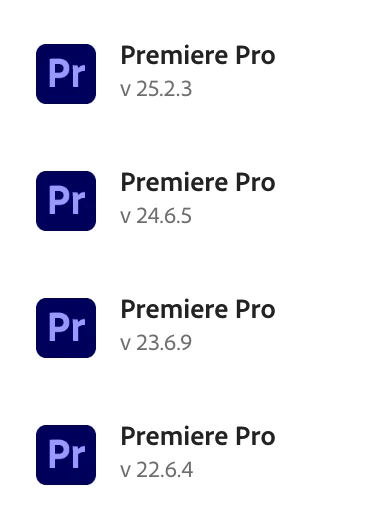
You can have 23.x, 24.x, 25.x and the public beta all installed at the same time.

It's important to note that the current release (25.x) and the prior major release (24.x) are what's officially supported.  Having 23.x or 22.x installed requires having had it from when they were the current releases and have not uninstalled them.  So, if doing a clean install, you'll only be able to choose from 25.x and 24.x.

I have pretty tight deadlines (same day or next day), so I do most of my work in the prior release 24.x; however, I keep the release version before that installed 23.x in case an older project doesn't open as expected or something unexpected happens and the current version 25.x to be ready to move up to it when the next major release drops.


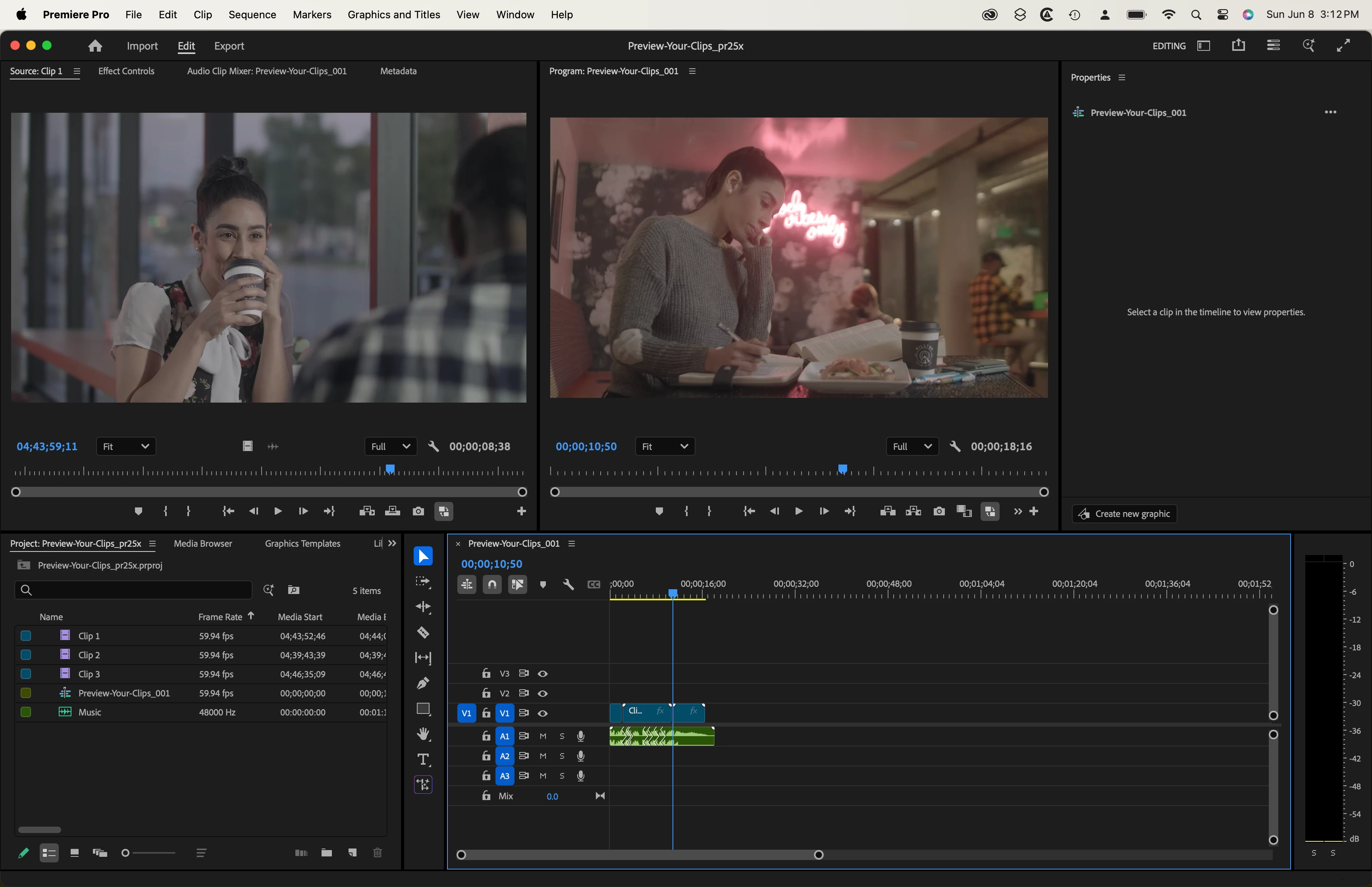
My main work machine  (2019 Intel Mac Pro) is running macOS macOS Ventura 13, my slightly older laptop (16-inch MacBook Pro M1 Max) is running macOS Sonoma, and my newest laptop (16-inch MacBook Pro M4 Max) is running macOS Sequoia.
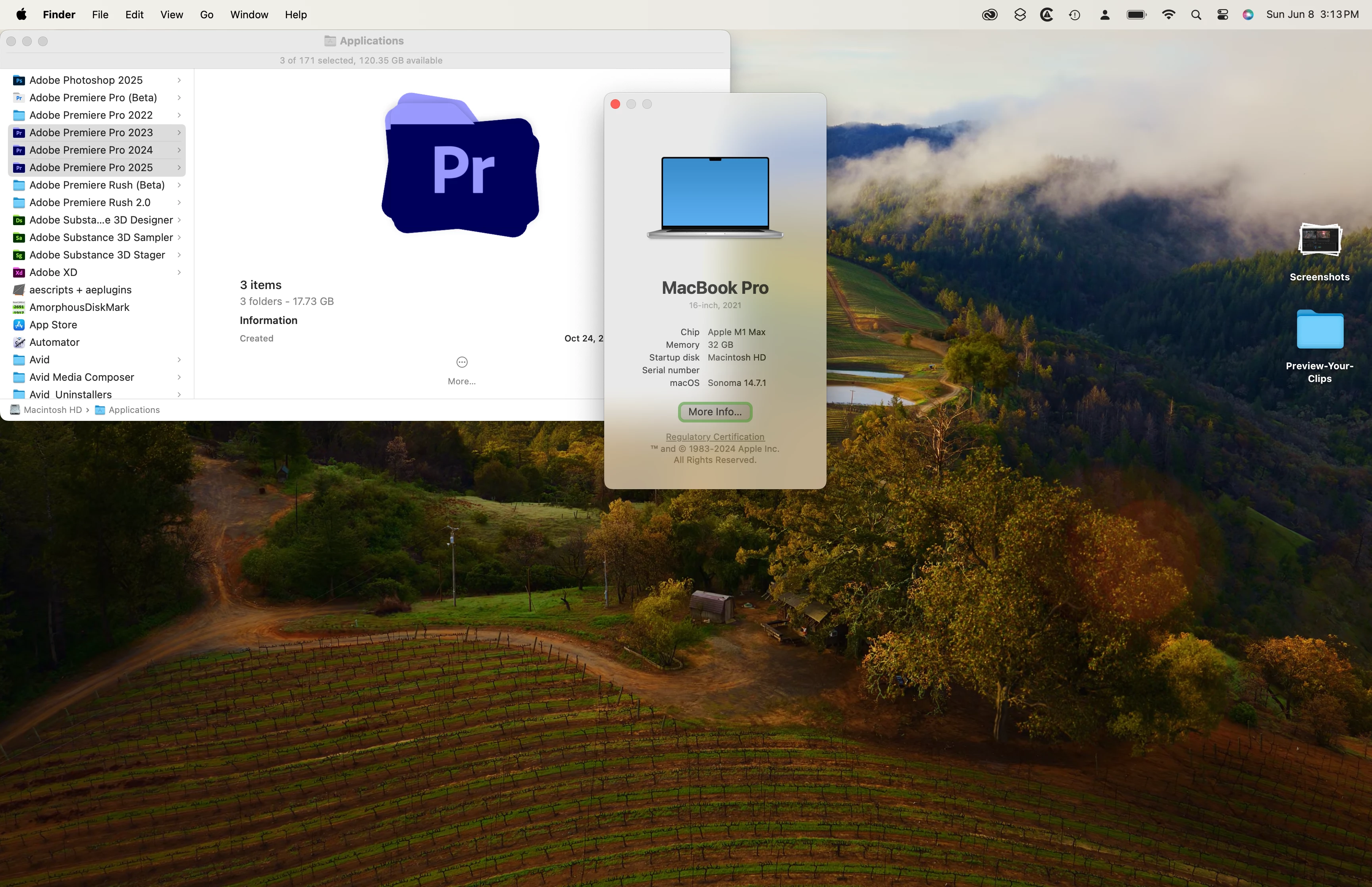
 

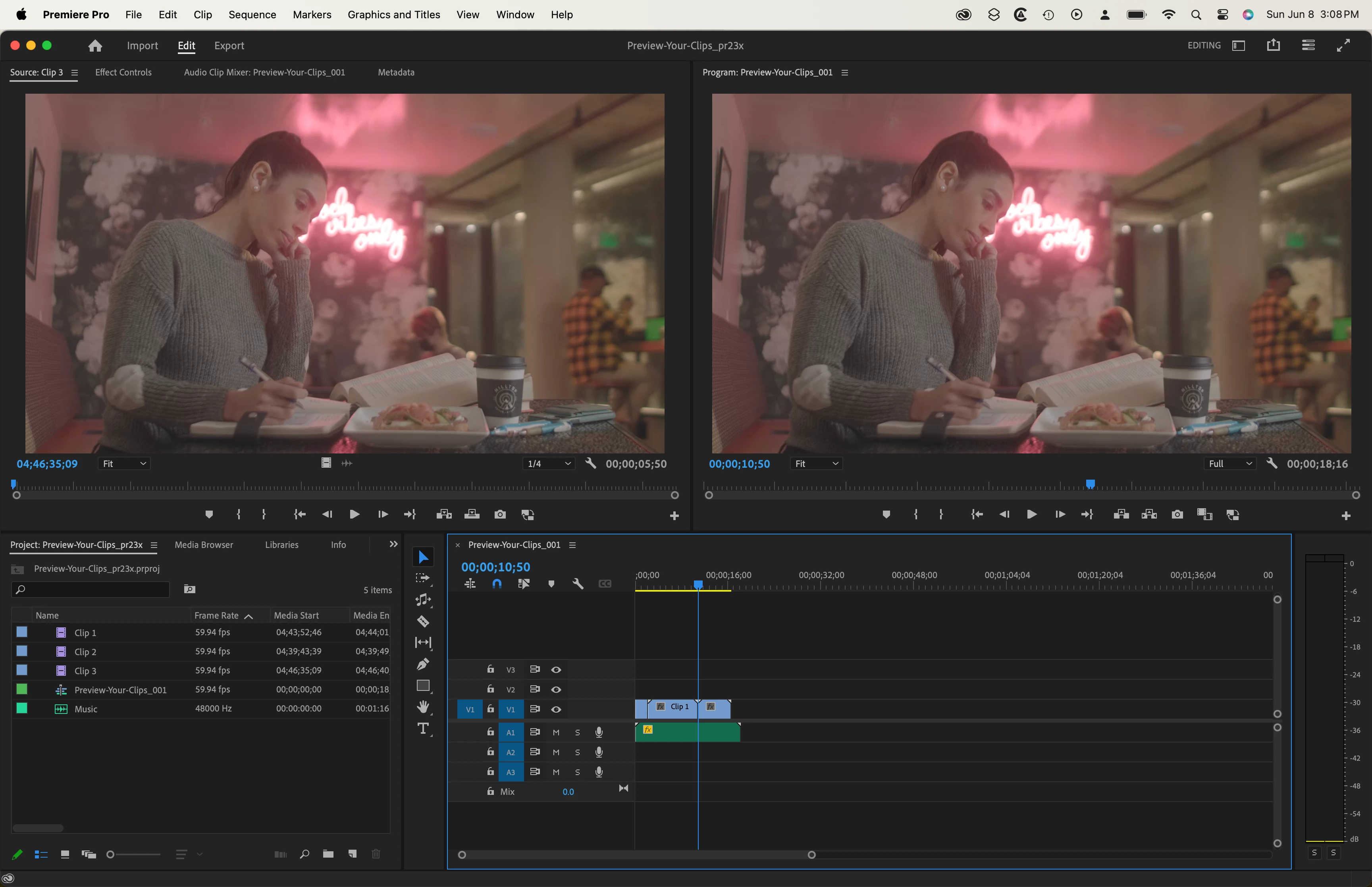
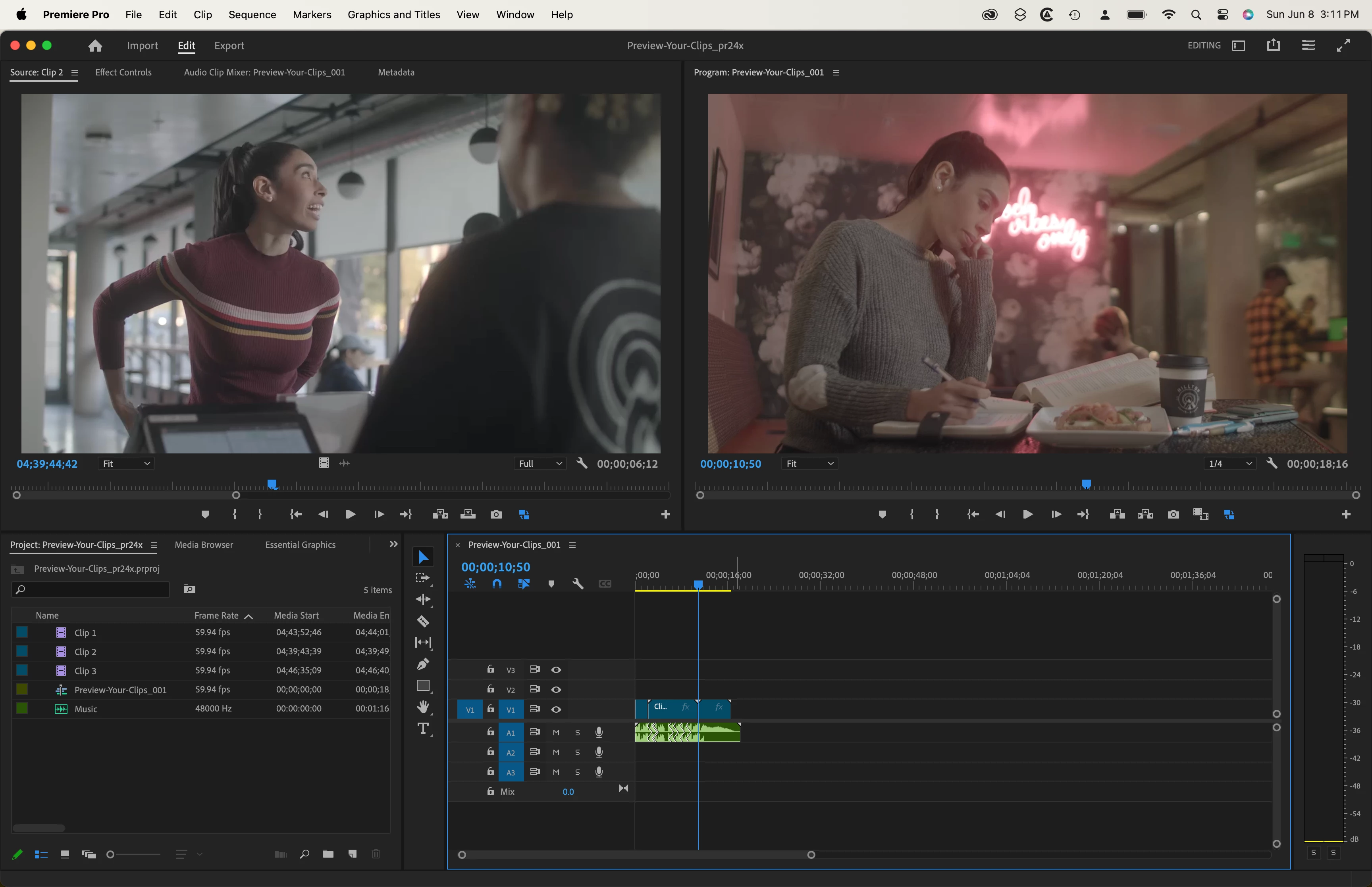
Here are some screen shots of a tutorial project open on the same 16--inch MacBook Pro M1 Max.


It may be worth mentioning that if you're running Photoshop 2025 (version 26.7) under macOS Ventura 13, you'll get a message recommending that you upgrade to macOS Sonoma 14 to take full advantage of new features.

1 reply

Warren Heaton
Community Expert
Community Expert
June 7, 2025

Yes.

Participating Frequently
June 7, 2025

Thanks.  But just to clarity -- and I should add that I'm working on an M1 Mac from 2020 -- 

PP 23.0 will work on my machine with no compatibility problems in both Sonoma & Sequoia?

And PP 24 will as well?

And PP 25 also?


Thanks.

Warren Heaton
Community Expert
Warren HeatonCommunity ExpertCorrect answer
Community Expert
June 10, 2025

Issues may come up now and again with any software..

Here are the known issues: https://helpx.adobe.com/premiere-pro/kb/known-issues.html

Here are the fixed issues: https://helpx.adobe.com/premiere-pro/kb/fixed-issues.html

The minimum version of macOS required is macOS 12 Monteray.

You can have 23.x, 24.x, 25.x and the public beta all installed at the same time.

It's important to note that the current release (25.x) and the prior major release (24.x) are what's officially supported.  Having 23.x or 22.x installed requires having had it from when they were the current releases and have not uninstalled them.  So, if doing a clean install, you'll only be able to choose from 25.x and 24.x.

I have pretty tight deadlines (same day or next day), so I do most of my work in the prior release 24.x; however, I keep the release version before that installed 23.x in case an older project doesn't open as expected or something unexpected happens and the current version 25.x to be ready to move up to it when the next major release drops.


My main work machine  (2019 Intel Mac Pro) is running macOS macOS Ventura 13, my slightly older laptop (16-inch MacBook Pro M1 Max) is running macOS Sonoma, and my newest laptop (16-inch MacBook Pro M4 Max) is running macOS Sequoia.


Here are some screen shots of a tutorial project open on the same 16--inch MacBook Pro M1 Max.


It may be worth mentioning that if you're running Photoshop 2025 (version 26.7) under macOS Ventura 13, you'll get a message recommending that you upgrade to macOS Sonoma 14 to take full advantage of new features.