



Question
Customized workspace layout bugs (dual monitor)?
Greetings,
I customized a layout and saved it as new workspace.
Then I saved the project and close it and open it . The layout is as same as I expected.
However, if I close the project , I create (New) a project and the layout is not as expected.
The layout I expected is the Project panel is float on the second monitor on the left:
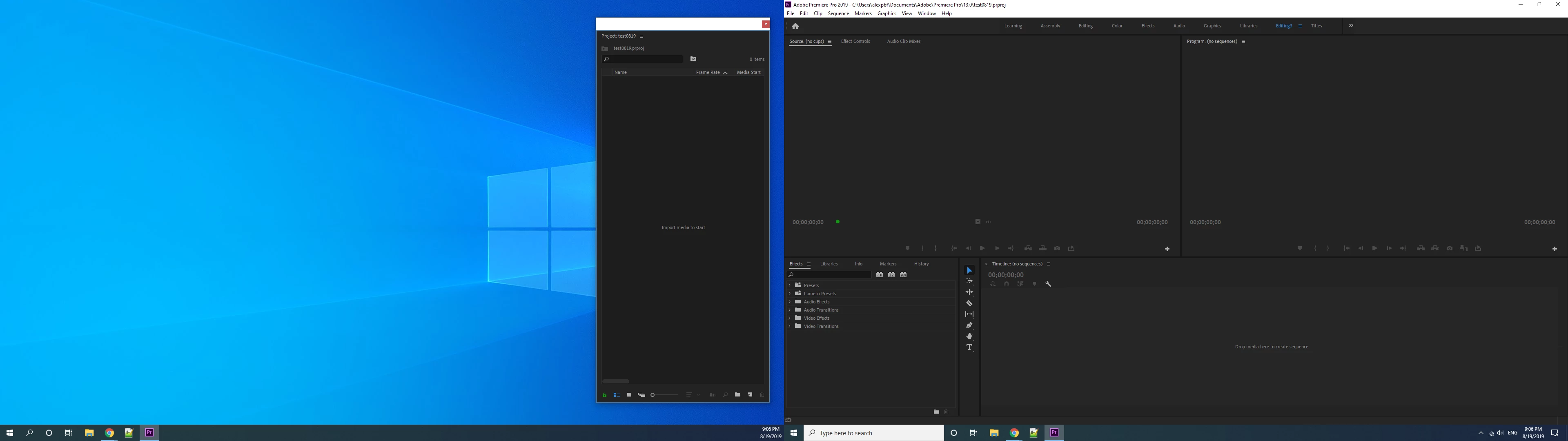
but it's still on the main monitor as picture shows below whenever I start with a new project:
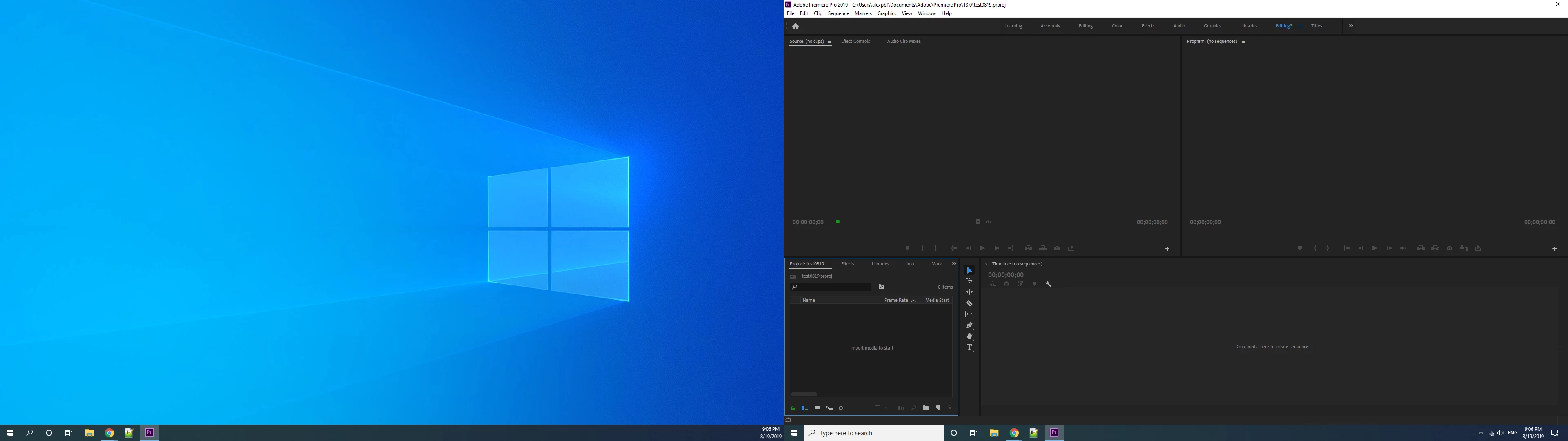
I'm using the latest Pr CC 2019
I'm using the latest Windows10 build
There's no such problem while I was working with CC2018, although it's different pc.
Anyone knows how to resolve it ?
 AdChoices