


Participant
June 19, 2024
Answered

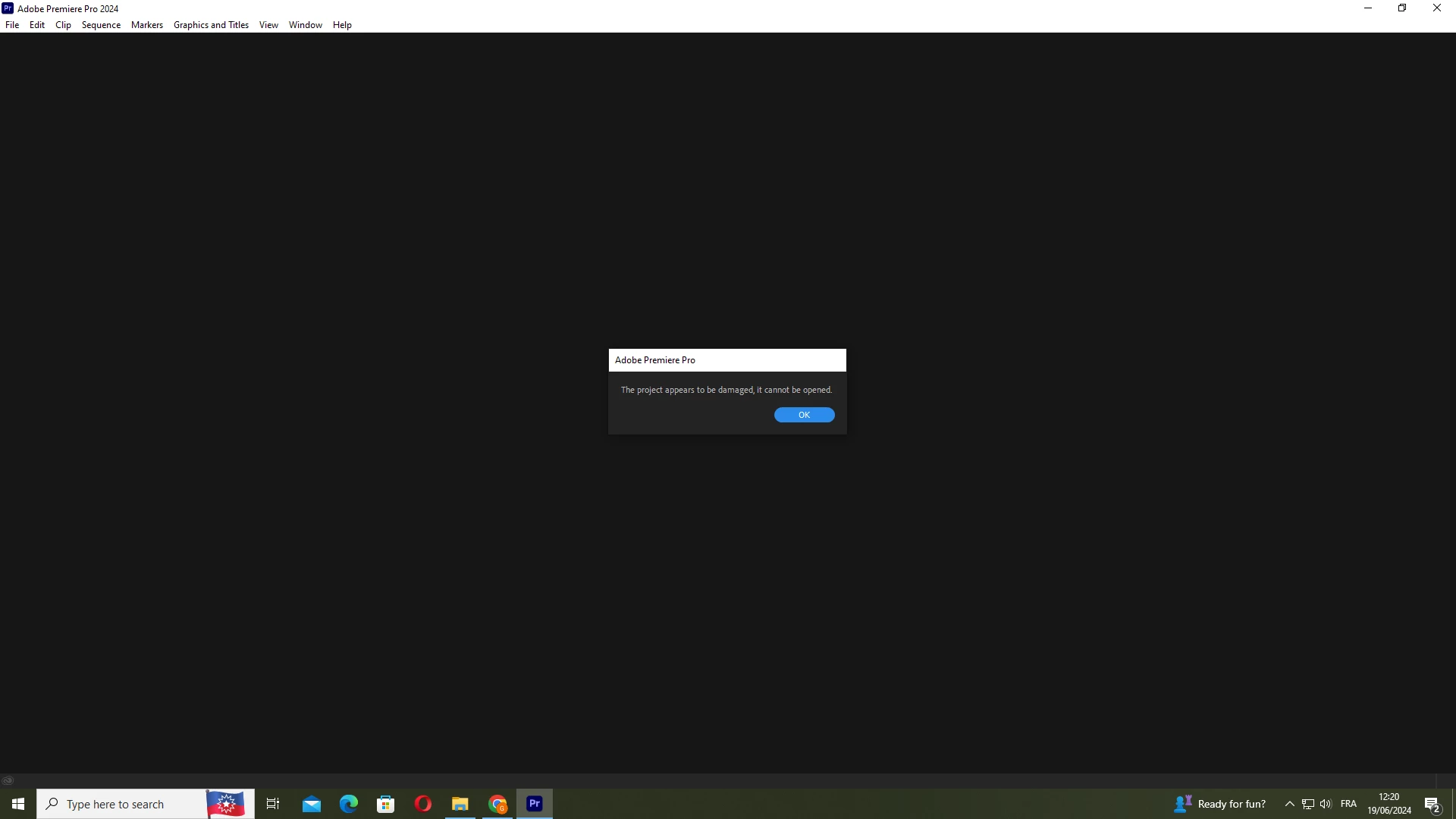
Damaged Project Couldn't be Open

  • June 19, 2024
  • 4 replies
  • 542 views

Hello , i've been working on this doc for a month and ofcours this happned

it happend alot to me , but each time i had autosave for this project , this time i only have one save/project

tried import/new pp version/delete cach/reset pref and the common stuff

guys please if anybody have any idea please help me , can't lose a whole month of work 
Correct answer Ann Bens

Cannot help you with the damage project.

Dont just rely on auto save only. Read doc below and also Save to Cloud in the Preferences.

FAQ: When to use "Save A Copy," or "Save As," and when to simply use "Save"

4 replies

Participant
August 17, 2025
Screenshot_(296).png
Ann Bens
Community Expert
Community Expert
August 19, 2025

@Whimsical_Beekeeper5C83 

You have a different error message.

You need to update Premiere in order to open the project.

Participant
July 12, 2024

hey man in the same exact boat right now did you ever get it back?

Peru Bob
Community Expert
Community Expert
June 19, 2024

Try creating a new project and import the old one into it.

Participant
June 19, 2024

did that , please if you have any other tip tell me , i'm lost:(

Ann Bens
Community Expert
Ann BensCommunity ExpertCorrect answer
Community Expert
June 19, 2024

Cannot help you with the damage project.

Dont just rely on auto save only. Read doc below and also Save to Cloud in the Preferences.

FAQ: When to use "Save A Copy," or "Save As," and when to simply use "Save"

Participant
June 19, 2024

is it over for me?
