
DANGER LINES appear in Audio that was working fine until just now?
Hi there! I've been working on a feature cut for many months, and suddenly for some reason ONE sound effect file (that unfortunatley I'm using over and over again in many places) has the diagnonal warning strips on it. The file is in my media pool and plays fine, and when I match frame it knows what file it's supposed to be referencing -- but maybe somehow the timecode of the in/out has been changed somehow so it's looking for timecode that doesn't exist in this file?
This is a sound effect from a sound effect library, and has been working fine until now -- even when I go back to previous versions of the cut it has the same error, so it seems to be something with the source file.
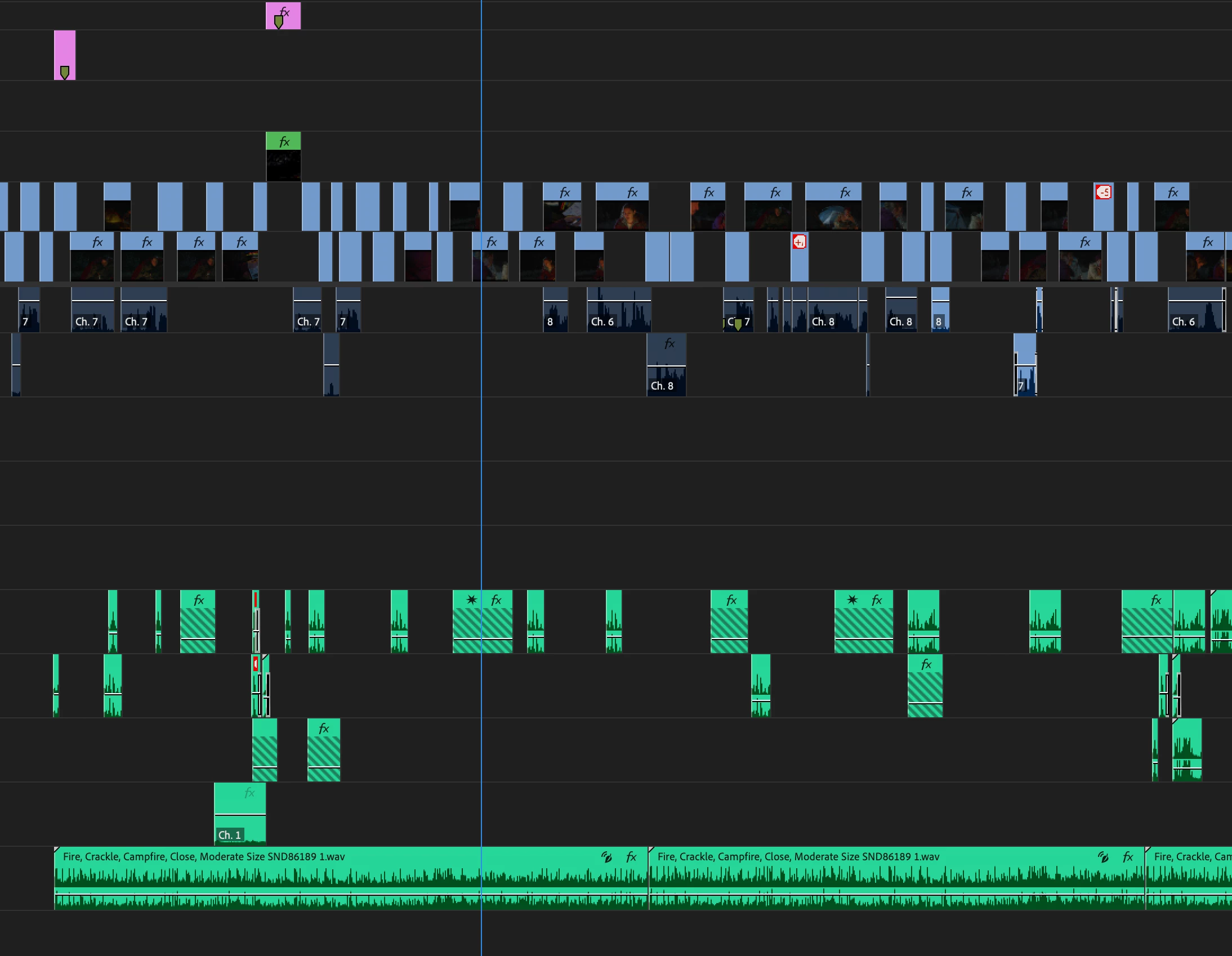
Is there a way to change the in/out of these clips and leave them as they are in the timeline?
Any idea how this might have happened? The source media is in the same place it's always been, I haven't changed anything...
Thank you for taking a look at this!
Josh


 AdChoices