Answered
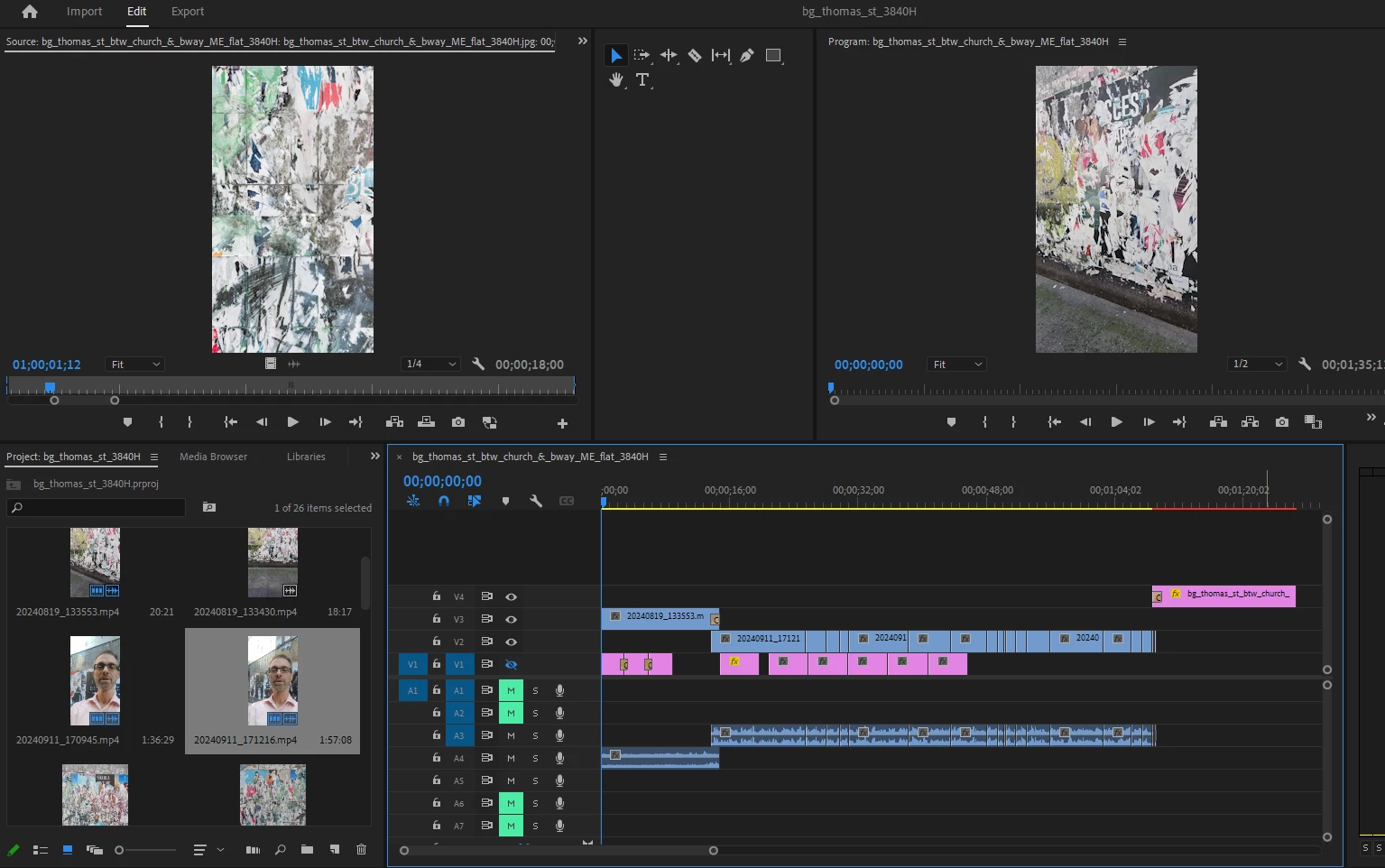
Delete blank space in Timeline ??
I deleted some Tracks and this resulted in blank space above V4 which I don't need and which I'd like to tighten up but I can't figure out how to do that. Can anybody help? Thanks.

I deleted some Tracks and this resulted in blank space above V4 which I don't need and which I'd like to tighten up but I can't figure out how to do that. Can anybody help? Thanks.
Use the scroll bar to the right of the video tracks.
You can also hover over the top of the timeline panel and drag it down.
Already have an account? Login
No account yet? Create an account
Enter your E-mail address. We'll send you an e-mail with instructions to reset your password.


 AdChoices