Participant
March 11, 2022
Question

Desaturated timeline

  • March 11, 2022
  • 2 replies
  • 232 views

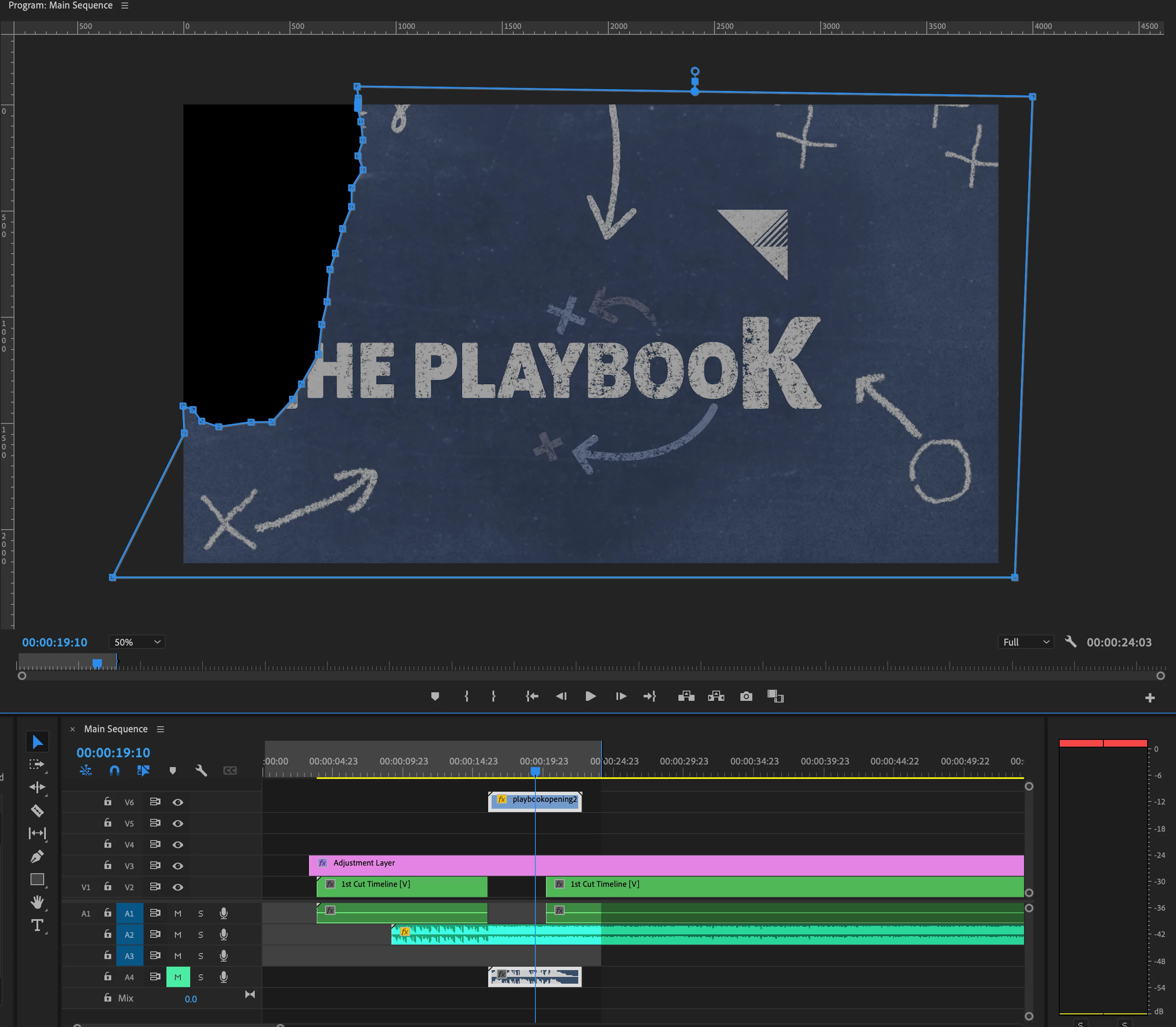
My timeline isn't showing the correct colors. It's hard to edit if I can't get the correct colors on my timeline. Any help is appreciated. I tried the "Modify>Interpret footage" trick but "interpret footage" is grayed out. 


This topic has been closed for replies.

2 replies

R Neil Haugen
Legend
March 11, 2022

I have no clue what you're actually doing there ... as there's a nested track, an adjustment layer and a clip, I don't know what's what ... so sadly your post didn't give me any details to even guess what the problem is.


So ... what media are you using? What is your OS? What isn't displaying as you expect?


And the Modify/Interpret Footage control section isn't a "trick" ... it's the main color management controls for individual clips now. They've completely rebuilt the underlying color system. Yea, it's confusing at first, and some things are broken. But if we understand what is happening with your setup, we can get you running again.


Neil

Everyone's mileage always varies ...