Participant
June 19, 2022
Question

Desatured video after export

  • June 19, 2022
  • 2 replies
  • 314 views

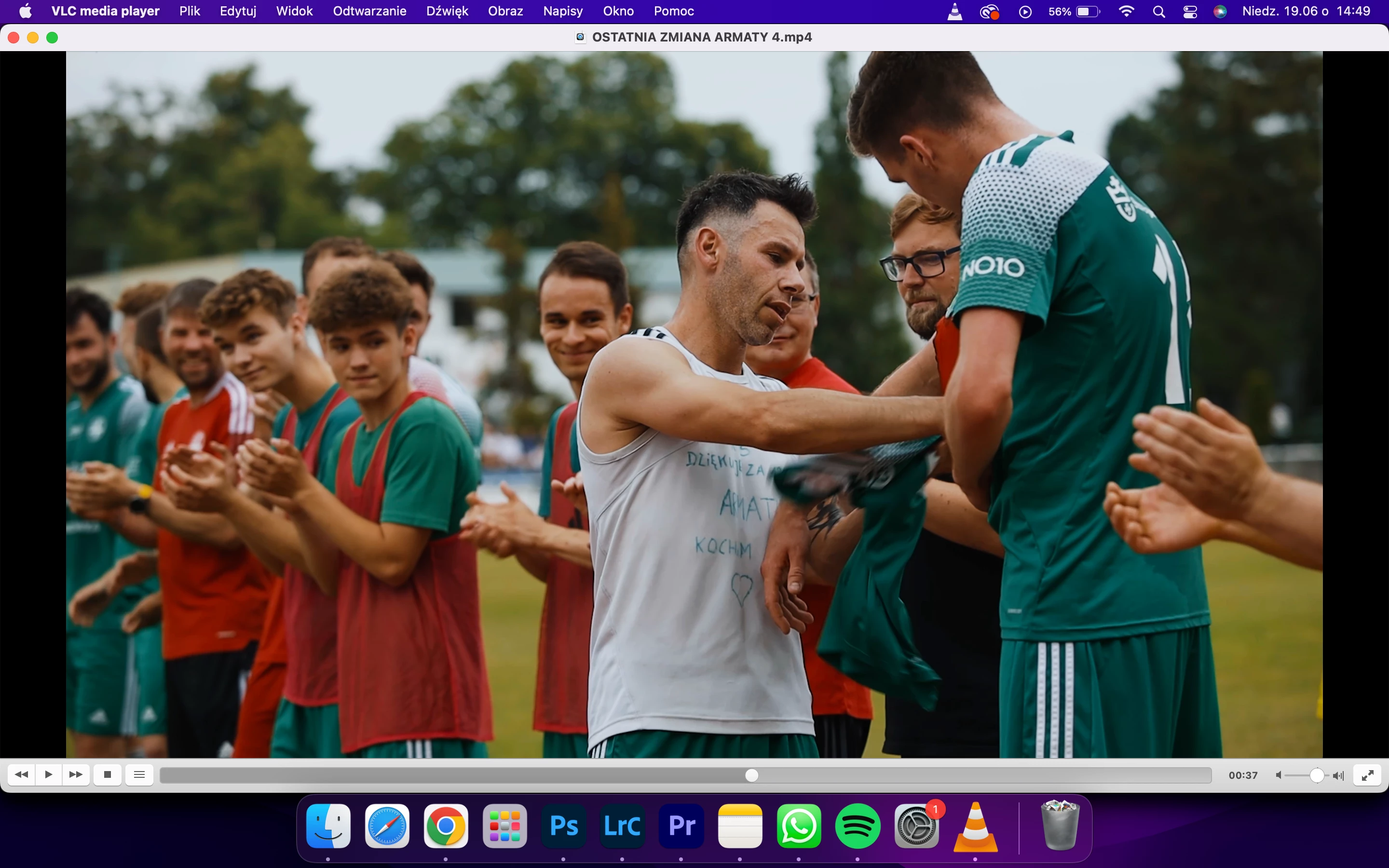
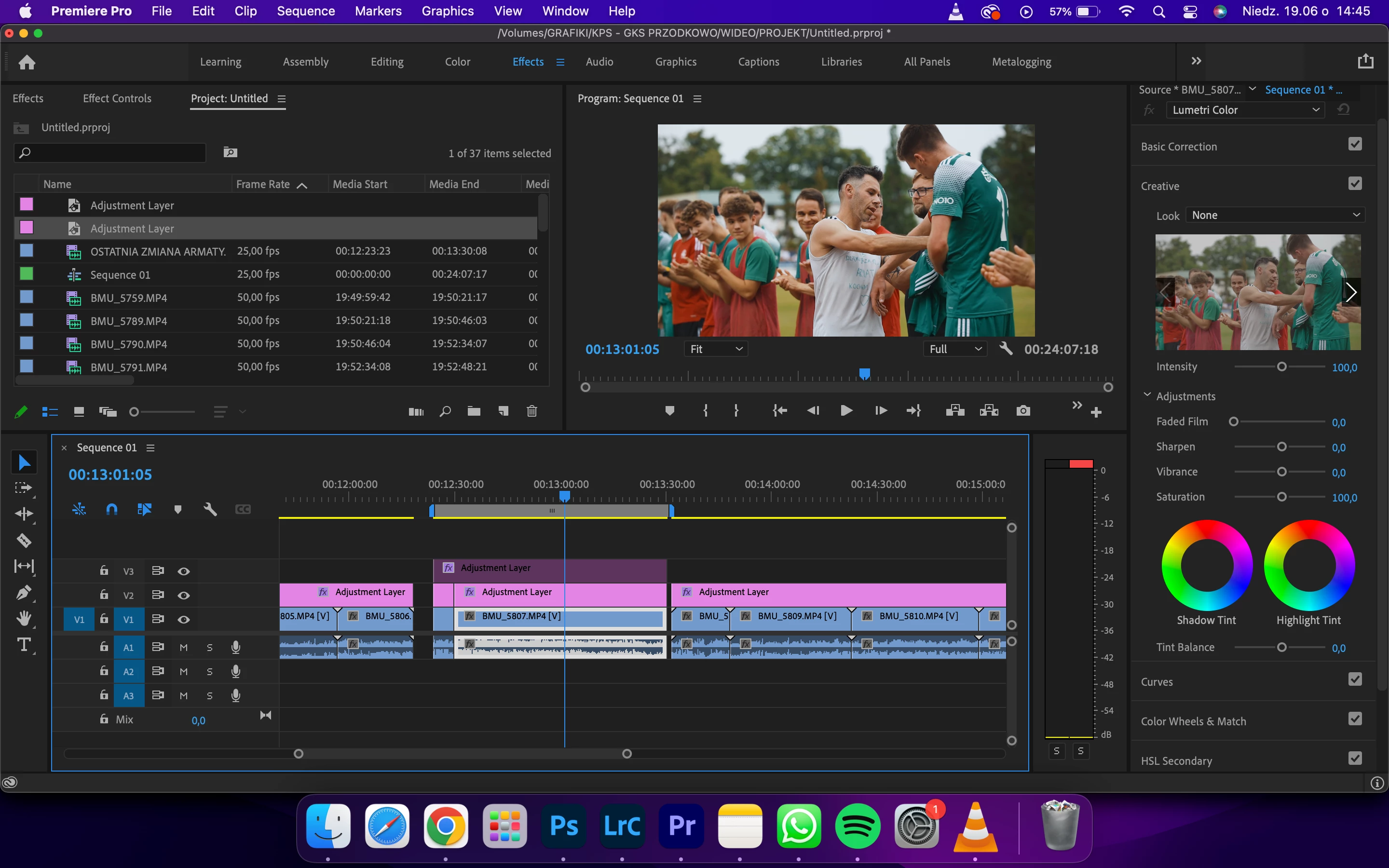
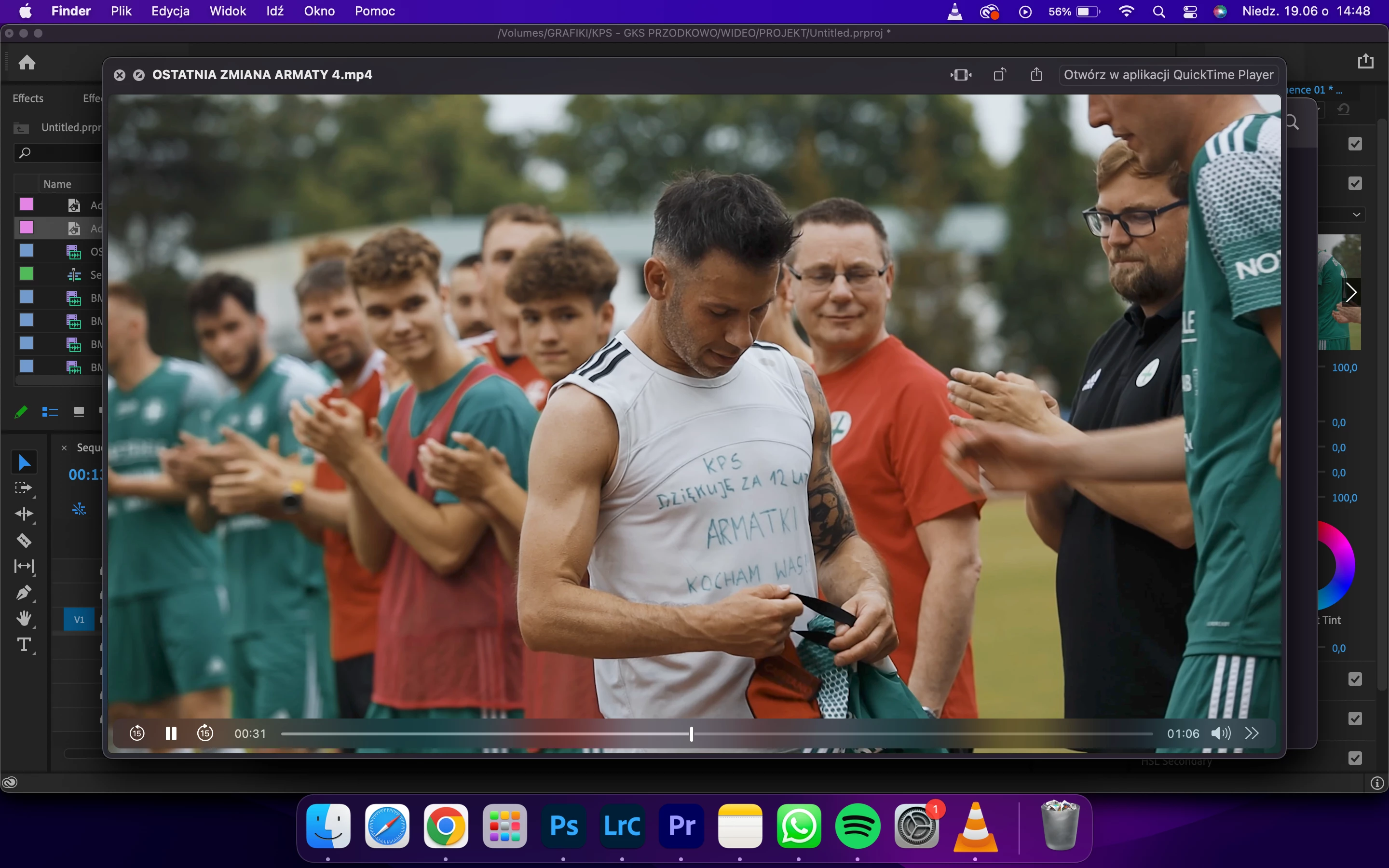
I rendered video (Canon R, C-Log) with YouTube 2160p 4K Ultra HD settings, H.264 in Adobe Premiere Pro 2021 15.4.1. My MacBook Pro M1 display settings are on P3 D65 Gamma 2.4. After exporting, the video in QuickTime is desatured, same issue is when I upload it to YouTube. In VLC video is displayed correctly (same when importing to the Premiere Pro timeline). 

1st screenshot - Premiere Pro
2nd screenshot - QuickTime
3rd screenshot - VLC
This topic has been closed for replies.

2 replies

Kyle Kramb
Inspiring
June 21, 2022

Seems the export is ignoring your clip metadata for some reason. You could try rendering your timeline and then clicking the "Use Previews" box when exporting or rendering as a QT and then converting to an mp4

______________As happy as a clam in butter sauce!
Ann Bens
Community Expert
Community Expert
June 19, 2022
Participant
June 19, 2022

It didn't help at all. I already have Rec.709, doesn't need to change it from Rec 2100 HLG like in the video.

Inspiring
June 19, 2022

Adobe used to have a LUT you could add during export. I think it is better to use an adjustment layer as seen in the first video. Having said that Premiere Pro does have accurate color correction when using 3rd party hardware as does Edius, Resolve etc. The second video demonstrates how 3rd party hardware can be useful.