Known Participant
September 15, 2023
Question

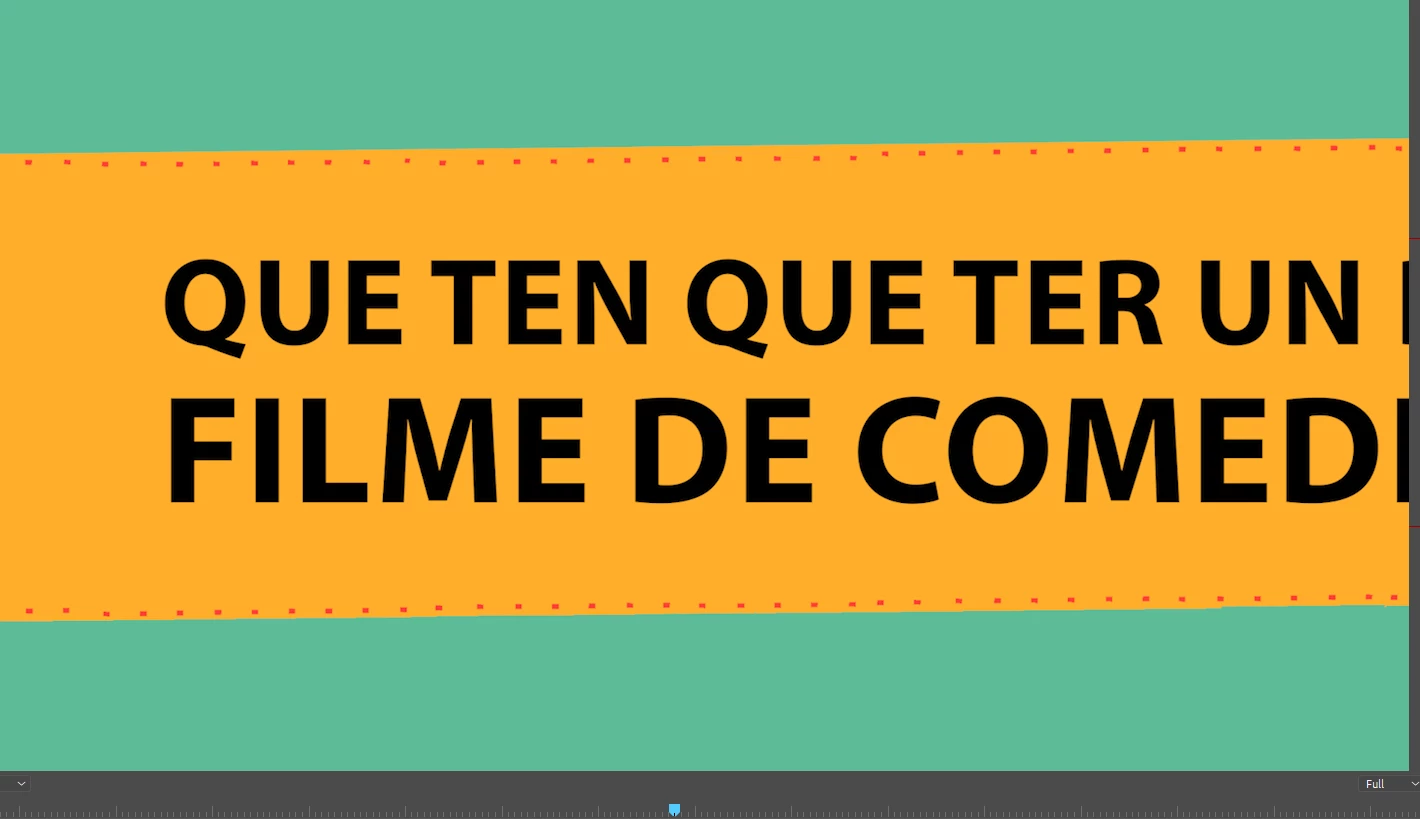
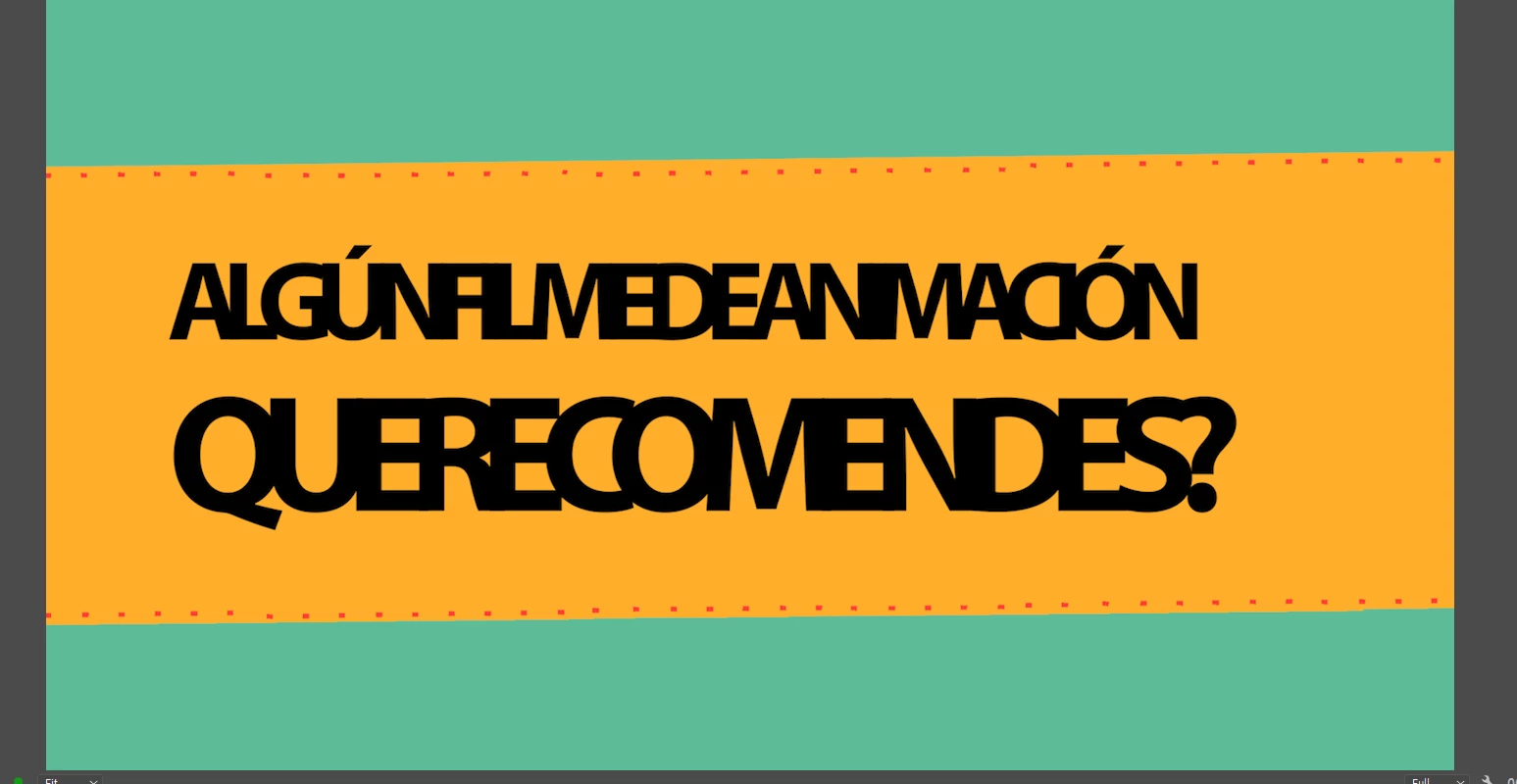
Desconfiguración texto

  • September 15, 2023
  • 1 reply
  • 284 views

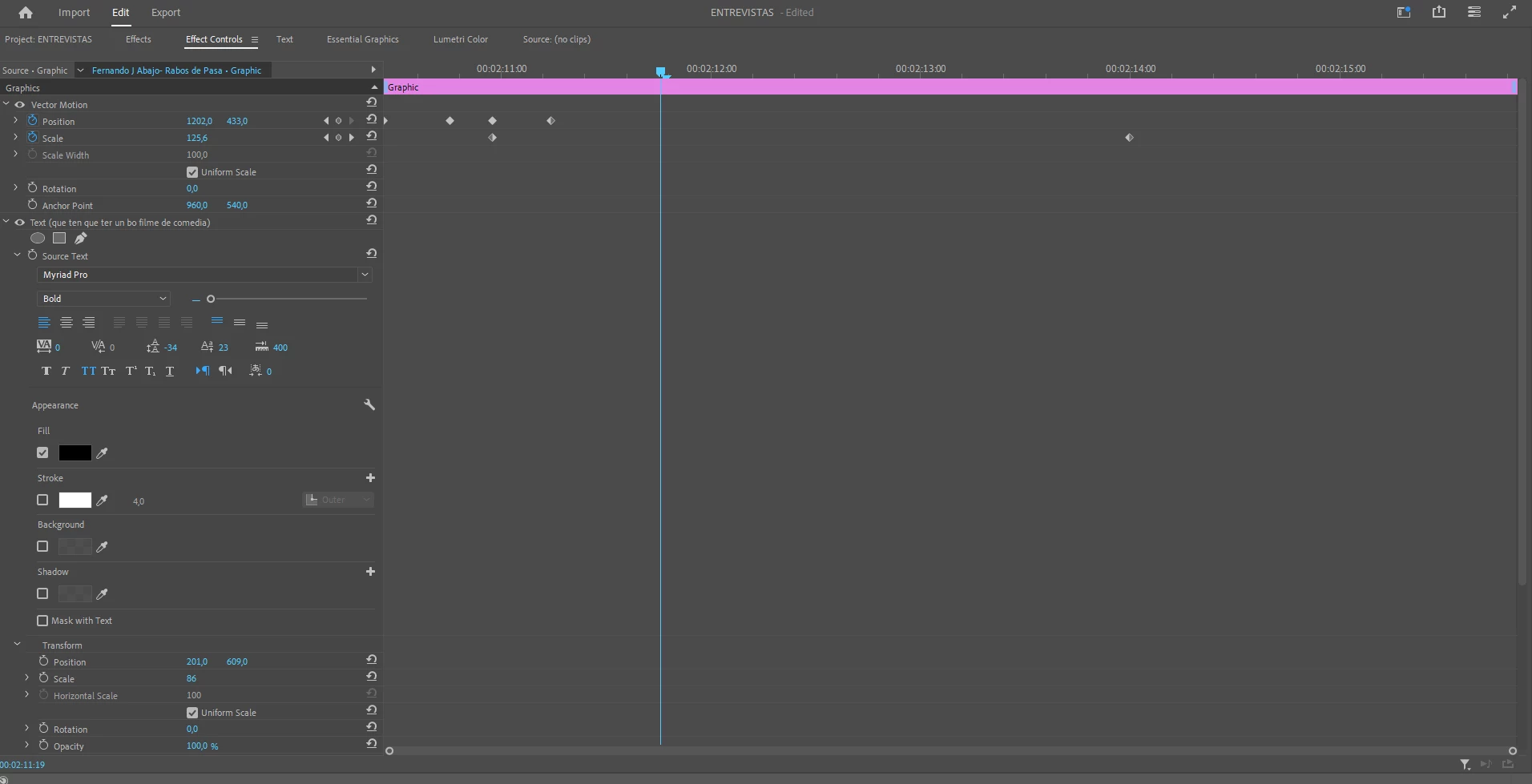
Hola, llevo un par de días trabajando en un proyecto y me ocurre algo extraño. Se trata de un video que contiene unas cartelas con un texto al cual se les ha animado el movimiento de entrada (mediante Keyframes en posición, algo muy sencillo). El problema es que cada vez que cierro el proyecto, cuando vuelvo a entrar se ha desconfigurado todo (interlineado, línea base, no está centrado... ) Se os ocurre a qué se debe y como solucionarlo? Gracias  


This topic has been closed for replies.

1 reply

Peru Bob
Community Expert
Community Expert
September 15, 2023

Delete the Media Cache and Media Cache files:
https://community.adobe.com/t5/premiere-pro/faq-how-to-clear-your-media-cache-in-30-seconds-in-premiere-pro-2020/m-p/11017257/thread-id/260446?page=1

If that doesn't work, try resetting the preferences:
https://community.adobe.com/t5/premiere-pro/faq-how-to-reset-trash-preferences-in-premiere-pro/td-p/8236158?page=1

If that doesn't work, try resetting the Workspaces:
Reset a workspace
Reset the current workspace to return to its original, saved layout of panels.
1. Do one of the following:
• Click the Workspace menu icon and select Reset to Saved Layout.
• Choose Window > Workspace > Reset to Saved Layout.
from here:
https://helpx.adobe.com/premiere-pro/using/workspaces.html

If that doesn't work, try Preferences > Audio Hardware and set Input to None.

If that doesn’t work, try updating or rolling back your graphics driver directly from the video card manufacturer’s site. If NVIDIA, do a clean installation of the latest Studio Driver (NOT the Game Driver)

If that doesn't work, try creating a new project and import the old one into it.

MarianargAuthor
Known Participant
September 20, 2023

Gracias, he probado con lo de la caché y parece haber funcionado. Gracias!

Peru Bob
Community Expert
Community Expert
September 20, 2023

You're welcome.