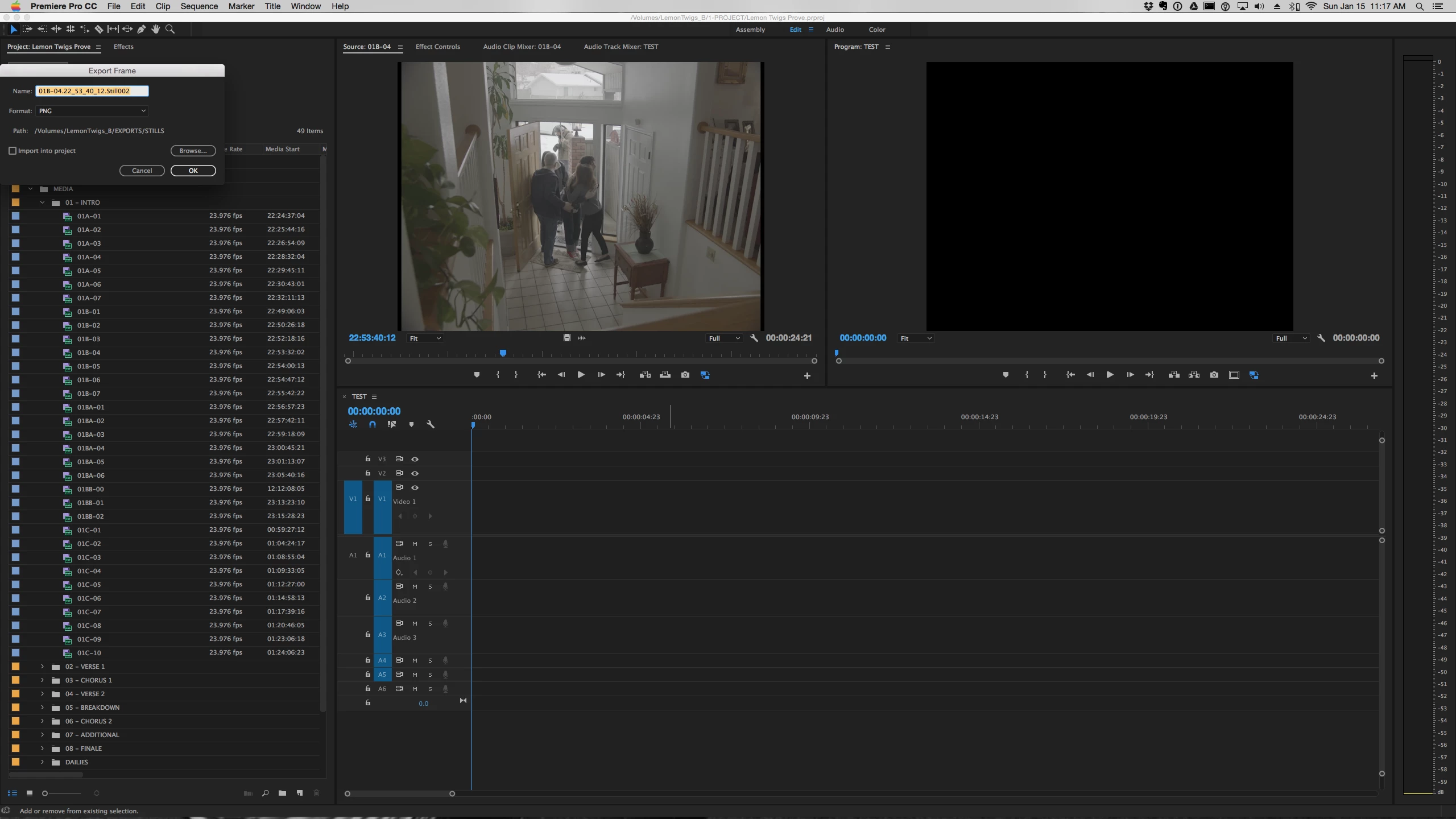
I was having this issue the past few days as well, and I think I found a fix. If you're still having this issue, try this:
First make sure Premiere is closed.
On a Mac, go to Finder, click "Go" in the menu bar, select "go to folder", then type /Users/[your username]/Library/Preferences/Adobe/Premiere Pro/[your version of premiere]/DVADialogPrefs
So for me, I'd put in /Users/Bryan/Library/Preferences/Adobe/Premiere Pro/12.0/DVADialogPrefs
Or try manually navigating to that folder.
Once you're there, you should see a file named "DVADialogPrefs.xml", move that file to your desktop. the "DVADialogPrefs" folder should now be empty.
Now you can open Premiere, open a project, and test it out. After doing this, I did not have my dialog boxes appearing on the top left corner anymore.
If for some reason something went wrong during this, try closing premiere, moving that "DVADialogPrefs.xml" from your desktop back to the "DVADialogPrefs" folder, then open Premiere again and see if you can find another solution.
This worked for me, and I haven't seen anything missing in my project files, presets, etc. so I think it should work for anyone else having this problem.
If you know how to navigate to the Windows version of that directory, please post it so others can benefit from this fix.
Hope this helps!
AllTheGoodNamesAreGone TaranVH Admiral Cook - If you're still having this issue, can you report back and see if this fixes it?



 AdChoices