jurrienj67553511
Participant
June 13, 2019
Question

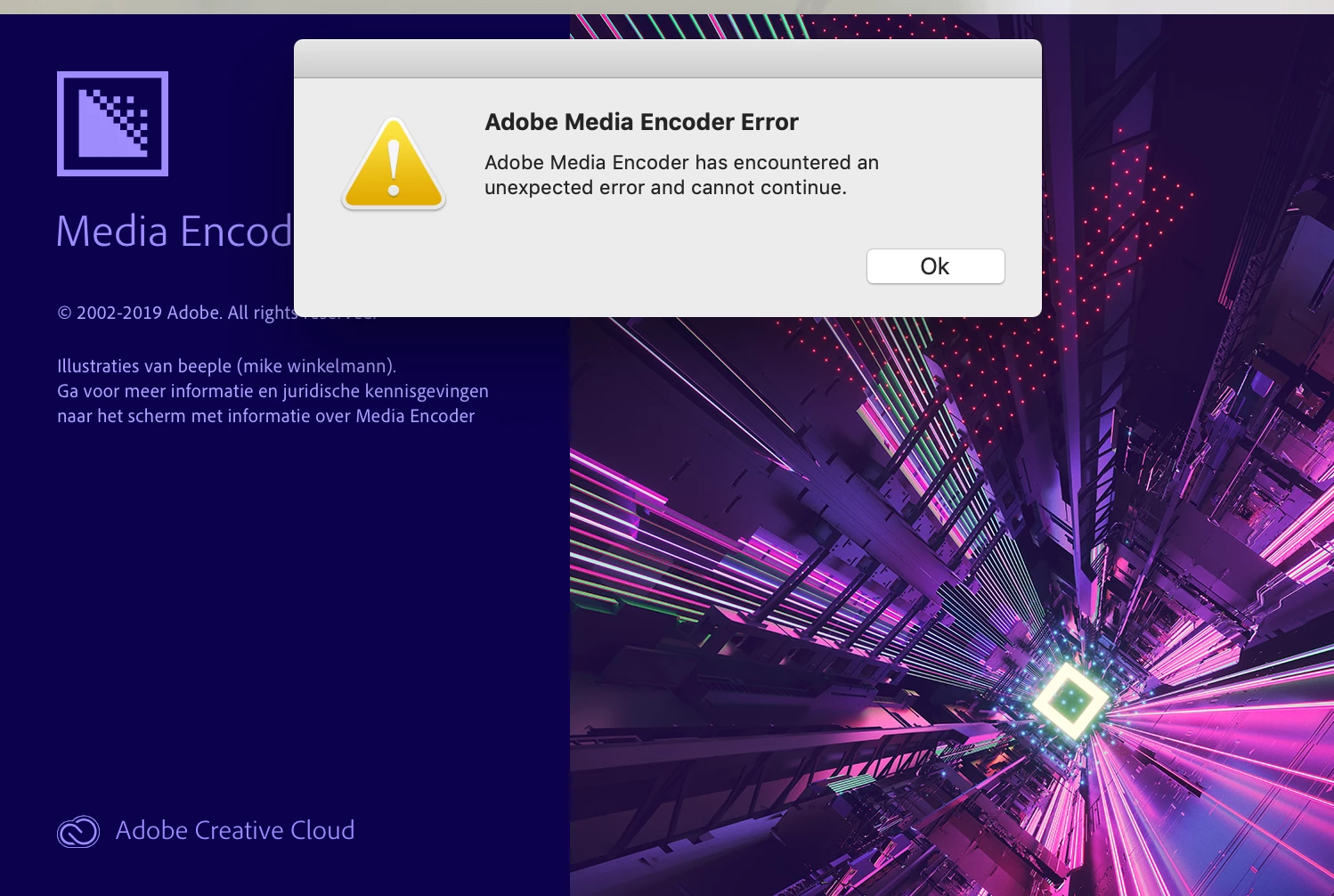
Directory access error

  • June 13, 2019
  • 2 replies
  • 2049 views

Hi,

I couldn't find a right answer regarding my problem see below

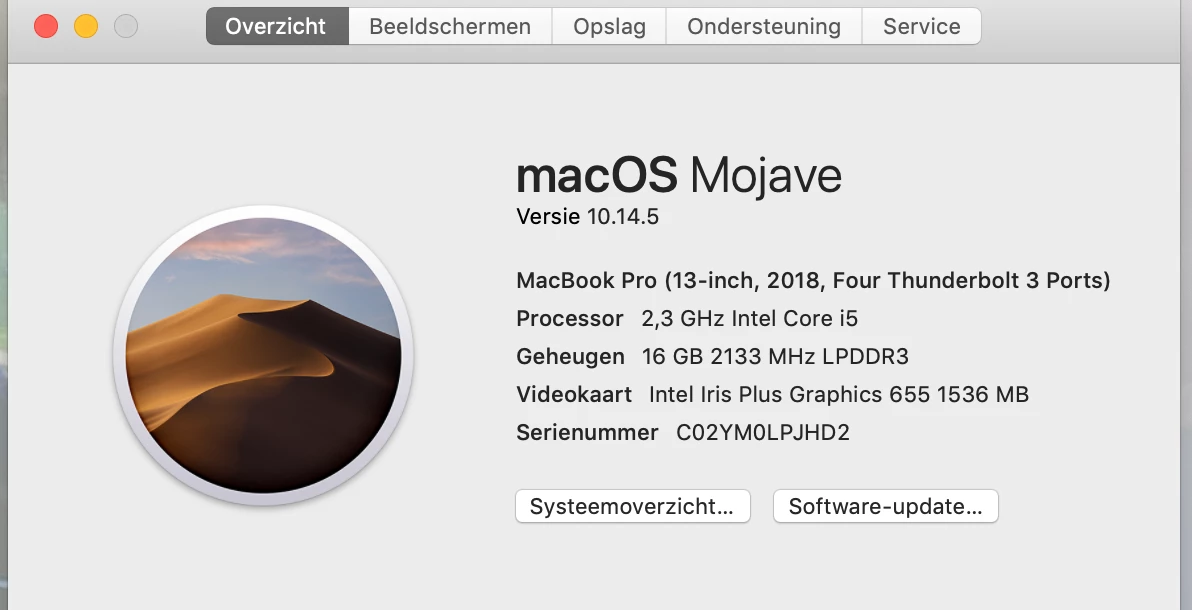
I bought this Mac Pro new, last week.

After installation was this the message.

Installation like Photoshop en Lightroom  was no problem at all.

Is there a bug or something in combination with Mojave?

Is there anyone who has a answer?

with regards,

Jurrien
    This topic has been closed for replies.

    2 replies

    Community Manager
    June 14, 2019

    Hi jurrienj67553511,

    Please let us know if you were able to solve the permission issue by the steps provided by Vishu.

    Thanks,

    Sumeet

    Vishu_Aggarwal
    Participating Frequently
    June 13, 2019

    Check the Read & Write permissions of Premiere pro folder in documents. You find it at the following path  - /Users/your username /Documents/Adobe/Premiere Pro. You can check the permissions by right-clicking on the premiere folder and then choose GET INFO -

    Make sure that you have read and write permission to the folder.

    You can also check the following thread for solutions related to the same issue - Directory access error. Please make sure your user directory isn't locked.

    Vishu AggarwalAdobe Certified Instructor, Professional and Expert