davidranta
Participating Frequently
October 17, 2022
Question

Display stereo tracks as if they were mono

  • October 17, 2022
  • 2 replies
  • 862 views

Hello community.
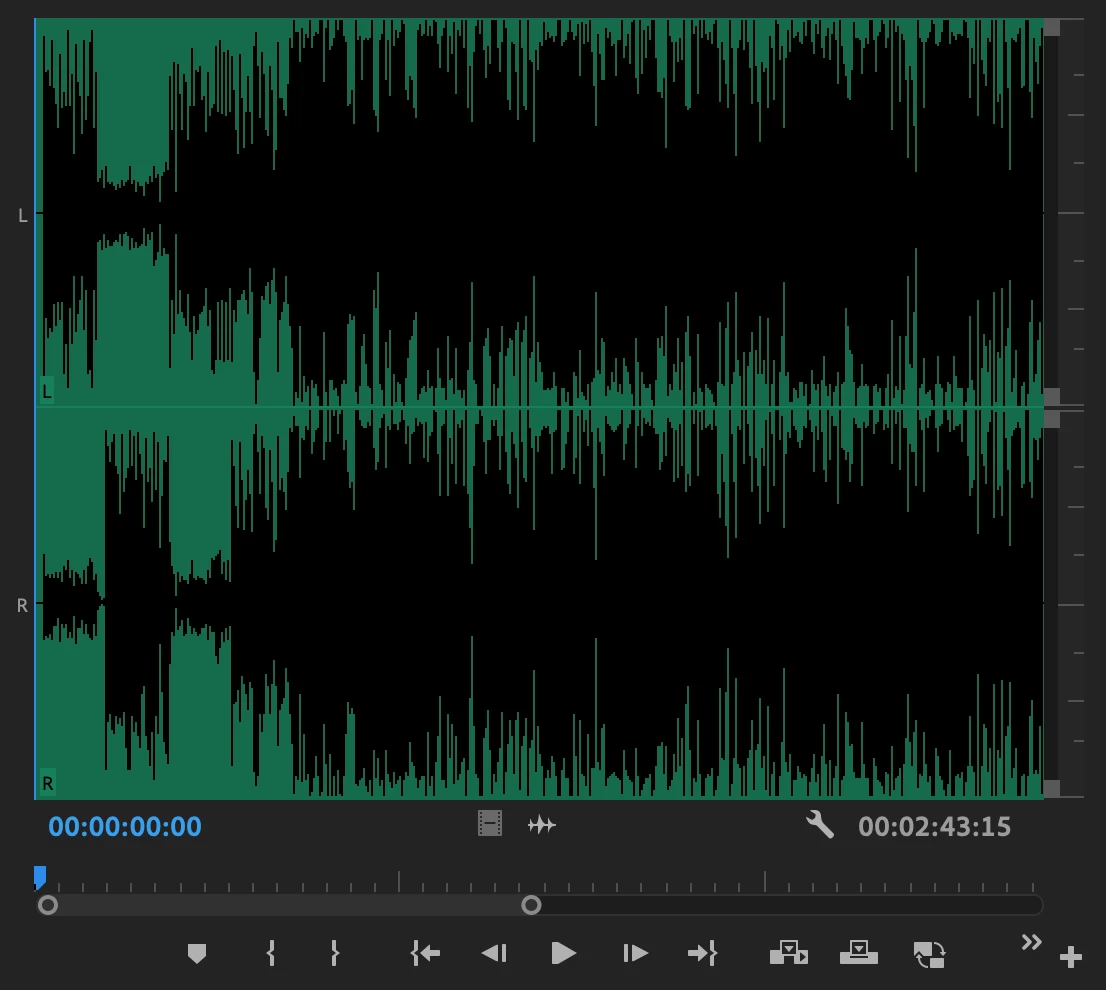
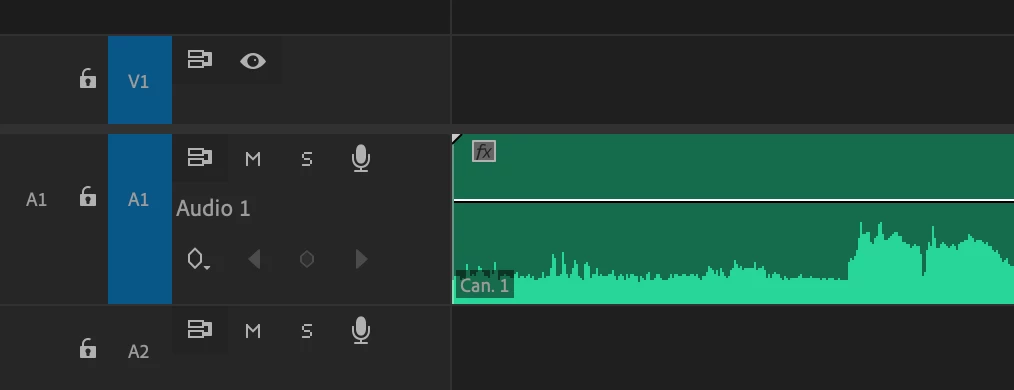
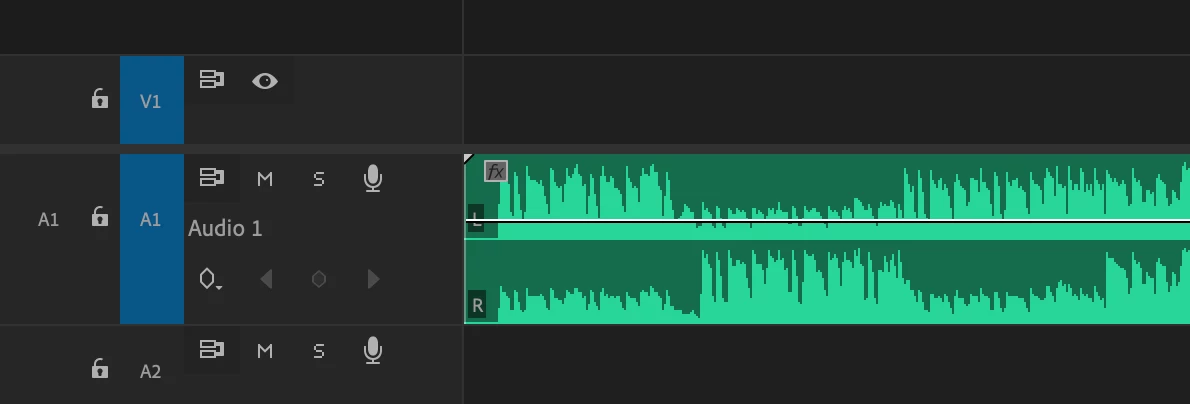
I was wondering if there is a possibility to see stereo audio in timeline and source monitor with a single (unified) waveform. by default a single audio track shows separate L-R channels) example in picture.
I would basically like to see a stereo waveform as if it were mono BUT remaining stereo signal.


This is how stereo tracks are displayed ---->
 

This is how I would like to see them ---->
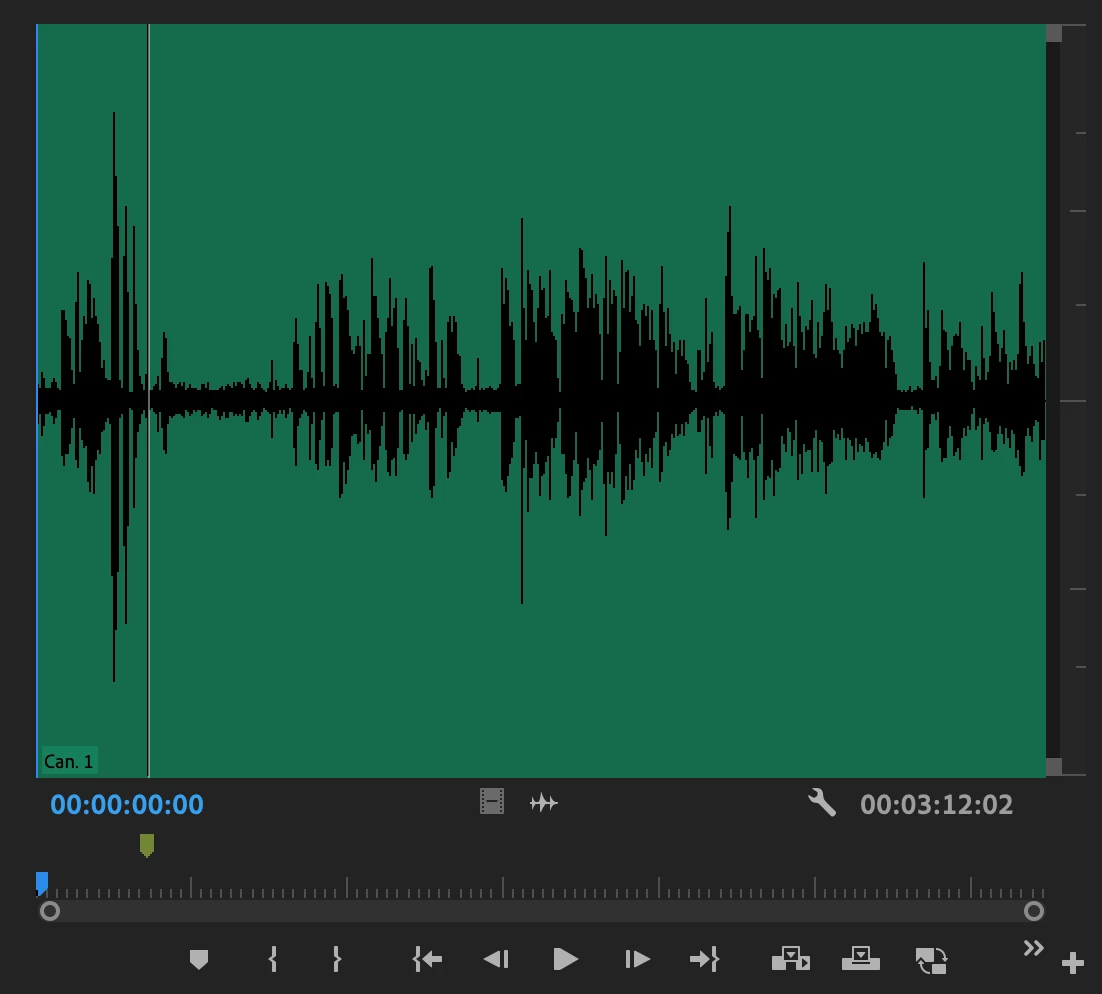


Thank you so much!

This topic has been closed for replies.

2 replies

Inspiring
October 21, 2022

In your Sequence, click on the "hamburger" menu option & uncheck "Rectified Audio Waveform". Can also uncheck "Logarithmic Waveform Scaling" if that gives a cleaner-looking waveform if that floats your goat.


neil wilkes
Legend
October 21, 2022

I'm not at all sure such a display is possible, as it would require the stereo to be summed to mono in order to obtain it.

You could always try splitting the original stereo interleaved file into Dual Mono files - but this would then take up 2 audio channels in your mixer. This may even be beneficial.....depends on what you are editing here.

If the sequence is already created you'll need to either export the audio, making sure to do this as 2 separate files and then re-import these back into the project or else take a side-trip through Audition & do the edit there.

The besy way to do this would be to split the audio on import into Premiere though. Personally, I prefer the interleaved form because it guarantees to me that there will be no phase discrepancies introduced through accident and prevents any chance of sync loss too.

Can I please ask why you'd like the alternative display option?

Participant
August 30, 2024

The reason I want this feature personally is because I do a first pass of retention editing almost solely on audio. I already have to increase the track size to fit this editing style, and dual tracks just take up a lot of screen real estate. I end up having to increase the size of the track with Alt+scroll in order to make it look like a mono track - This makes it harder to view any secondary audio tracks, when/if they exist. It might seem like a niche feature but it would save me significant time.

Community Expert
August 30, 2024

You can keep your stereo audio clip and have it behave like Dual Mono by using a sequence with a Multichannel mix instead of a Stereo mix.

Create a Multichannel Sequence:

  • Go to File > New > Sequence.
  • In the New Sequence window, go to the Tracks tab.
  • Set Audio Mix to Multichannel, and the Number of Channels to 2 (this is the same as a stereo mix).
  • Set the Track Type to Adaptive.
  • Click the Output Assignments button for the track, and tick all the boxes.


Add your stereo clip to the Adaptive track, and it will play both channels in both speakers.