Participant
August 10, 2018
Question

DNG RAW Color processing

  • August 10, 2018
  • 1 reply
  • 505 views

I'm working with RAW DNG footage from a Canon 5d Mark iii running Magic Lantern. The footage is shot underwater so the color temperature is way off. When processing this inside Premiere Pro CC is looks like it doesn't effect the RAW data. Just the processed RGB data.

When  i process the footage in After effects with the Adobe Raw converter I get way better color results when changing the white balance. See difference.

Premiere Pro: (+79 on tint slider in Lumetri Panel)
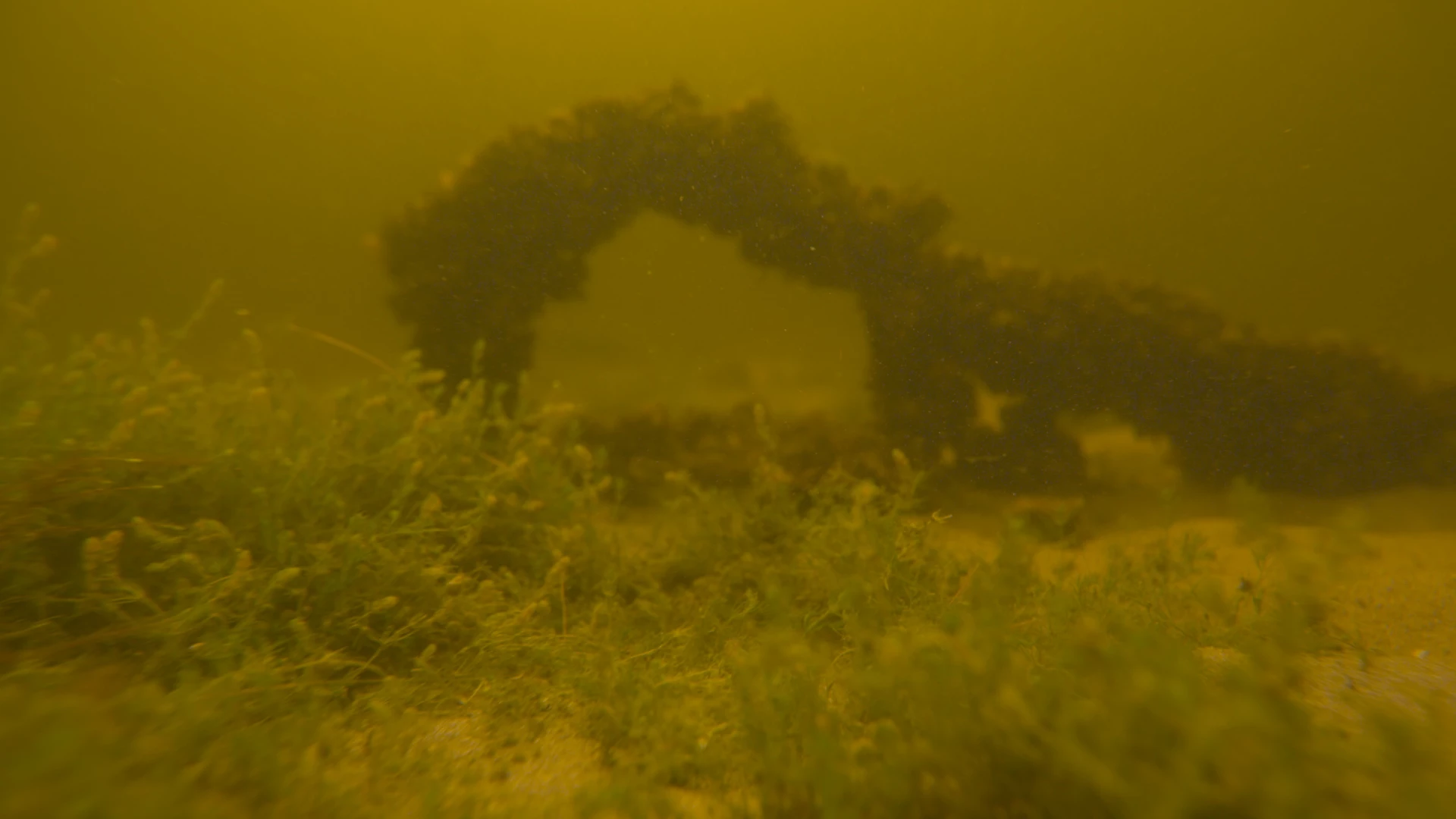
AE: (+79 on tint slider)

The luxetri panel also doesn't show the shot color temperature. I suspect Premiere reads it as As Shot?

My Prores proxy's in Premiere look exactly the same as the DNG's when applying the Lumetri correction.

Do I miss something?

This topic has been closed for replies.

1 reply

R Neil Haugen
Legend
August 10, 2018

In the Effects Control Panel when in Lumetri, is there a Master Clip setting applied to the media?

Neil

Everyone's mileage always varies ...
JUR.showAuthor
Participant
August 10, 2018

There is only a CinemaDNG Source Settings effect applied. When i match the color temperature here with after effects I get this result. This seems better but still not as rich in colours.

But I assumed that Lumetri effect looks directly into the DNG Format.

R Neil Haugen
Legend
August 10, 2018

For that type of media, the Master Clip things are processed before the Lumetri is.

And Lumetri doesn't 'see' any clip settings, that's all handled in Master Clip settings. Lumetri only responds to the media as it is passed to Lumetri, and if there's Master settings applied, after those.

Neil

Everyone's mileage always varies ...