
sputnikvideo
Participant
March 29, 2019
Question

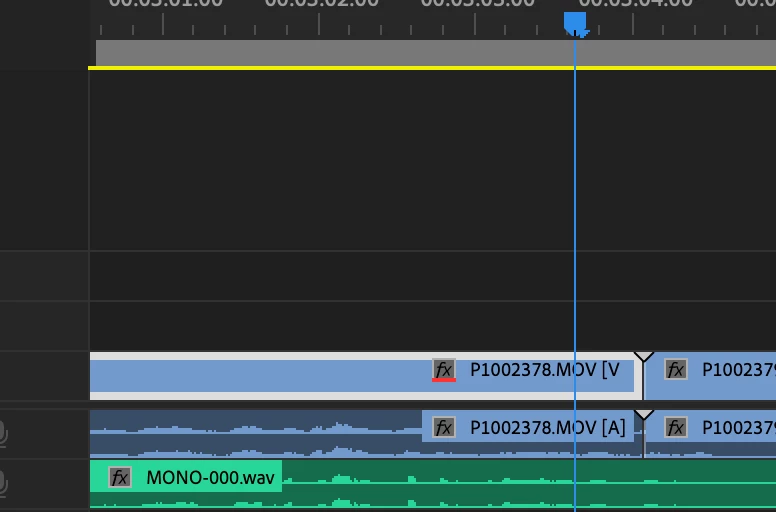
Does anyone know what this means? [fx badge with red underline in the Timeline]
  • March 29, 2019
  • 1 reply
  • 19589 views

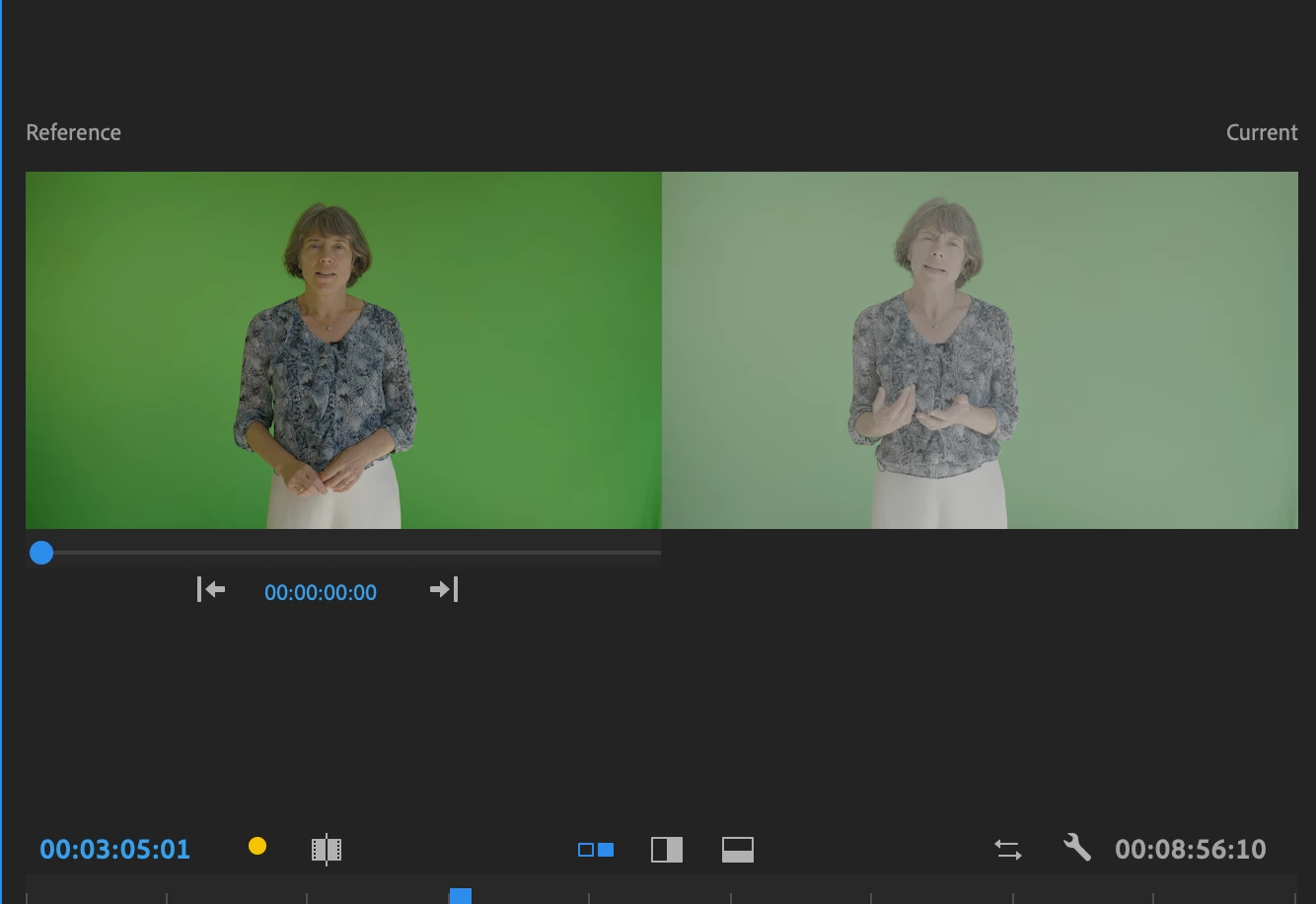
Does anyone know what the little red line under the FX marker is on this clip. I shot in on a Lumix GH5s in vLog 10bit and it appears in the program monitor as though it has a LUT applied even though I haven't applied any. The next clip has no red line, and is a continuation of the same shot and appears as vLog should... I'm stumped. HELP!!
    This topic has been closed for replies.

    1 reply

    John Waller
    Community Expert
    Community Expert
    March 29, 2019

    Apply Master Clip effects in Premiere Pro

    A red underlined FX badge indicates a Master Clip effect applied to the clip.

    sputnikvideo
    Participant
    March 29, 2019

    Oh thanks John! How do I remove that from the clip? I've got no idea how it got there in the first place!

    R Neil Haugen
    Legend
    March 29, 2019

    Right-click on the clip in the bin. You should have the option there. Or in the Effects Control Panel.

    You can apply Master Clip effects in the Lumetri panel, by selecting the left tab under the heading rather than the right one which is the standard clip settings.

    Neil

    Everyone's mileage always varies ...