

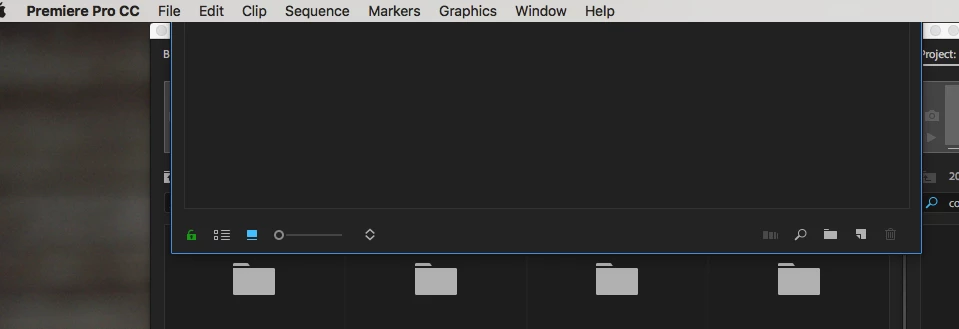
Double click project panel stuck under OS X menu bar
Apologies if this is covered but I couldn't find it anywhere in the forums.
When editing I want to open a bin next to my main project panel where I can view the clips in icon view instead of list view. It's how I've always worked in Premiere. The last two versions including the most up to date for some reason make my double clicked bins get stuck under the OS X menu bar. I've included an image for reference.
This is happening in a dual monitor situation where the main one is an iMac (27-inch, Late 2013) on Sierra. 3.5 GHz Intel Core i7, 32 GB Memory.
I've tried anything I can think of and have no solution. I've seen other people post about other Adobe apps with solutions usually involving 3rd party software but this is a mega glitch that is wreaking havoc on my workflow.
Anyone know how to fix this? Thanks!
 AdChoices