

maxillam
Participant
April 9, 2024
Answered

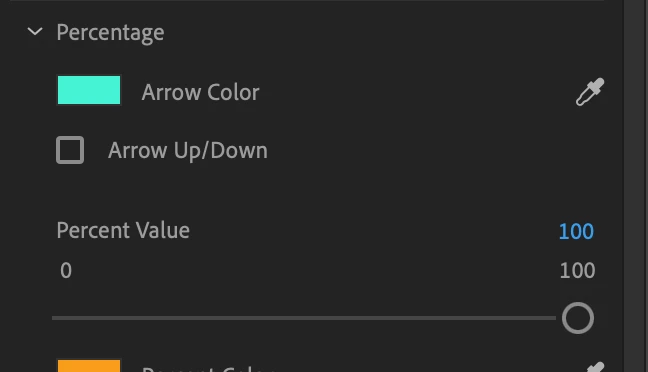
Downloaded an MOGRT to show percentage increases. Slider only goes to 100%, I need it further.

  • April 9, 2024
  • 2 replies
  • 367 views

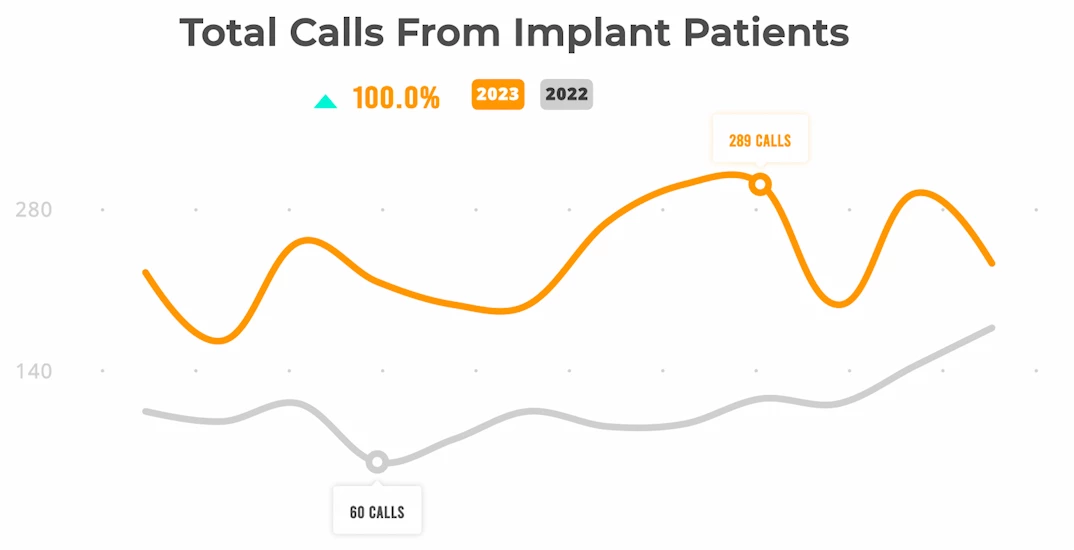
I downloaded an MOGRT that displays graphs and percentages. I need to show that my client had a 121% increase, however the slider seems to only range from 0 - 100. On the preview for the file I see the creator has it go past 100% but I cannot figure out how to do it. Does anyone have any tips?


Moderator notes: A few changes were made to your post.


  • The FAQ label has been removed. Please avoid labeling troubleshooting posts with "FAQ." The label is for actual FAQs in the forum.
  • The How to label has been removed. Please do not label posts with "How to." The label is meant to refer to actual How To posts in the forum.
  • The label Effects and Titles was added for search purposes. I hope that is OK.


Adobe Staff and Adobe Experts are the people meant to use those labels. I apologize if this issue was unclear. Thank you.
This topic has been closed for replies.
Correct answer Theresa Rostek

@Peru Bob is correct, AE is the way.


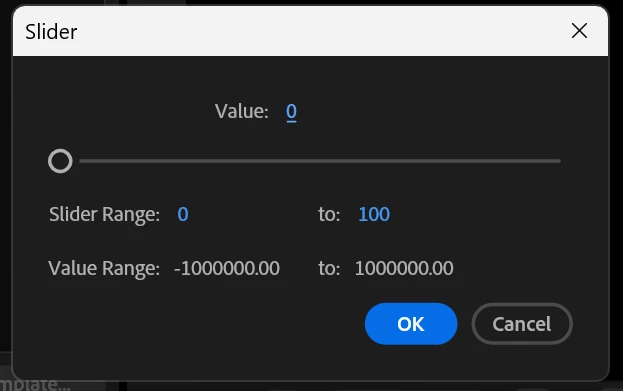
Open the mogrt in After Effects, in the Essential Graphics panel, find the percentage slider you want to go over 100%. Select Edit Range. Change to maximum value (100) to a higher value you may need, like 200. Click OK. Save your project, export your mogrt. Check it in Premiere Pro that it does what you need.


2 replies

Theresa Rostek
Community Manager
Theresa RostekCommunity ManagerCorrect answer
Community Manager
April 9, 2024

@Peru Bob is correct, AE is the way.


Open the mogrt in After Effects, in the Essential Graphics panel, find the percentage slider you want to go over 100%. Select Edit Range. Change to maximum value (100) to a higher value you may need, like 200. Click OK. Save your project, export your mogrt. Check it in Premiere Pro that it does what you need.


Motion Graphics, Premiere Pro
Peru Bob
Community Expert
Community Expert
April 9, 2024

You would need to open it in After Effects to make changes to the Mogrt.