

peterkellner1
Inspiring
May 12, 2023
Answered

Dragging around video in player with "Hand" does not seem to work

  • May 12, 2023
  • 1 reply
  • 2320 views

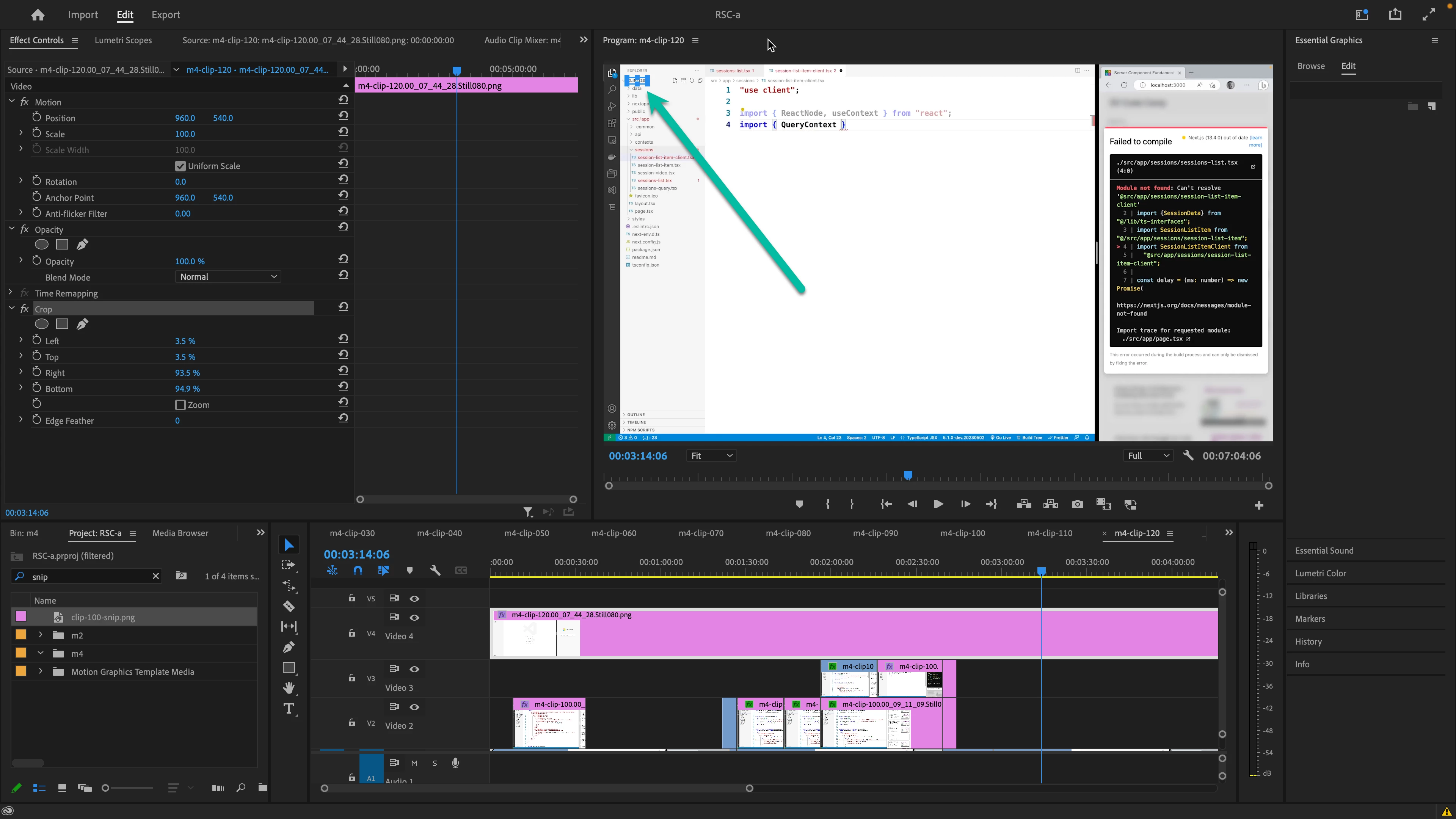
I'm working on a MBPro 16 M2 and I thought I knew how to pan my video around after I changed the "fit" to something else like 150% here.  Now, when I click on the "hand" icon, then hold the mouse down over my video, it does not move. Did that change or am I remembering wrong?


This topic has been closed for replies.
Correct answer Kevin J. Monahan Jr.

No, you are correct, Peter. The Hand tool should allow you to behave in the manner you suggested. I tried it myself on my own MacBook Pro on Ventura. and had no issue. Can you restart Premiere Pro or try a new project to see if the issue persists? Hope to help.


Thanks,
Kevin

1 reply

Kevin J. Monahan Jr.
Kevin J. Monahan Jr.Correct answer
Legend
May 16, 2023

No, you are correct, Peter. The Hand tool should allow you to behave in the manner you suggested. I tried it myself on my own MacBook Pro on Ventura. and had no issue. Can you restart Premiere Pro or try a new project to see if the issue persists? Hope to help.


Thanks,
Kevin

Kevin Monahan - Sr. Community and Engagement Strategist – Adobe Pro Video and Audio
peterkellner1
Inspiring
May 24, 2023

Thanks Kevin, that did solve it. I thought I was forgetting more stuff than usual.

Kevin J. Monahan Jr.
Legend
May 25, 2023

Cool!

Kevin Monahan - Sr. Community and Engagement Strategist – Adobe Pro Video and Audio