
Drop down menu always spills up to another monitor from Premiere Pro's export window
I've been having a minor but annoying problem for months now with my export window in Premiere Pro.
Monitor setup is as follows:
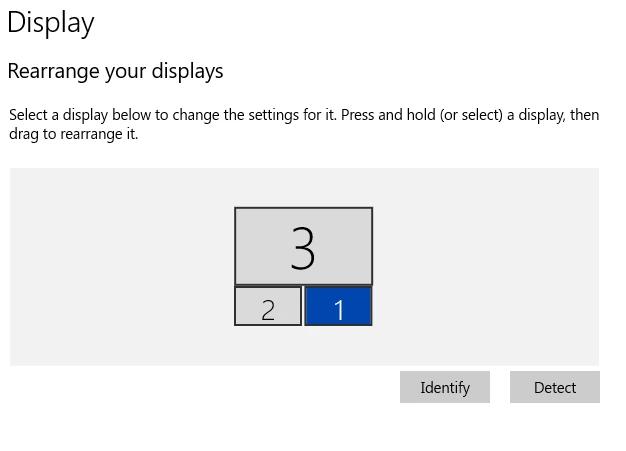
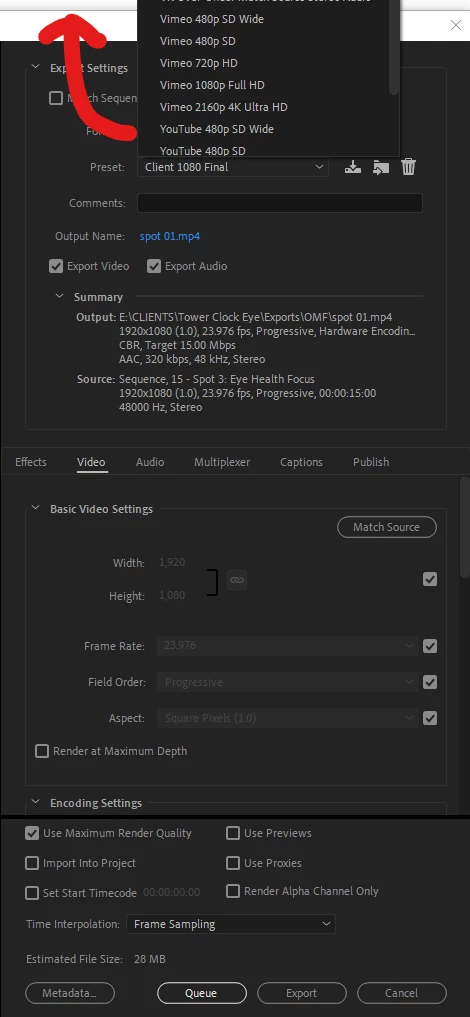
Whenever I twirl "down" my preset options when setting up my export, it always extends upwards to my 4k client monitor above. You can see from the screen shot below that it spills off this monitor up to the top monitor.
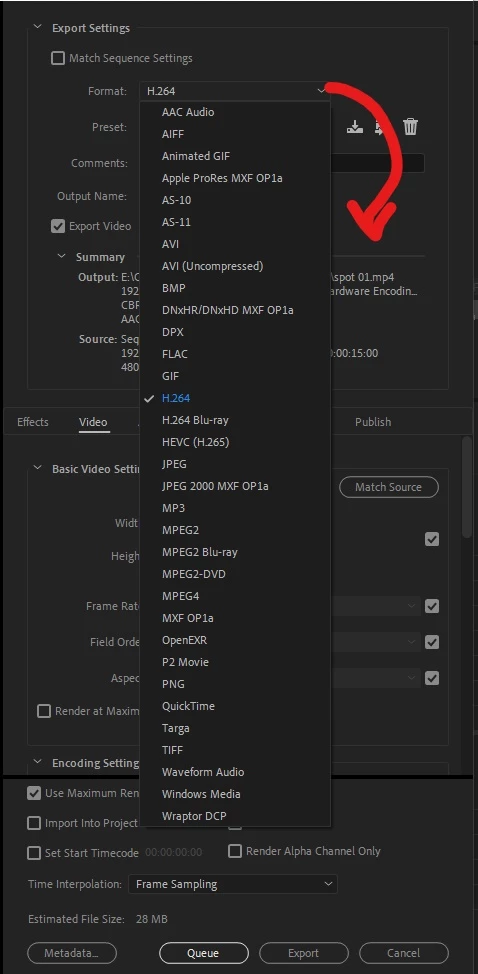
However, when I twirl down the Format options, that opens downward as it should.
This has been happening for about a year (since early 2020). I'm not sure if this is a Windows issue or a Premiere issue. However, this seems to be the only drop-down menu that responds this way (and of course it's the one I use the most). It even does this when the top monitor is off meaning I can't access the presets I need to get to with my mouse.
Any ideas for fixes?
 AdChoices