dual monitor setup, can't make separate window full screen on pc
Running Premiere on PC, and I can't maximise windows that I drag out of the main window.
I open up Premiere, and it opens on one of my screens in a single window. At the top right, i have the minimise, maximise and close window controls.

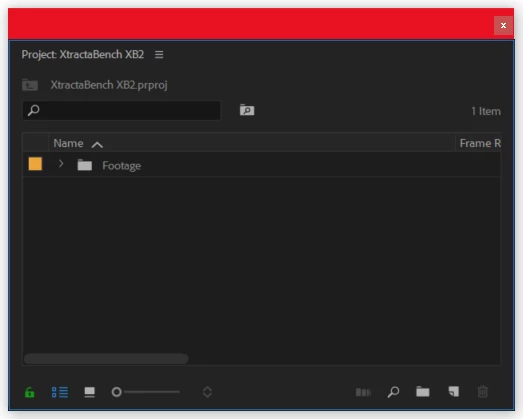
So then I open a project, and to utilise both screens, I drag the project panel out of the main window into my other screen where it becomes a separate window. However it doesn't have maximise controls so I can't make it full screen. This is the same with any window that I drag into it's own window.
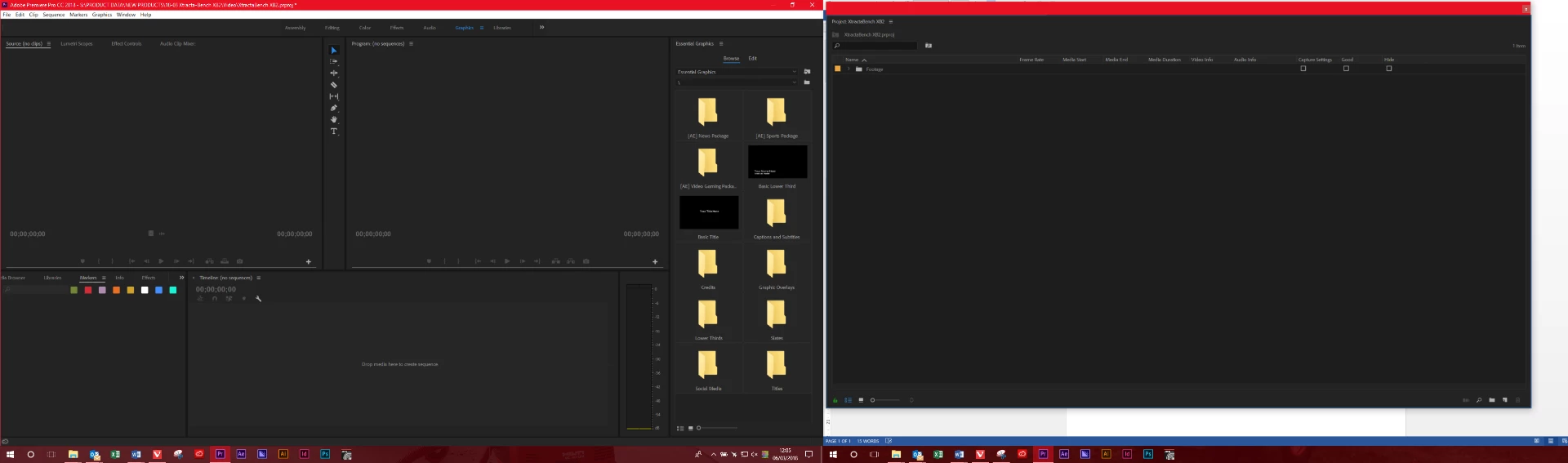
See below, this is what I get across 2 windows, I have to manually resize the second window to try and fill the screen. I'm sure the maximise option is available on Mac, but does anyone have the option in Windows? Do I have a bug, or is this an option that just simply isn't available? Does anyone know a workaround?
 AdChoices