
Dynamic Link - Premiere Pro - After Effects
Hi all,
Hope you can help me please, I am relatively new to Premiere Pro and completely new to After Effects. I am trying to use the dynamic link feature in Premiere Pro to access the video noise reduction Effects in After Effects. So right-clicking on a clip in the Premiere Pro timeline, and selecting "Replace with After Effects Composition".
The Premiere Pro clips I have tried this on have very simple effects applied to them.
* Lumetri - input LUT (I'm working with DJI Dlog footage) and some exposure adjustments
* Some in addition to the above also involve Warp Stablizer applied within a nested sequence that is then sped up
In all cases, the issue I'm having is that the clip when it is opened up within the After Effects composition loses all of the edits I had made to it within Premiere Pro. ie it is like the raw unedited footage, so no exposure adjustments, no input lut hence flat and distorted
My understanding is that this shouldn't be happening. Whatever clip/sequence I select to dynamically link should appear in After Effects with all my PP edits appled. Is that correct?
I am using the latest versions of Premiere Pro and After Effects CC, on a Macbook Pro 2019 16", running OSX Catalina.
Edited sequence with input LUT and exposure corrections
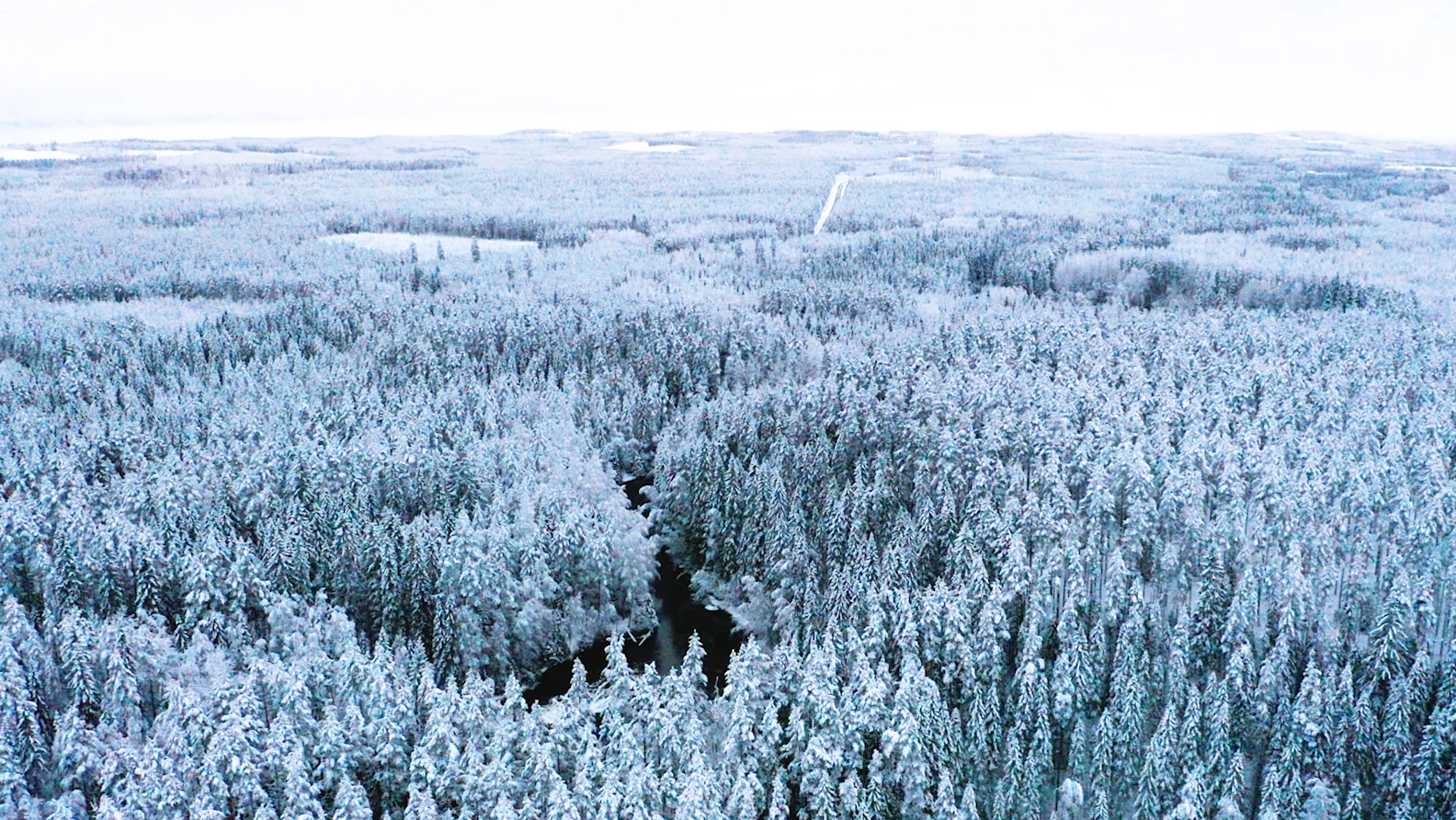
As it appears in After Effects
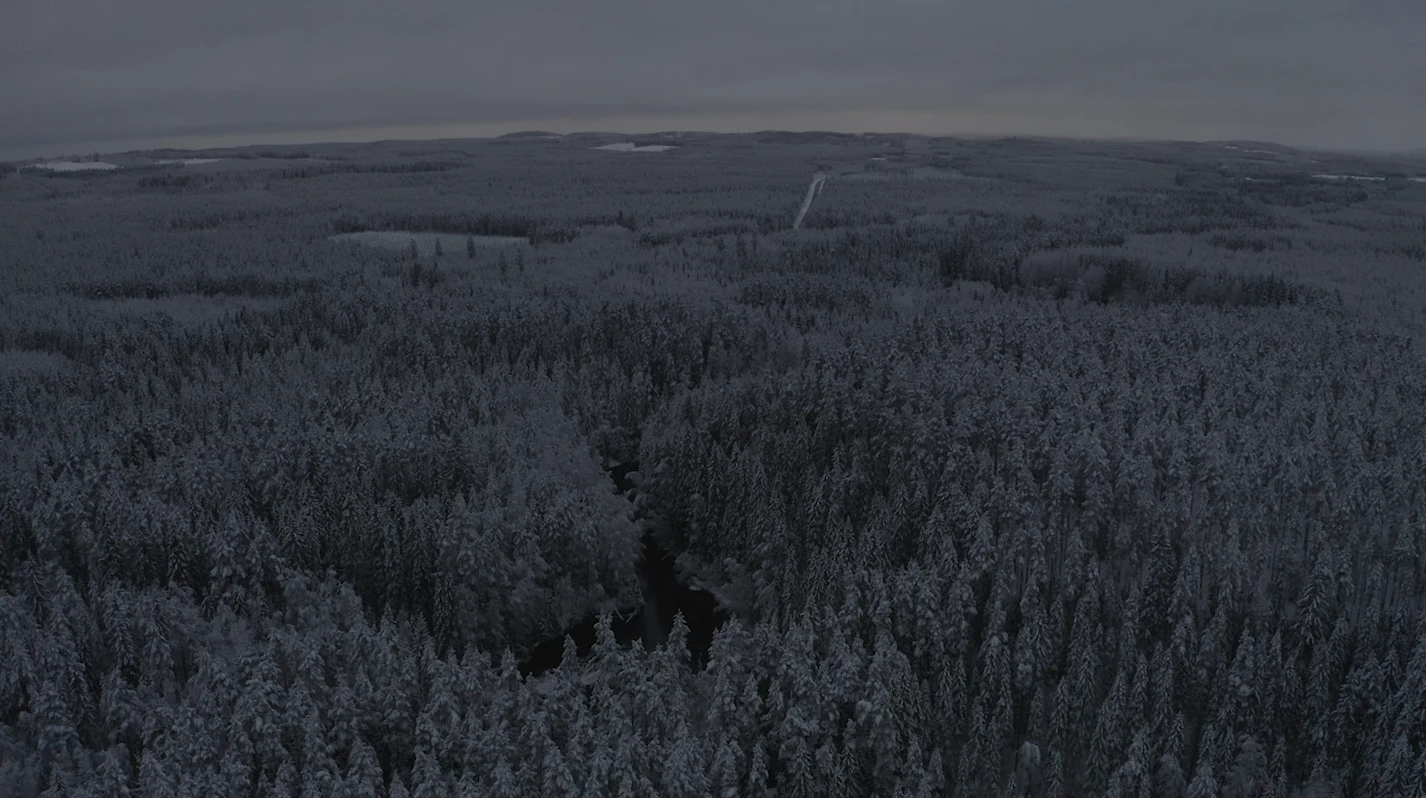
With Dynamic linking in Premiere Pro
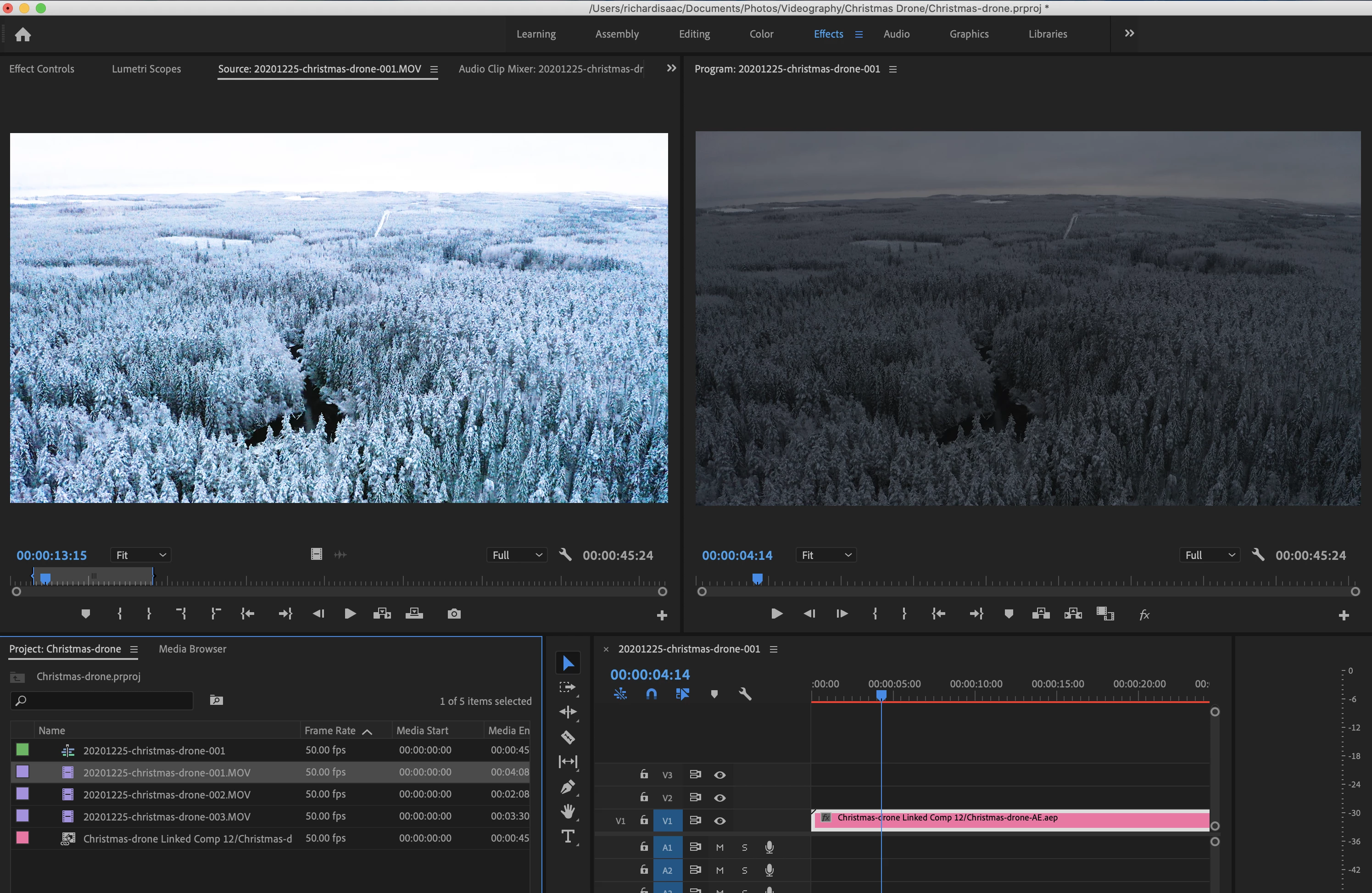
Thanks for your help and merry Christmas all,
Richard
 AdChoices