Answered
Editing a Sequence of PNGs - Severe Lag
Hello!
I'm experiencing some difficulties editing a sequence of PNGs in Premiere Pro. I'm experiencing a huge amount of lag and "media pending" messages despite the fact I've changed all the preview settings to 1/8 resolution. I'm wondering if maybe I didn't get my sequence settings right.
For context, my PNGs are 8000 x 5000. I layer them on top of one another to create rough animation projects. I've had no issues in the past when using Final Cut. Is there a sequence setting for Premiere that I should use for this type of project? I've included a screenshot of my current settings. 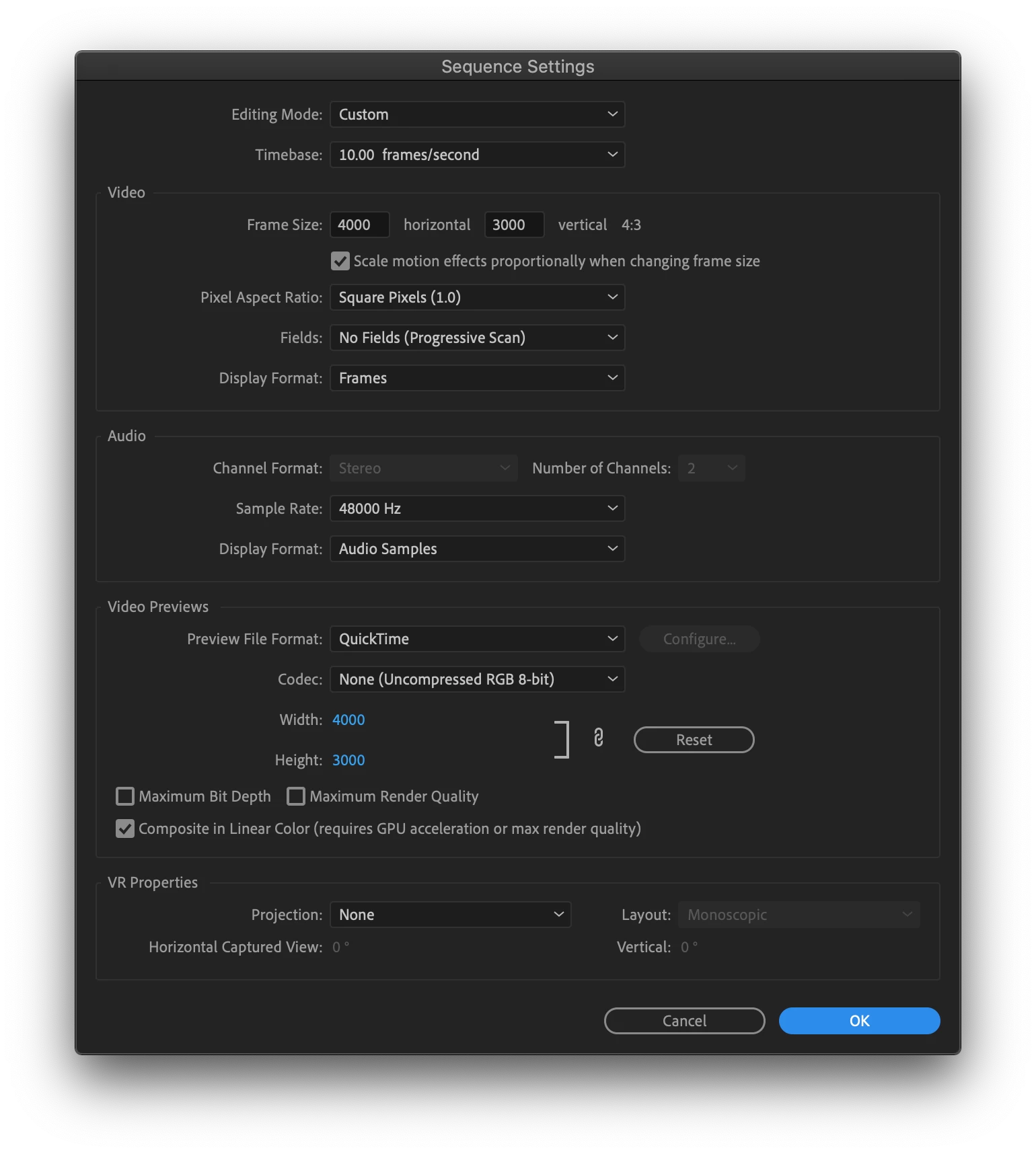
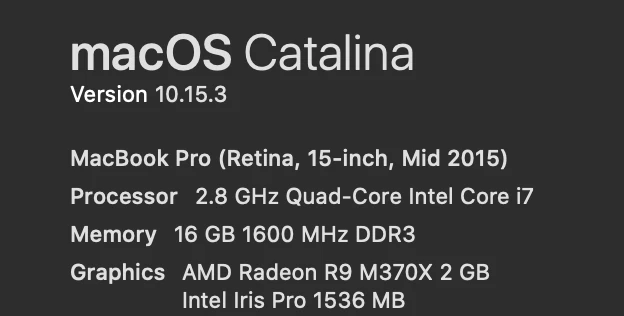
Thanks so much in advance. I hope someone is able to help! I'm running up against a deadline at the end of this week.
 AdChoices