Inspiring
December 1, 2024
Answered

editing caption fonts

  • December 1, 2024
  • 2 replies
  • 524 views

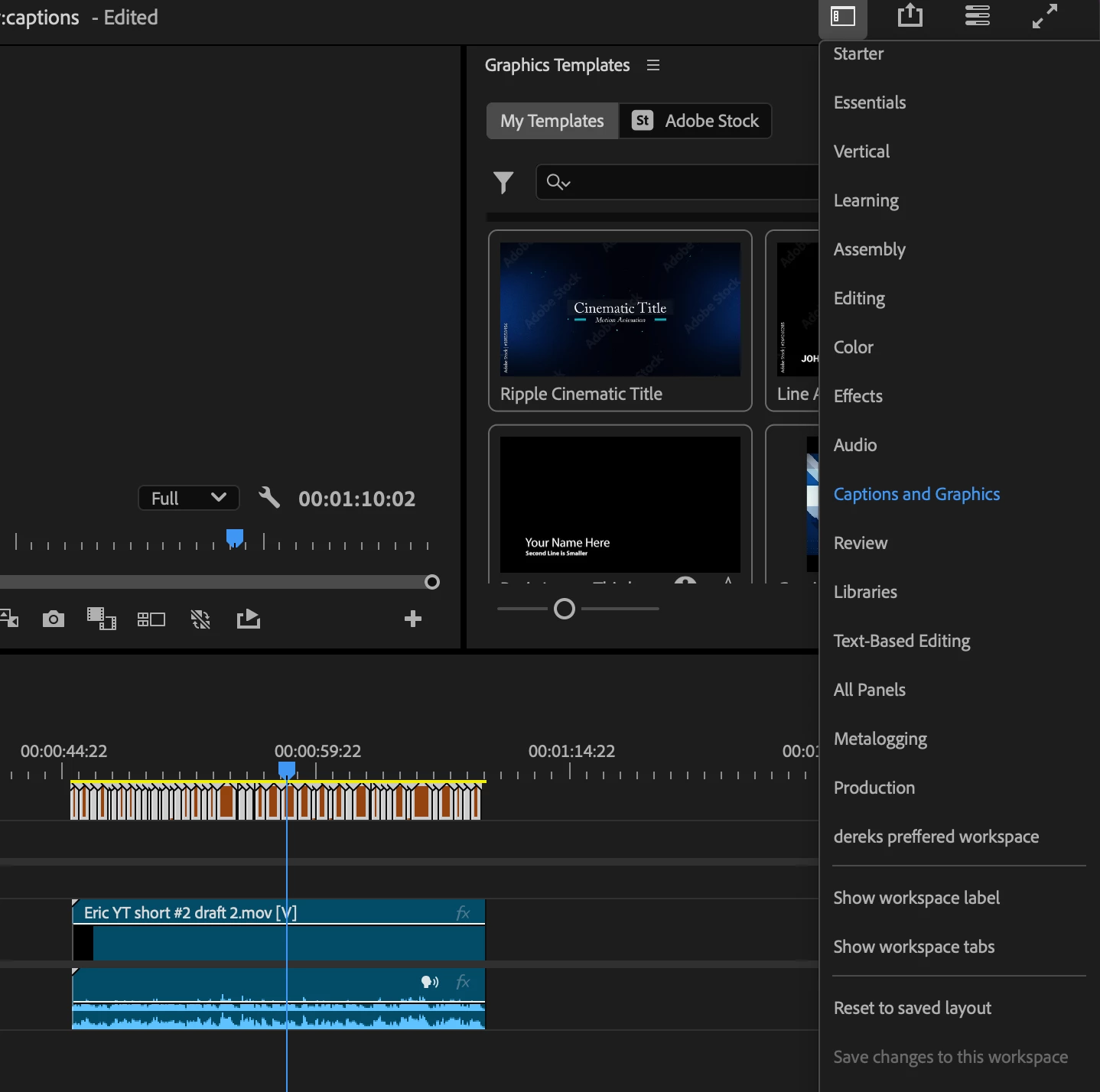
I'm trying to edit the font on all of my captions. I have the captions selected and the 'captions and graphics' workspace selected. This is the new version of premier so I undertsand that the 'essential graphics' is now called 'graphic templates'. However, I cant find an option to edit the caption fonts


This topic has been closed for replies.
Correct answer MyerPj

You might reset the workspace by double-clicking it in the list. Most of the default workspaces in 25.0 have the Properties panel, that the one you need to get to, to edit graphics.

2 replies

MyerPj
Community Expert
MyerPjCommunity ExpertCorrect answer
Community Expert
December 2, 2024

You might reset the workspace by double-clicking it in the list. Most of the default workspaces in 25.0 have the Properties panel, that the one you need to get to, to edit graphics.

R Neil Haugen
Legend
December 1, 2024

In the Properties panel. That's where the text and graphics controls live now.

Everyone's mileage always varies ...
Inspiring
December 2, 2024

Thank you Neil and Myer!